36
37
EnglishEnglish
TRIP WINDOW
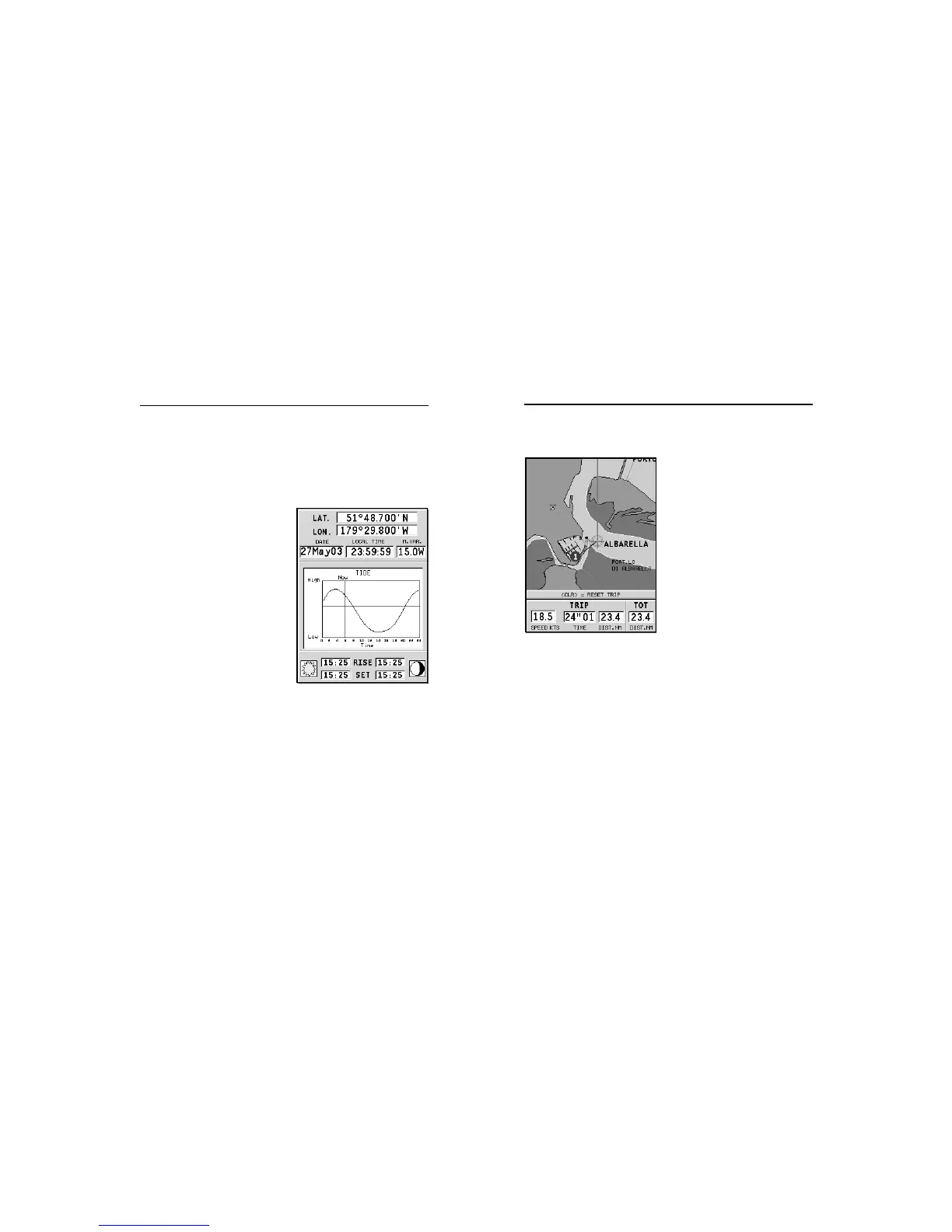
The trip window shows the data
relating to the route followed and,
in particular:
• Average speed
• Time elapsed from departure
• Partial distance covered
• Total distance covered
To reset partial counters before
starting a new journey, press
CLR.
Trip Window
Info Window
INFO WINDOW
When a NAVIONICS cartridge featuring Tides and Currents
data is present, this window displays further information,
besides the forecast data supplied by selecting the Tides and
Currents station.
The following data is displayed:
• Latitude and longitude at the
current boat’s position
• Current time and date
• Value of magnetic variation
received by the GPS
• Dawn and sunset time
• Moonrise and moonset time
• Moon phase
• Graph of estimated tide level
with respect to the current
position
WARNING: Unlike the graph displayed at a T&C station position (accessible through
the GOTO function, or by positioning the cursor on the Tides and Currents station
symbol) which is as accurate as supplied by hydrographic offices, this graph shows
estimated data, being the result of interpolation between the two Tides and Currents
stations nearest to the point of interest. The accuracy of the estimate may vary,
depending on the coast type, the distance to the nearest stations, and other geo-
graphical features.



 To Next Page