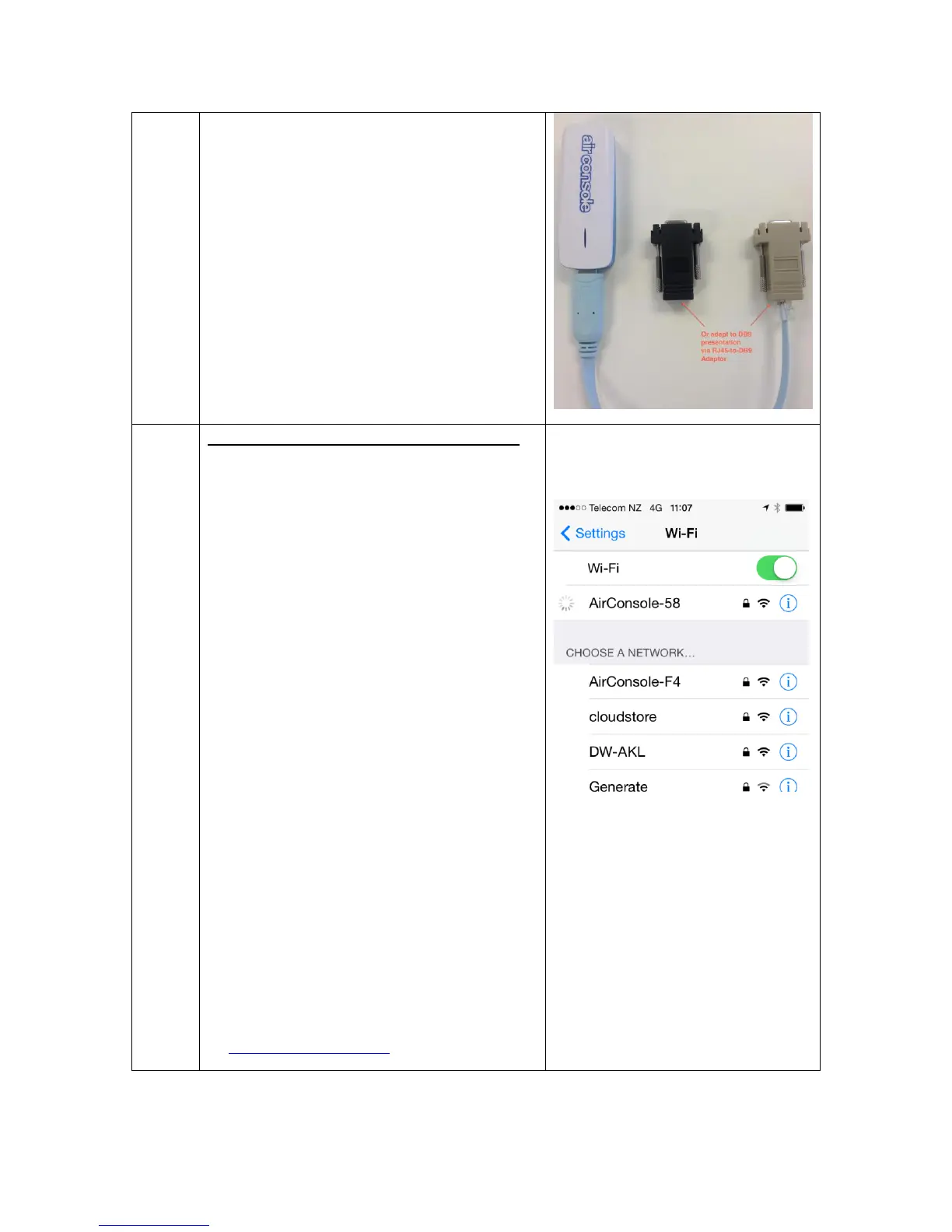
WIFI Operation (Skip for Bluetooth)
Join your mobile/PC to the Airconsole
WIFI network. If your device asks for a
password it is 12345678. To do this go
to your iOS device settings page, select
WIFI and Choose the Airconsole-[XX]
network.
By default Airconsole acts as a DHCP
server so will give an IP address to
your iOS/PC/Android device on the
192.168.10.X network.
By Default, the Airconsole DHCP
Server does not provide a Default
gateway. This allows iPad/iPhones to
retain Internet access while still
connected to Airconsole WIFI.
However, in this mode the WIFI
connection icon in iOS may stay
“spinning” rather than change to a tick.
This is Normal.
Airconsole will still be connected to the
iPhone/iPad, and is usable from the
Get Console App.
You can change all Airconsole settings
at http://192.168.10.1/ (admin/admin)


 To Next Page