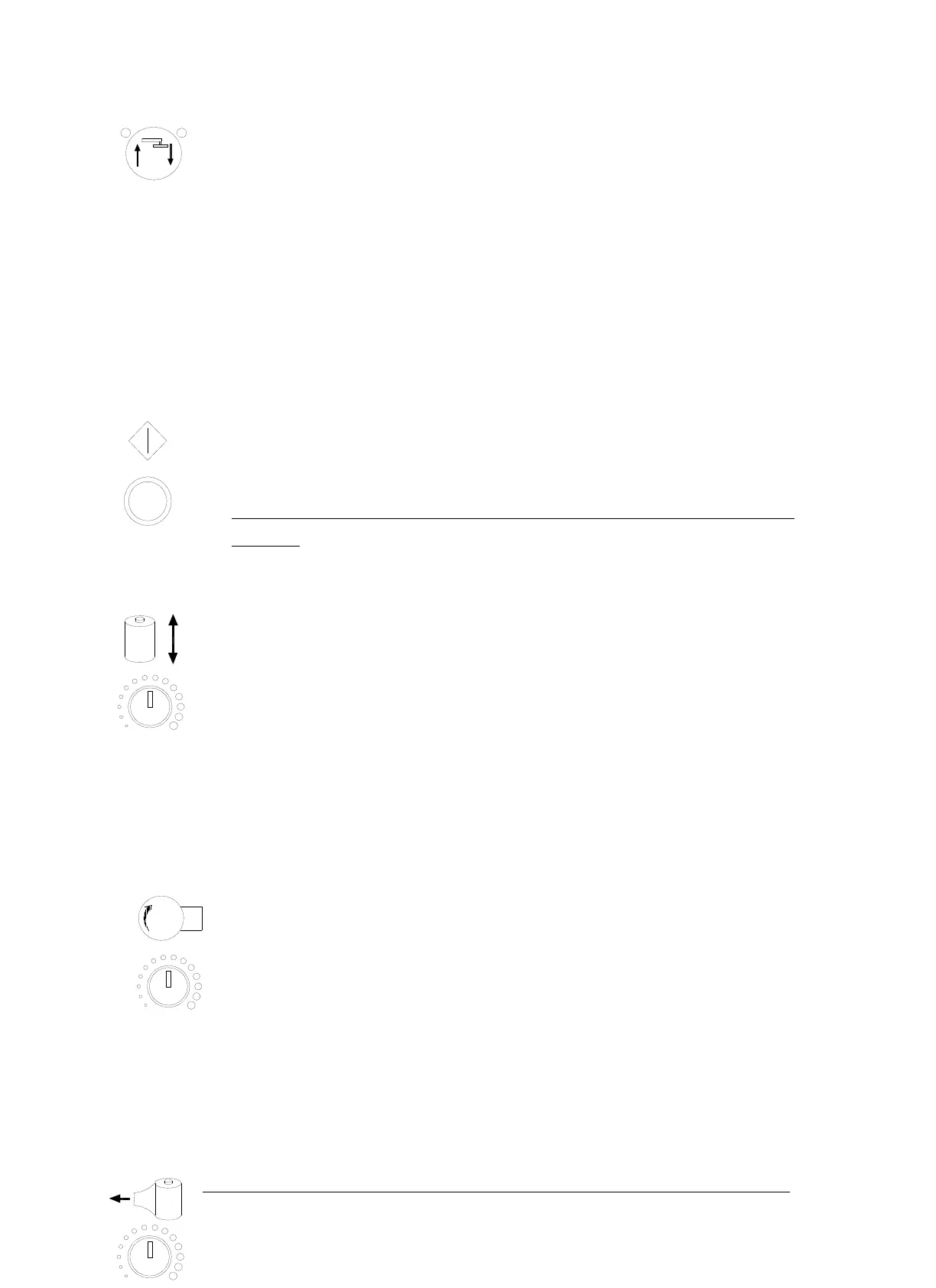
PRESSUR UP/DOWN BUTTON
It is the manual button for pressure plate UP/DOWN
After pressing this button, either its left or right lamp is on. If its upper left
lamp is on, after pressing the START the pressure plate will come up.
In contrast, when its upper right lamp is on means after pressing the
START the pressure plate will come down.
START BUTTON
Press this button to start operation.
Note: After all of function been setting press this button to re start the
program
ELEVATOR SPEED ADJUSTMENT
Turn the knob clockwise to increase the speed of elevator.
Turn the knob anticlockwise to decrease the speed of elevator.
The speed adjust knob is available for both “AUTO” and “MANU”
program.
If there is no particular requirement, please set the knob on standard position.
TURNTABLE SPEED ADJUSTMENT
Turn the knob clockwise to increase the speed of turntable.
Turn the knob anticlockwise to decrease the speed of turntable.
The speed adjust knob is available for both “AUTO” and “MANU”
program.
If there is no particular requirement, please set the knob on standard
position. The turntable speed is 12 RPM.
FILM TENSION ADJUSTMENT



 To Next Page