7
Turning On and Off the Tablet PC
Turning On
Press the power button ( ) to start up. The Windows operating system
should start.
NOTE: Tapping the screen during startup may invoke a pre-boot menu
(unless the default settings have been changed). If the menu appears,
simply select Continue.
Turning Off
When you finish a working session, you can stop the system by turning off
the power or leaving it in Sleep or Hibernation mode:
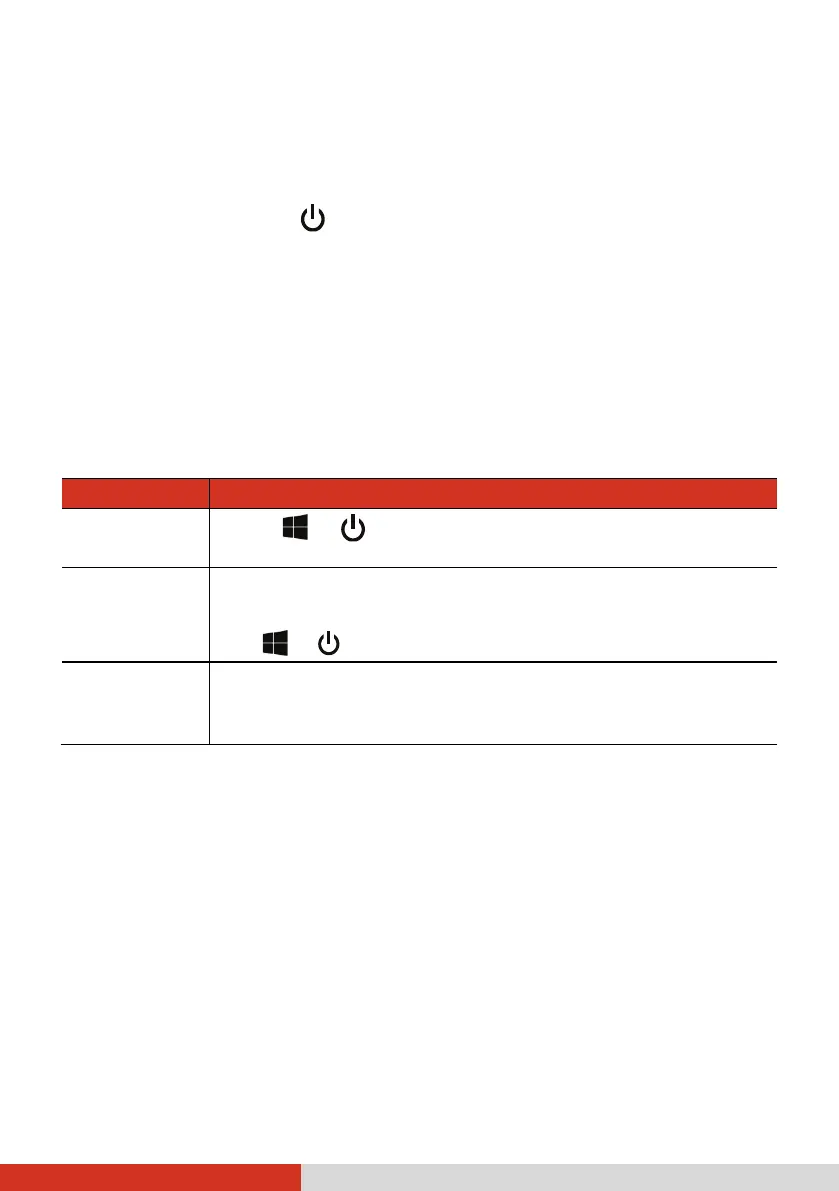
To... Do this...
Power off
(Shutdown)
Select Power Shut down.
Sleep Press the power button.*
-or-
Tap Power Sleep.
Hibernate
By default, this option is not shown in the Start menu. If
you want to use the feature, set up accordingly in Windows
settings.
* “Sleep” is the default result of the action. You can change what the
action does through Windows settings.



 To Next Page