39
Connecting Peripheral Devices
Connecting a Display Monitor
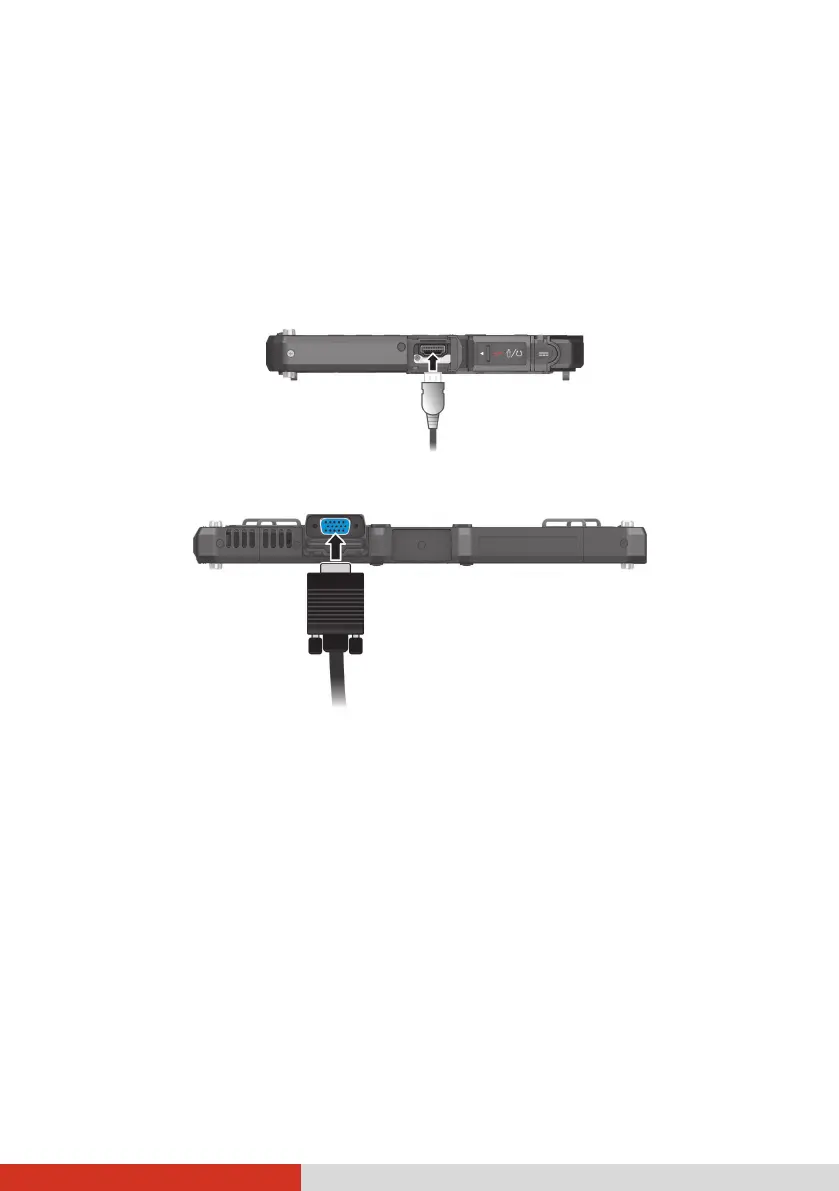
If you want the benefits of a larger display screen with higher resolution,
you can connect an external display monitor to your Tablet PC
Your Tablet PC has an HDMI connector.
Select models have a VGA connector.
To switch the display output, use Windows Control Panel or OSD Control
Panel.



 To Next Page