14
U
UU
Using Applications
sing Applicationssing Applications
sing Applications
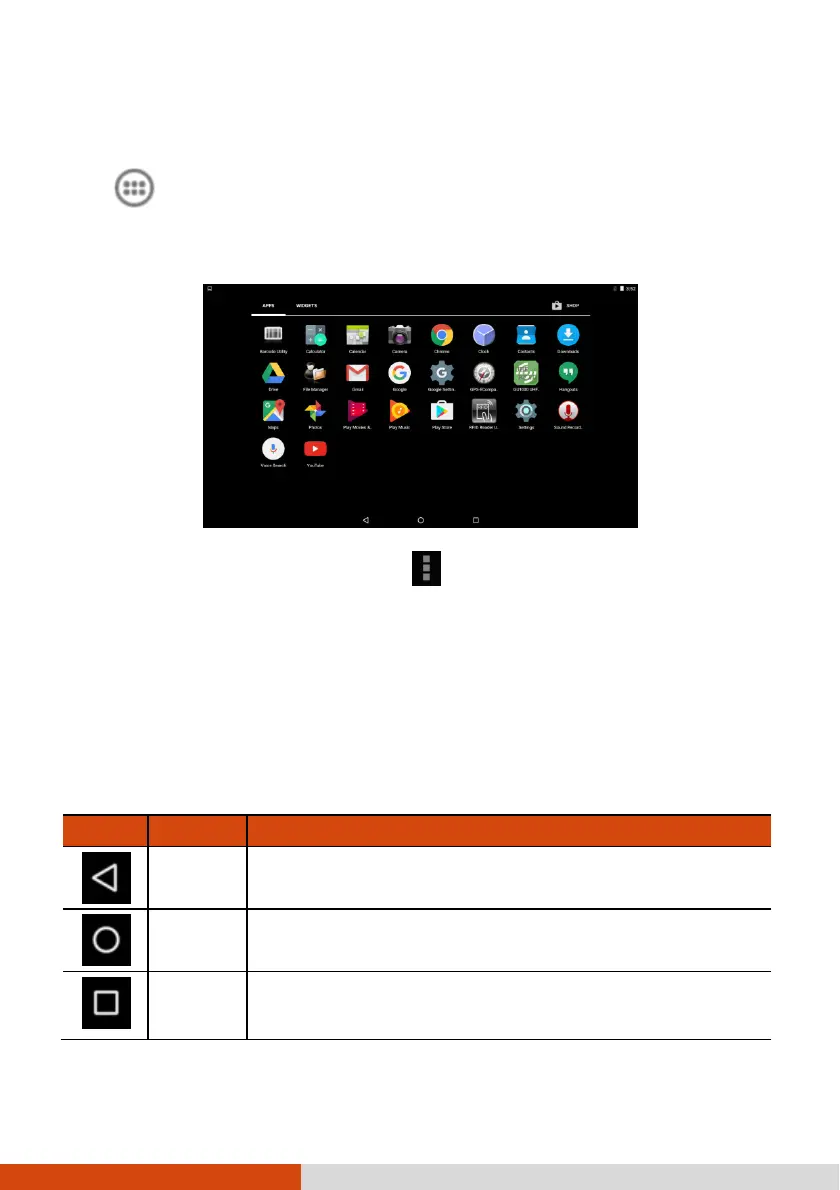
Touch (in the Favorites tray) on the Home screen to open the All Apps screen.
The screen holds icons for all of the applications on your device. Touch an icon
to open the application.
Most applications include a Menu icon near the top or lower right corner of
the screen. The menu contains tools that apply to the activities of the current screen
or application.
Navigation Bar
Navigation BarNavigation Bar
Navigation Bar
The navigation bar at the bottom of the screen provides buttons for navigation purposes
and frequently-used tasks.
Button
ButtonButton
Button
Name
NameName
Name
Description
DescriptionDescription
Description
Back
Goes back to the previous screen.
Home
Opens the Home screen.
Recent
Opens a screen containing
thumbnails of applications you’ve
used recently. Touch a thumbnail to open that application.



 To Next Page