31
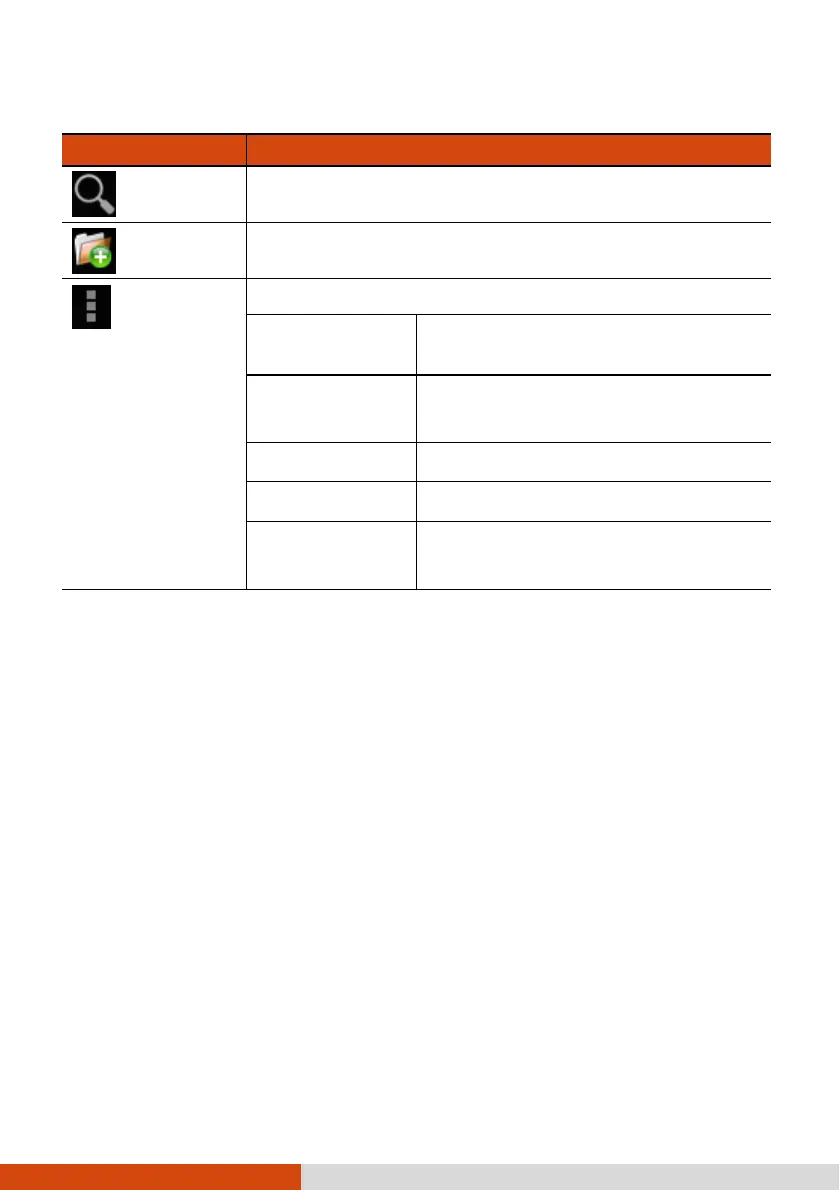
Upper-right buttons:
Buttons
ButtonsButtons
Buttons
Descriptions
DescriptionsDescriptions
Descriptions
Search
Opens the Search box.
Add Folder
Adds a folder in the current directory.
Menu
Settings
Show all
files/directories
Check to show all files/directories.
Show image
thumbnail(s)
Check to have images shown as
thumbnails.
Display type
Sets the view to icon or list view.
Sort by
Specifies the sorting order.
Home directory
setting
Specifies a folder as the home directory
in File Manager.
Opening a File
Opening a FileOpening a File
Opening a File
When you touch a filename, File Manager tries to open or execute the file depending
on the file type.
NOTE: Not all files can be opened in this way.



 To Next Page