25
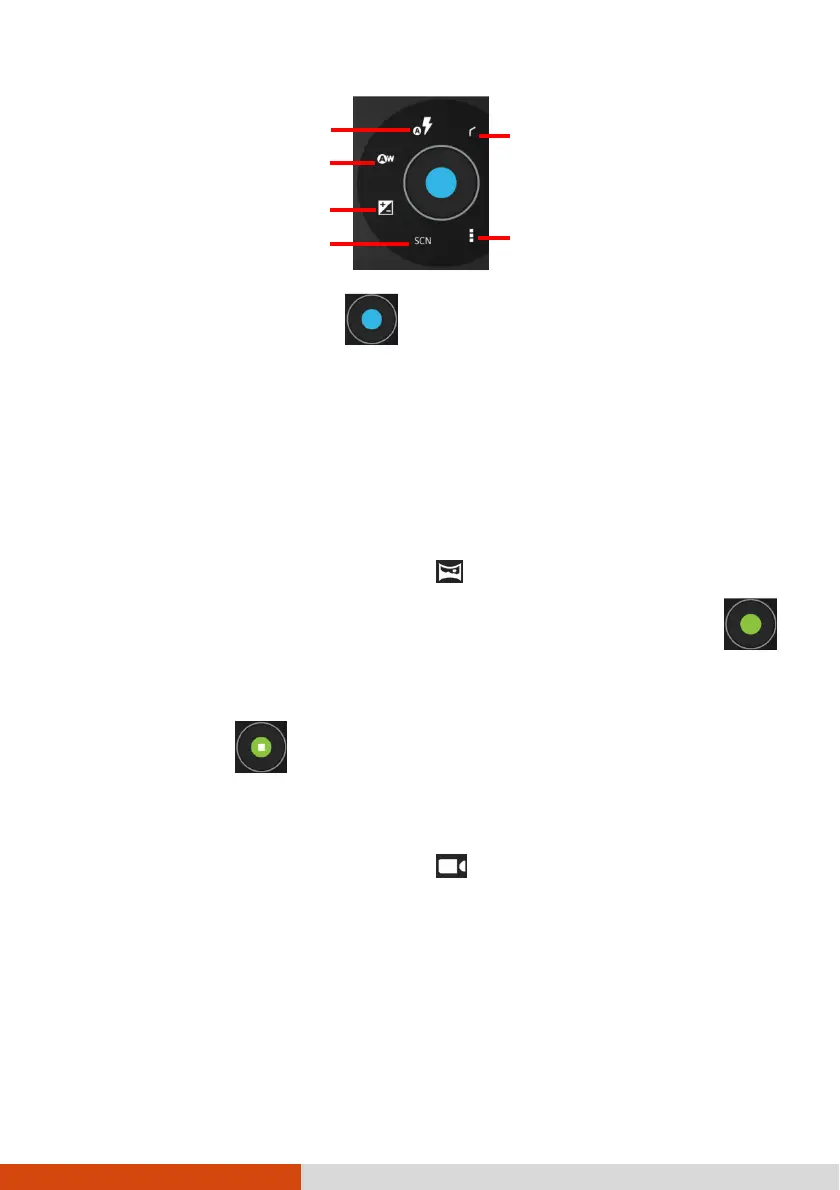
5. To take the picture, touch .
6. The picture you just took is displayed as a thumbnail at the corner. You can
touch the thumbnail to view the picture.
The file is saved to the internal storage of your device.
Taking Panoramic
Taking PanoramicTaking Panoramic
Taking Panoramic
Pictures
PicturesPictures
Pictures
1. Open the Camera application. Touch to switch to Panoramic mode.
2. Aim the camera lens at the starting point of the intended view. Touch
to start.
3. Slowly pan your device toward the other side. The status bar shows your progress.
4. To end, touch .
Shooting Videos
Shooting VideosShooting Videos
Shooting Videos
1. Open the Camera application. Touch to switch to Video mode.
Advanced settings



 To Next Page