36
RFID Reader Utility (Select Models Only)
RFID Reader Utility (Select Models Only)RFID Reader Utility (Select Models Only)
RFID Reader Utility (Select Models Only)
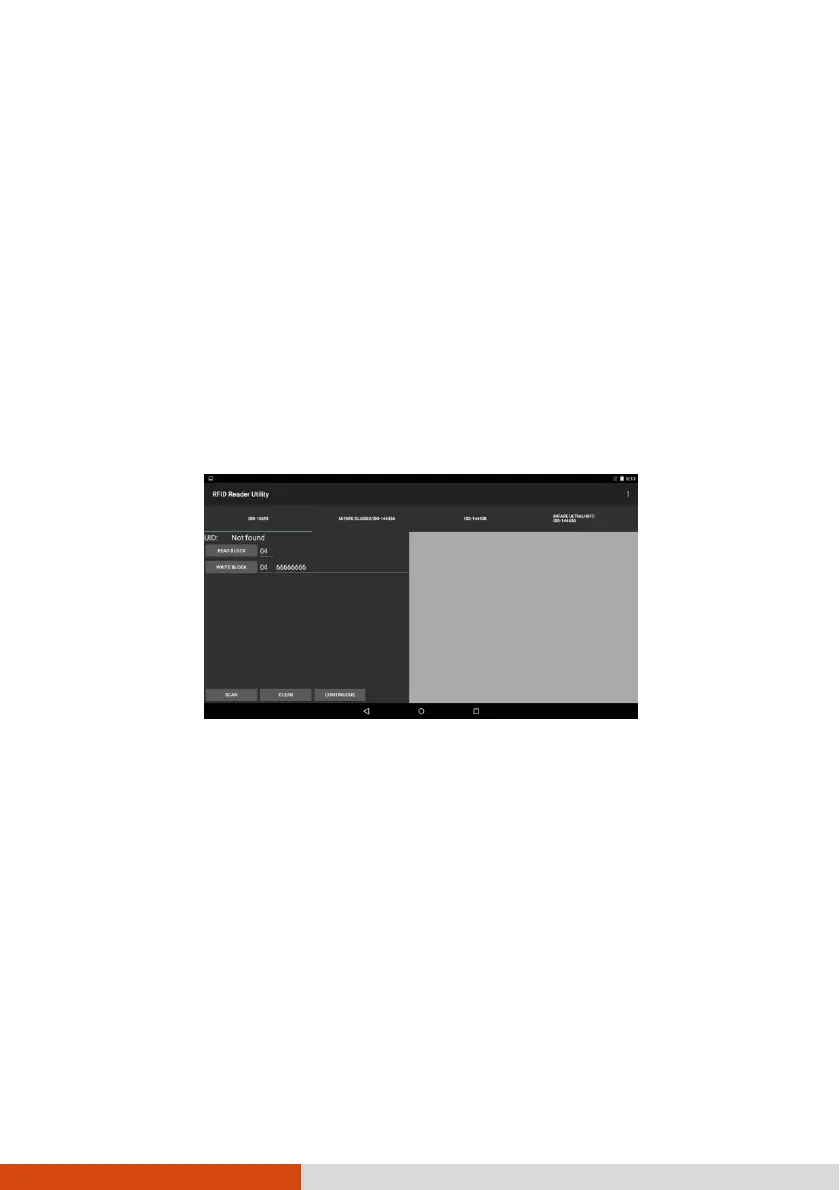
RFID Reader Utility is a demo application that reads UID numbers from RFID tags.
NOTE: For enhanced applications and customization of the RFID
reader, contact your authorized Getac dealer.
1. Open the RFID Reader Utility application.
2. Touch the tag type you want to scan.
3. To scan one tag at a time, touch Scan. Or, press the Fn button on your device.
(The button is defined as Trigger by default.)
To scan continuously, touch Continuous.
4. Bring the tag near the RFID antenna.



 To Next Page