24
YouTube
This is the official YouTube app for Android.
Camera
CameraCamera
Camera
Use the Camera application to take pictures and shoot videos. In addition, you can
have GPS information embedded into the picture/video file.
Taking Pictures
Taking PicturesTaking Pictures
Taking Pictures
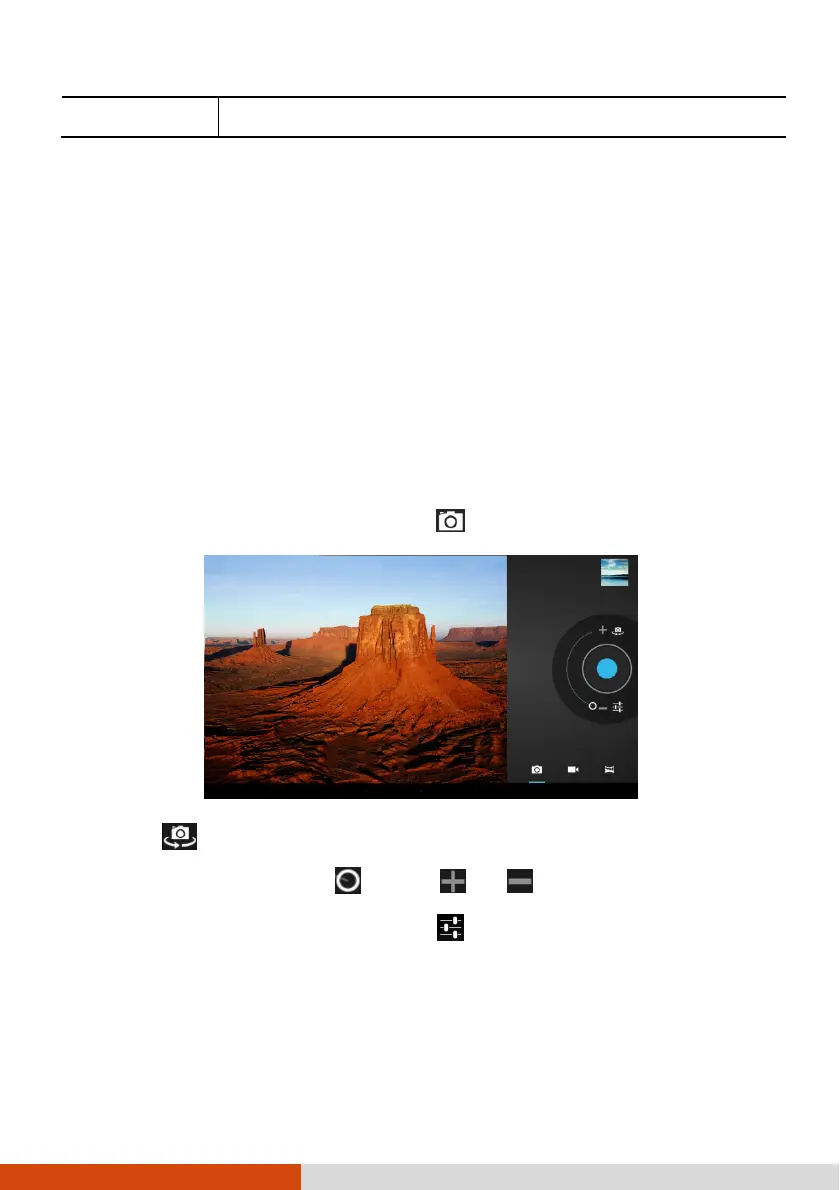
1. Open the Camera application. Touch if you are not in Camera mode.
2. Touch
to select the front or rear camera lens.
3. To zoom in or out, drag toward or .
4. If you want to adjust settings, touch .



 To Next Page