29
NOTE: The scan beam also turns off after timeout.
Barcode Config
Barcode ConfigBarcode Config
Barcode Config
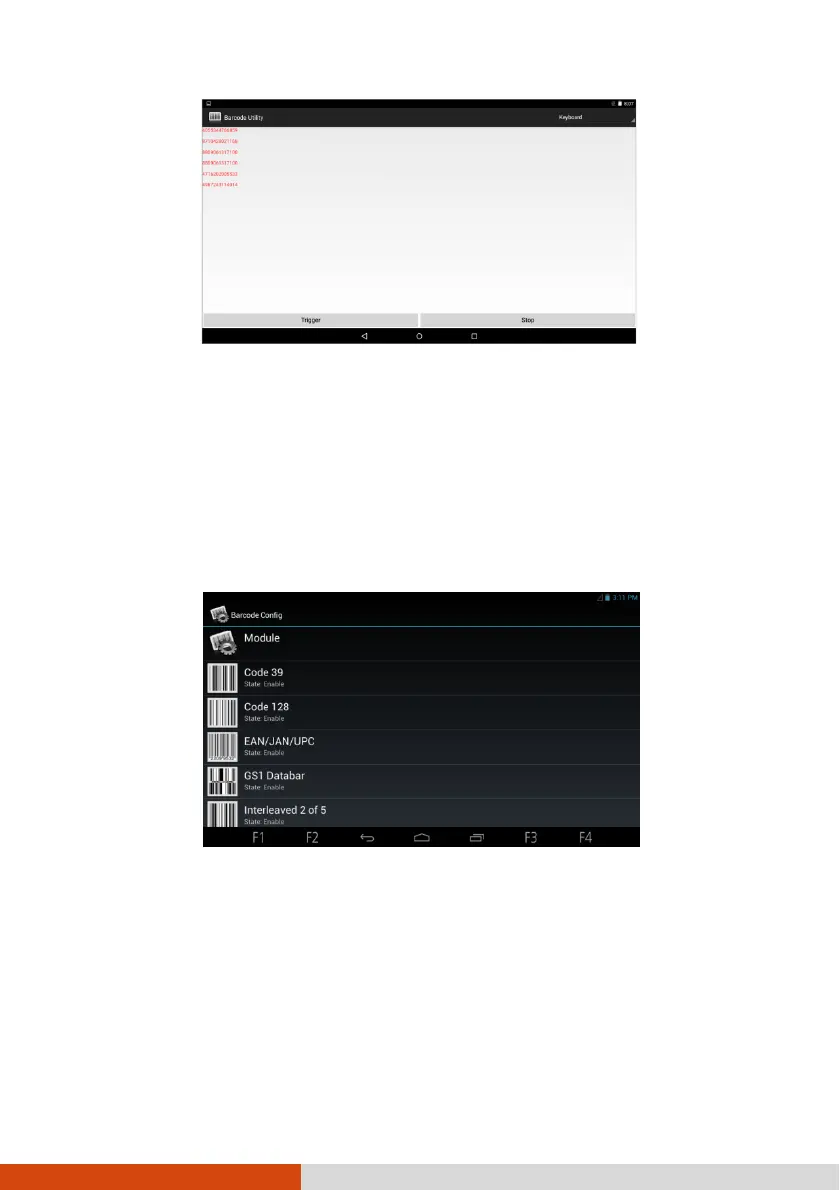
Barcode Config allows you to configure options specific to individual barcode
symbologies.
1. Open the Barcode Config application.
2. Touch the name of a symbology to configure. You can enable or disable the
individual symbology and configure the options as needed.
To restore default settings or enable all symbologies, touch Module.



 To Next Page