28
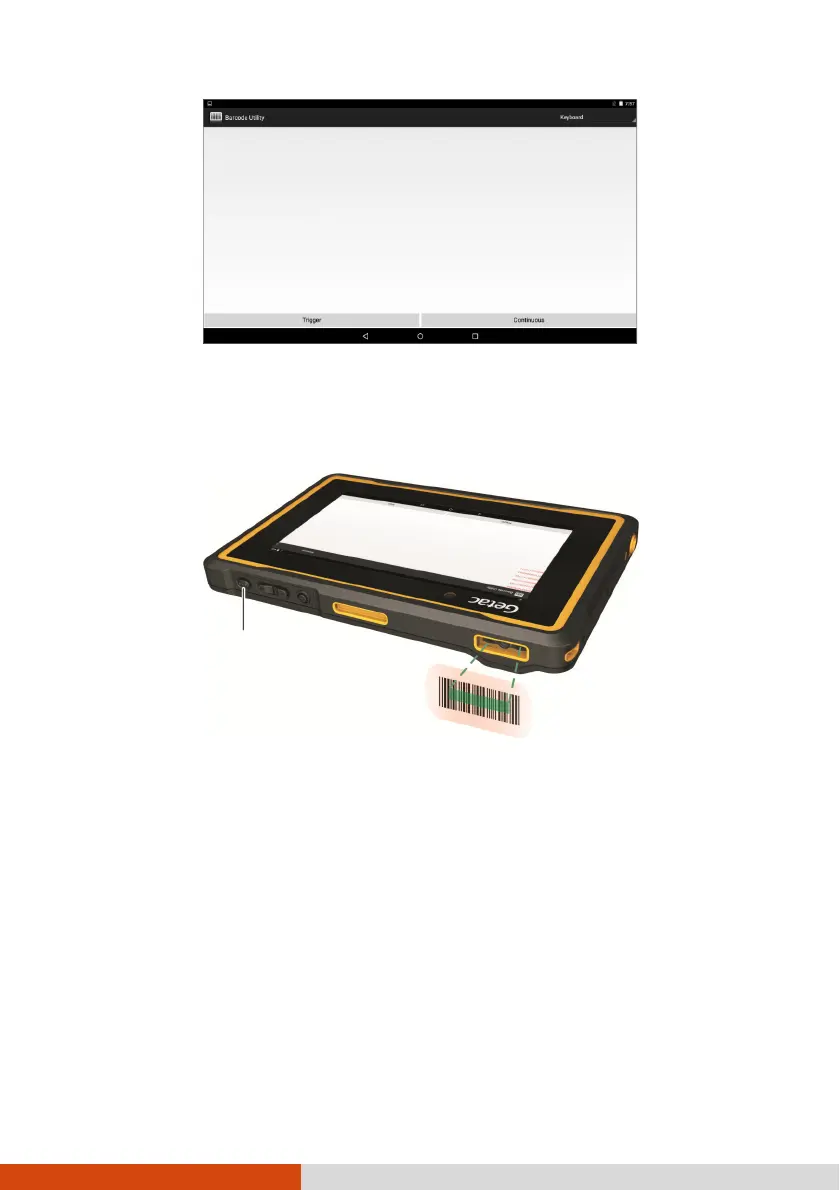
4. Aim the green scan beam so that it is centered over the barcode. Adjust the
lens’ distance from the barcode, shorter for a smaller barcode and farther for
a larger one.
NOTE: Improper ambient light and scanning angle can affect the
scanning results.
5. Upon a successful scan, the system beeps and the scan beam turns off. The
decoded barcode data will be entered.
If you are in continuous scanning mode, the scan beam turns back on again
for the next barcode. To stop scanning, touch Stop.



 To Next Page