26
2. Touch
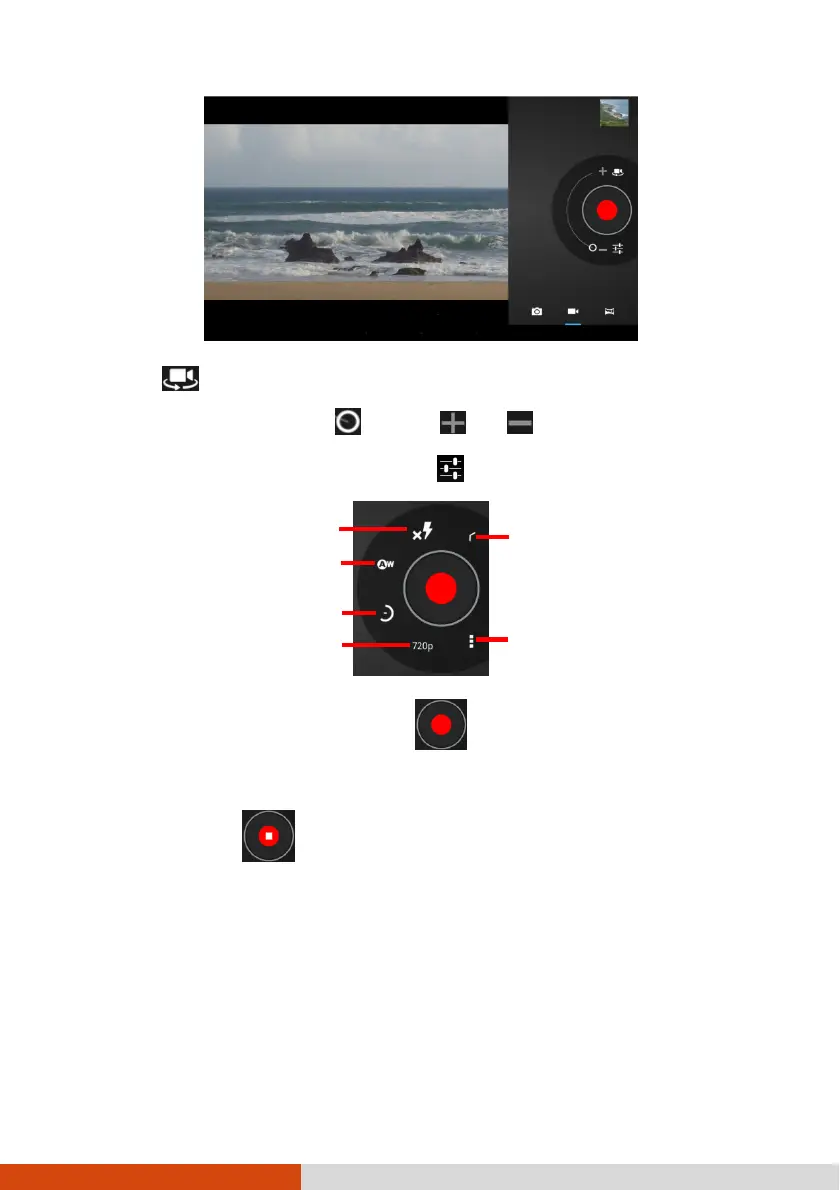
to select the front or rear camera lens.
3. To zoom in or out, drag toward or .
4. If you want to adjust settings, touch .
5. To start shooting the video, touch .
The elapsed time shows at the corner.
6. To stop, touch .
7. An image from your most recent video is displayed as a thumbnail at the corner.
You can touch the thumbnail to view the video.
The file is saved to the internal storage of your device.
Video quality



 To Next Page