2
Ref
RefRef
Ref
Component
ComponentComponent
Component
Description
DescriptionDescription
Description
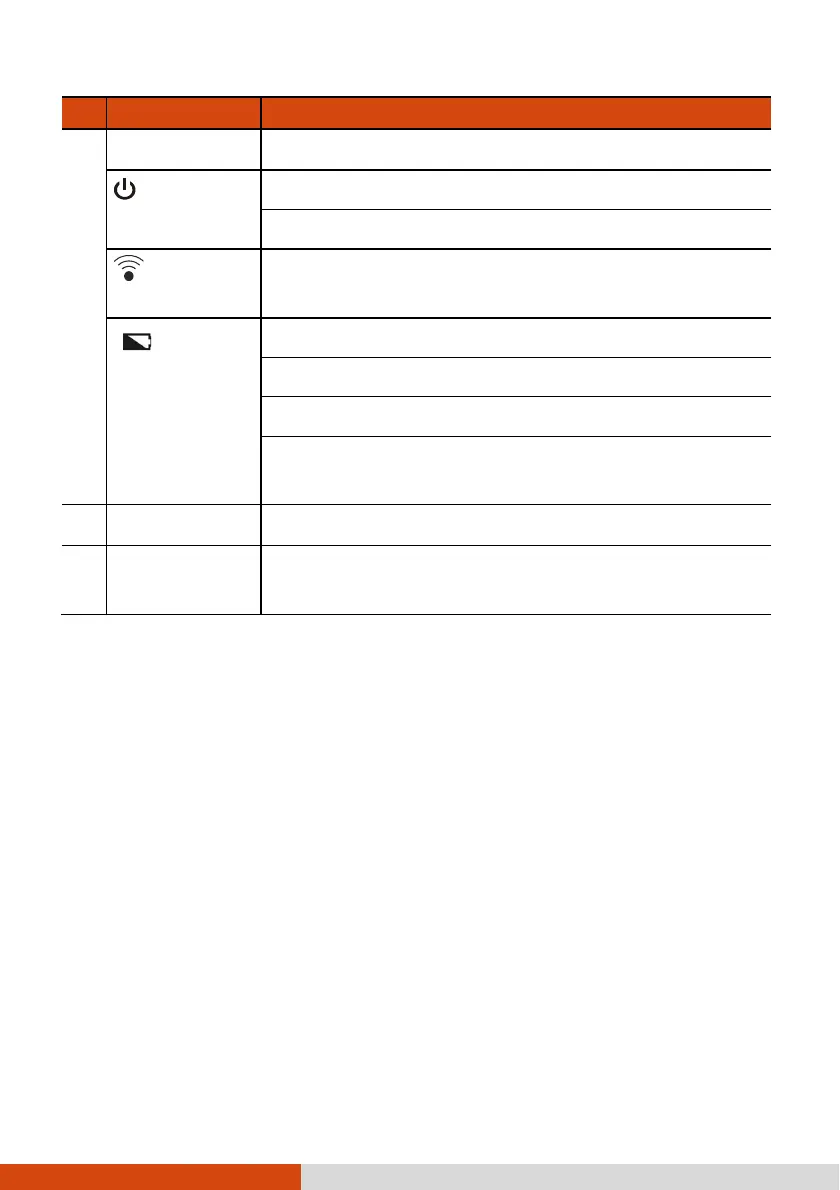
Indicators
Power
Lights blue when the device is turned on.
Blinks blue when the device is in Sleep mode.
RF (Radio
Frequency)
Blinks blue when the RF radio of any RF feature
(WLAN/Bluetooth/WWAN) is on.
Battery
Battery Battery
Battery
Charge
Lights amber when the battery is being charged.
Lights green when battery charging is completed.
Blinks red when the battery’s capacity is below 10%.
Blinks amber
when the battery charging is in an abnormal
state. Replace the battery in case this happens.
Microphone
Receives sound and voice.
Touch screen
Displays the output of your
device and responds to your
touching.



 To Next Page