Electrical Connections Instruction Manual
32
6 Electrical Connections
6.1 Connect unit plug
6.1.1 Closed function
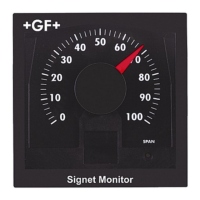
Connect the position indicator with the unit plug, wiring diagrams see
chapter 7.2
Connect Function
1 Normally open contact for «OPEN» position
2 Normally open contact for «CLOSED» position
3 Power supply for both microswitches
6.1.2 Opened function
Change connection No 4 on the microswitch, wiring diagrams see chapter 7.2
Connect No 2.
6.1.3 Change-over function
Remove the unit plug and the internal wiring
Install a PG11 cable gland.
Connect multiple wires directly to the microswitch connector lug.
Plat pin microswitches Function
1 Power supply
2 Normally closed
4 Normally open



 To Next Page