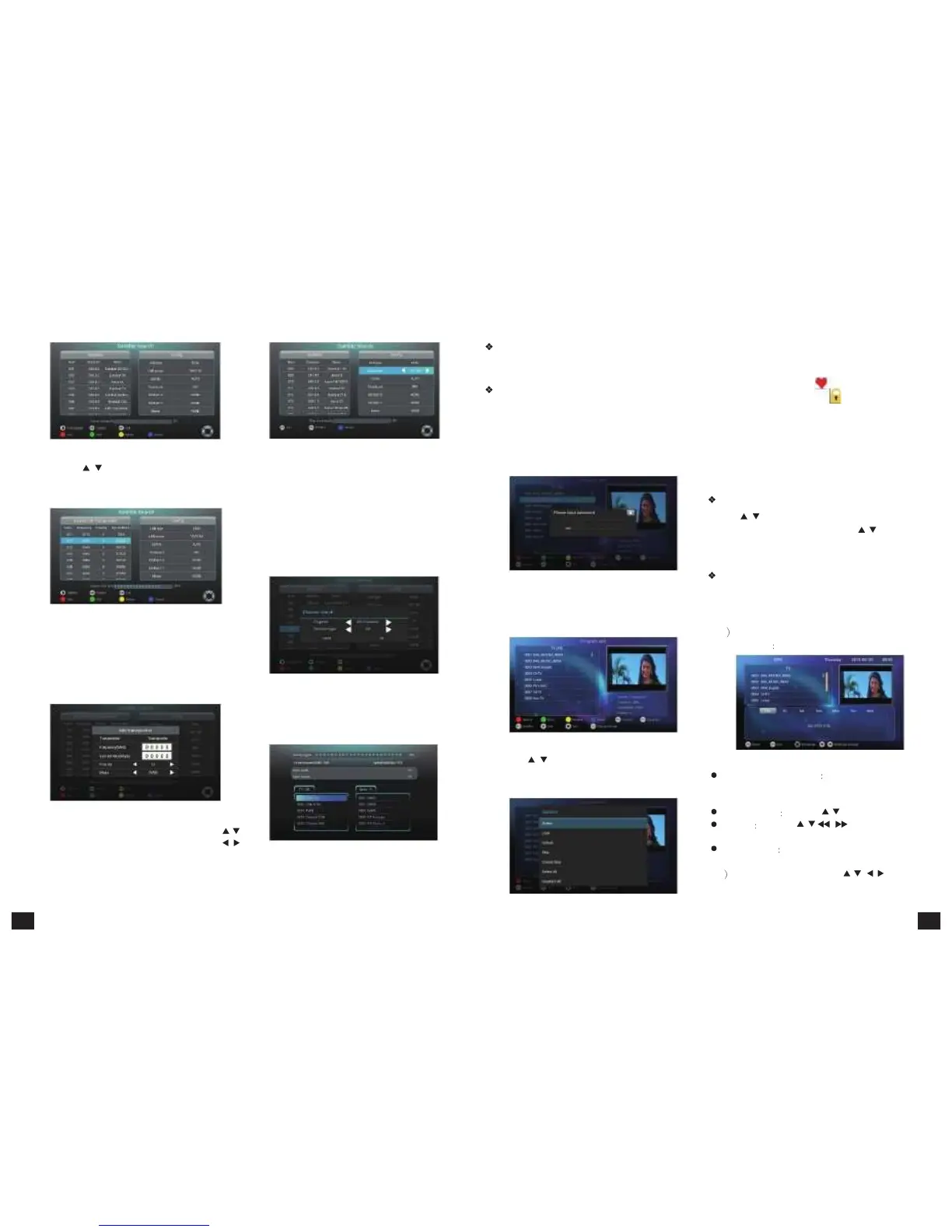
Figure
5-3-4 Figure
5-3-7
1)
Press【
/ 】to choose satellite. 5) According to the caption below, at theselected
2) Press【PLAY】to jump to the satellite frequency frequency point, pressing【BLUE】key means searching
Program
Edit
Program
edit
function
includes
lock,
favourite,
sequencing, move and delete.
Program
lock
and
FAV
1) Move the cursor to "Program Edit" option, press
【OK】to
confirm
into.
It
reminds
you
to
input
password. When first entering, the user can set
up an initial password. If you want to change the
password, please refer to the parent lock settings
part.
4) Choose "favourite" will pop a list of the favourite
groups and press 【OK】to choose a group that you
want which group that the program belongs to, then
the program is highlighted . While choosing "lock",
the program is locked with mark. If selecting
"favorite" and "lock" at the same time, the program
is both locked and set to be favorite program. (Note:
When you want to watch the locked programs, you
need to input the password same to the one settled.)
5) Directly pressing【YELLOW】key can also set
programs to be locked. Similarly, pressing【FAV】
key can set the programs to be favourite.
point list.
Figure
5-3-5
the programs at the point, while at selected satellite,
pressing【BLUE】key means searching programs
at all the satellitic frequency points. A hint window
will
ap pear
to
guide
the
types
to
be
searched,
including TV, Radio, free channel and whole channel.
As shown in figure 5-3-8
Program
Move
Press【
/
】to move cursor to the program; press
【GREEN】to choose. Then press【
/
】to move
the program to the desired place. Press 【EXIT】to
quit without saving.
Figure
5-3-10
The box provides 7 days EPG, convenient for you
2)
After
inputing
the
correct
password,
press
【
OK
】
to get the details of all the programs from Monday
to
enter
the
program
editor
interface,
as
shown
in
to Sunday.
3)
Ac cording
to
the
caption
below,【RED】,
【GREEN】,【YELLOW】and【BLUE】keys
separately
present
ADD,
EDIT,
DELETE
and
SEARCH
functions.
When
pressing
【RED】,
the
following
figure
pops
up.
Figure
5-3-6
4) At antenna configuration interface, press【
/
】
to choose option need to be set up; press【
/
】
to change the parameters; press【EXIT】to turn
back.
Figure
5-3-8
6) Press【OK】to enter into search progress interface
shown in figure 5-3-9. Click the program below to
enter into the televising interface
Figure
5-3-9
figure 5-3-11:
Figure
5-3-11
3) Press【
/
】to move the cursor to the program to
be edited. Then press 【RED】and editing options
pops up as shown in the
figure 5-3-12.
Figure
5-3-12
1 Press 【EPG】 to enter into EPG main menu
as figure 5-3-13
Figure
5-3-13
Small
televising
window There
is
a
movable
window to broadcast the selected program on
EPG menu.
Select program Press【
/
】to select program
EPG info Press【
/
、
/
】to see the EPG
info of each time.
Time and date Press【RED】and【GREEN】to
adjust the time and date。
2 In EPG in te rface, press【
/
、 /
】to get
the program info; press【OK】to operate the
current program.
13 14



 To Next Page