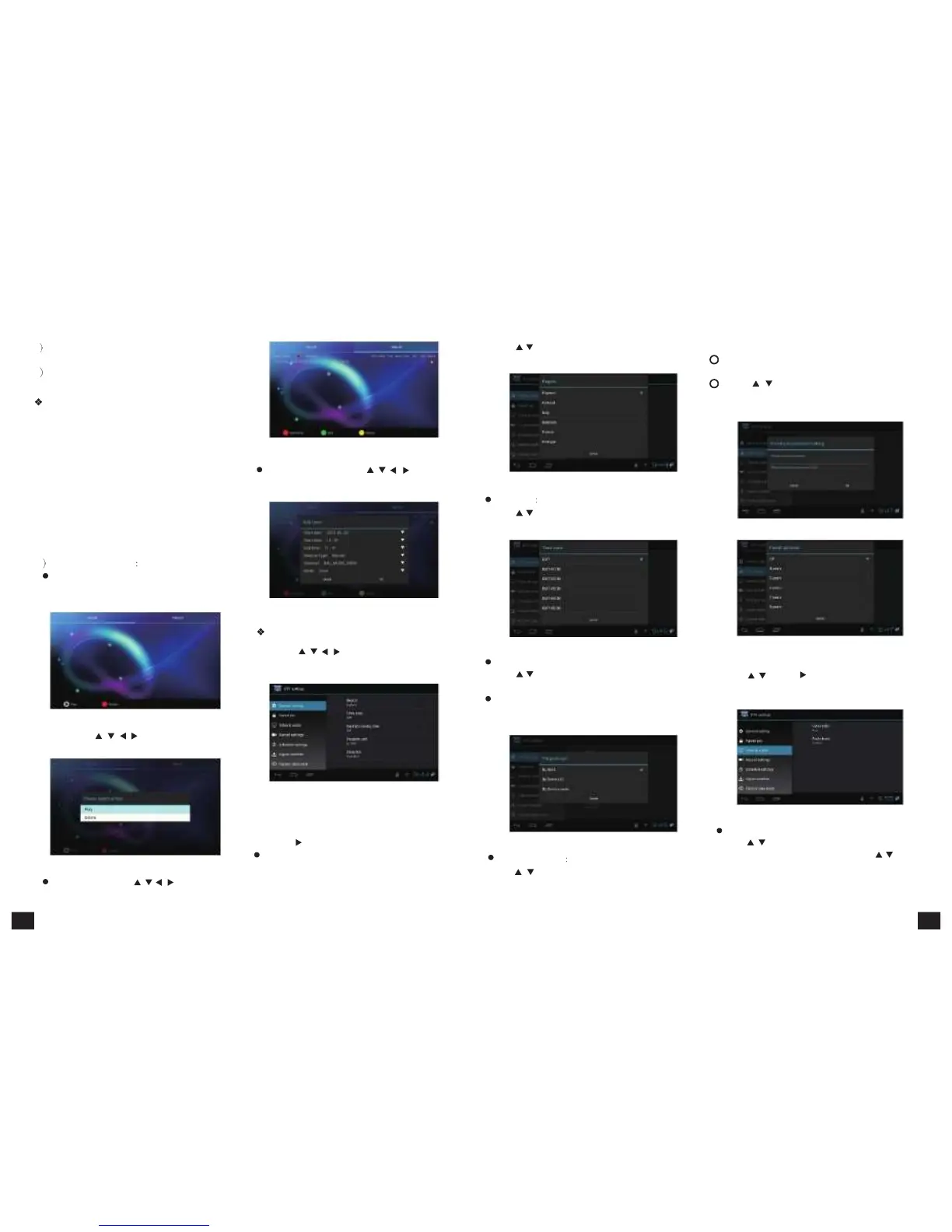
3 You can also add task for playing or recording
for
the
selected
program.
4 On
EPG
interface,
press【EXIT】to
back
to
the
last
interface
PVR
This machine offers convenient PVR program
recording function. You can press 【PVR】 key or
select "PVR" on the main menu to jump to PVR
interface.
1)
Time
shift
: Press【PAUSE】to suspend the
real-time broadcasting program. Press 【PAUSE】
again
to
replay
from
the
stopped
point.
Press
【STOP】to recover real-time televising and stop
time shift function. By pressing【FF】and 【FB】
can realize forward and backward functions in time
shift.
2 Recording
function
Press
【PVR】or
select
"PVR"
on
the
main
menu to jump to PVR interface. The recorded
program can be checked in play list.
Figure
5-3-16
In
"Schedule",
press【
/
、
/
】and【OK】
to
edit
the
attribute.
Figure
5-3-17
Press【
/
】and【OK】to select the region. Press
【EXIT】to
quit
without
saving.
Figure
5-3-19
Time Zone
Press【
/
】and【OK】to select the time zone.
Press【EXIT】to quit without saving.
2) Parent Lock
1
Setting password can lock program and realize
program edit function.
2
Press【
/
】and【OK】 buttons to set a new
password or parent lock grade. Press【EXIT】to
quit without saving.
Figure
5-3-22
Figure
5-3-14
By pressing【 /
、
/
】and【OK】to play or
delete the recorded program.
Figure
5-3-15
In task list, press【
/
、 /
】and【OK】to
play or delete the task.
TV
Setup
Press【
/
、 /
】and【OK】to enter in "DTV
Settings". As shown in the following picture.
Figure
5-3-18
Detailed setting methods will be explained as follows.
1) General Settings
Press【
】and【OK】to enter in son option setting.
Region:
Figure
5-3-20 Figure
5-3-23
Daylight Saving Time(DST): 3) Video & Audio
Press
【
/
】
and
【
OK
】
to
enter
in
DST
option.
Press
Press【
/
】and【
】to enter in Video & Audio
【EXIT】to
quit
without
saving.
settings.
Programs sort:
Use up ,down button to sort programs, press【OK】
button to confirm. Press【EXIT】to quit without saving.
Figure
5-3-24
Video
aspect
ratio:
Figure
5-3-21
Press【
/
】and【OK】or【V.RATIO】to enter
in video aspect ratio setting. Press【
/
】and
Press【
/
】and【OK】to select the clock background.
【
OK
】
to
choose
the
4:3,
16:9
or
auto
ratios.
Press【EXIT】to
quit
without
saving.
15 16



 To Next Page