User Guide
GD32450Z-EVAL
49
devices.
5.28. USB_Host
5.28.1. HID_Host
DEMO Purpose
This demo includes the following functions of GD32 MCU:
Learn to use the USBFS as a HID host
Learn the operation between the HID host and the mouse device
Learn the operation between the HID host and the keyboard device
GD32450Z-EVAL-V1.1 evaluation board integrates the USBFS module, and the module
can be used as a USB device, a USB host or an OTG device. This demo mainly shows
how to use the USBFS as a USB HID host to communicate with external USB HID device.
DEMO Running Result
Jump the JP13, JP14 and the JP15 to USB_FS. Then download the program
<28_USB_Host\HID_Host> to the EVAL board and run.
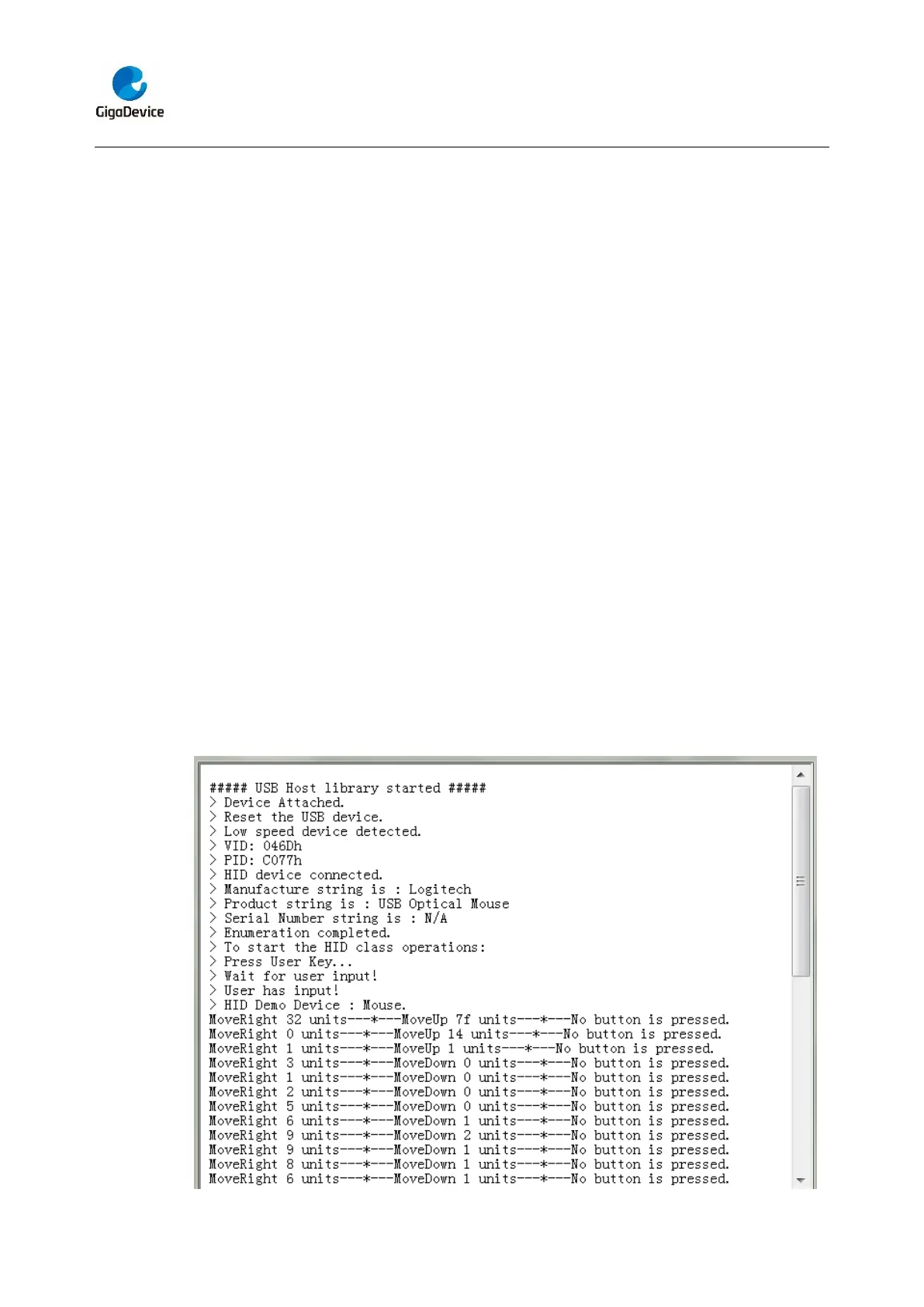
If a mouse has been attached, the user will see the information of mouse enumeration.
First pressing the user key will see the inserted device is mouse, and then moving the
mouse will show the movement of mouse in the HyperTerminal.



 To Next Page