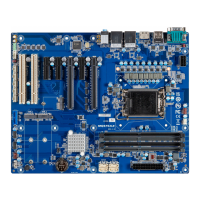
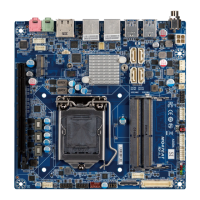
Mini-ITX Motherboard mITX-H42EA (MH42EAI-SI)
63
www.gigaipc.com
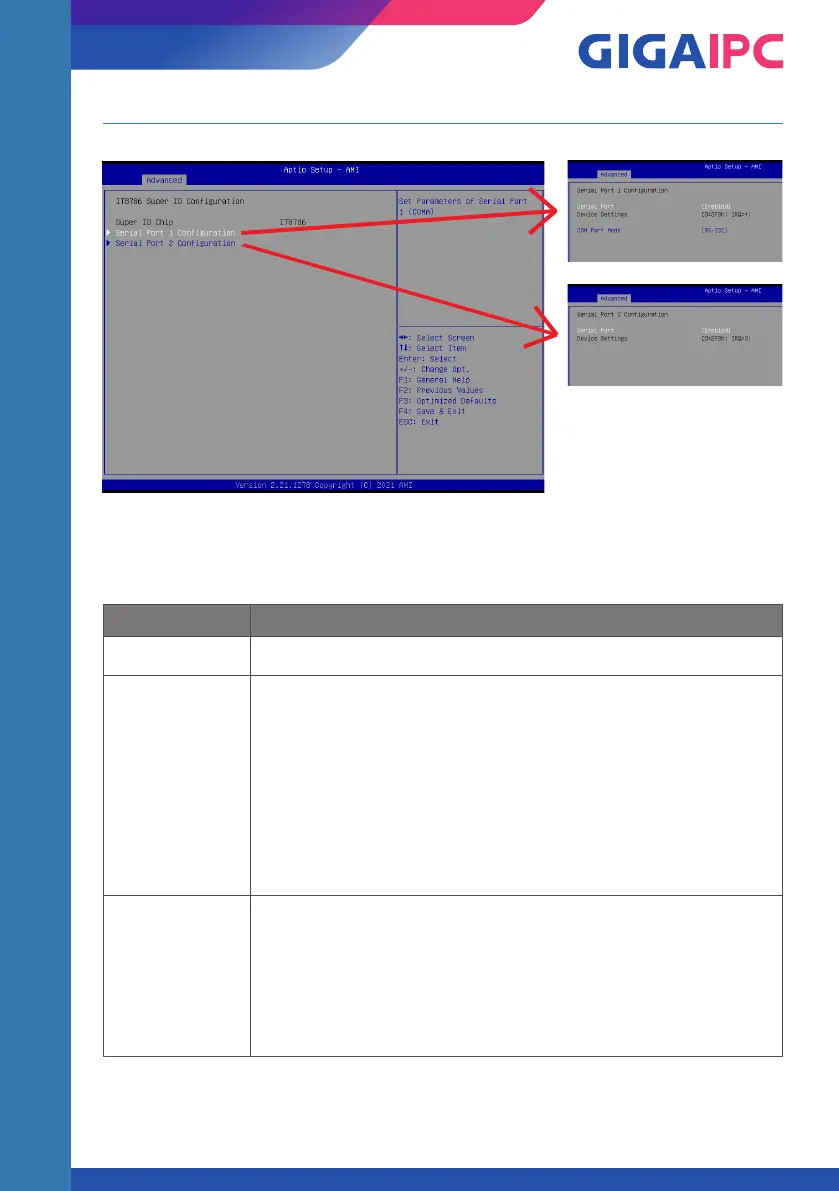
3.3.2 IT8786 Super IO Configuration
Item Description
Super IO Chip Shows Super I/O chip model
Serial Port 1
Configuration
Press [Enter] to configure advanced items :
Serial Port :
Enabled : Enables allows you to configure the serial port settings
Disabled : if Disabled, displays no configuration for the serial port
Device settings :
Display the specified Serial Port base I/O address and IRQ
COM Port Mode :
Choose RS-232, RS-422, or RS-485 feature
Serial Port 2
Configuration
Press [Enter] to configure advanced items :
Serial Port :
Enabled : Enables allows you to configure the serial port settings
Disabled : if Disabled, displays no configuration for the serial port
Device settings :
Display the specified Serial Port base I/O address and IRQ


 To Next Page