6. Normal operation6. Normal operation
6.7.5 Power Control
Active and reactive power can be set through power setting button.
There are 5 item for this sub menu:
1. Set output power
2. Set Reactive Power
3. Out_P With Restore
4. Rea_P With Restore
5. Select PF Curve
This function is applicable by maintenance personnel only, wrong operation
will prevent the inverter from reaching maximum power.
6.7.6 Calibrate Energy
Maintenance or replacement could clear or cause a different value of total energy. Use this
function could allow user to revise the value of total energy to the same value as before. If
the monitoring website is used the data will be synchronous with this setting automatically.
(see Figure 6.20).
Figure 6.20 Calibrate energy
YES=<ENT> NO=<ESC>
Energy:0000000kWh
Press the DOWN key to move the cursor, Press the UP key to revise the value. Press the
ENTER key to execute the setting. Press the ESC key to return to the previous menu.
6.7.7 Special Settings
This function is applicable by maintenance personnel only, wrong operation
will prevent the inverter from reaching maximum power.
6.7.2 Grid ON/OFF
This function is used to start up or stop the power generation of Solis Three Phase
Inverter (see Figure 6.18).
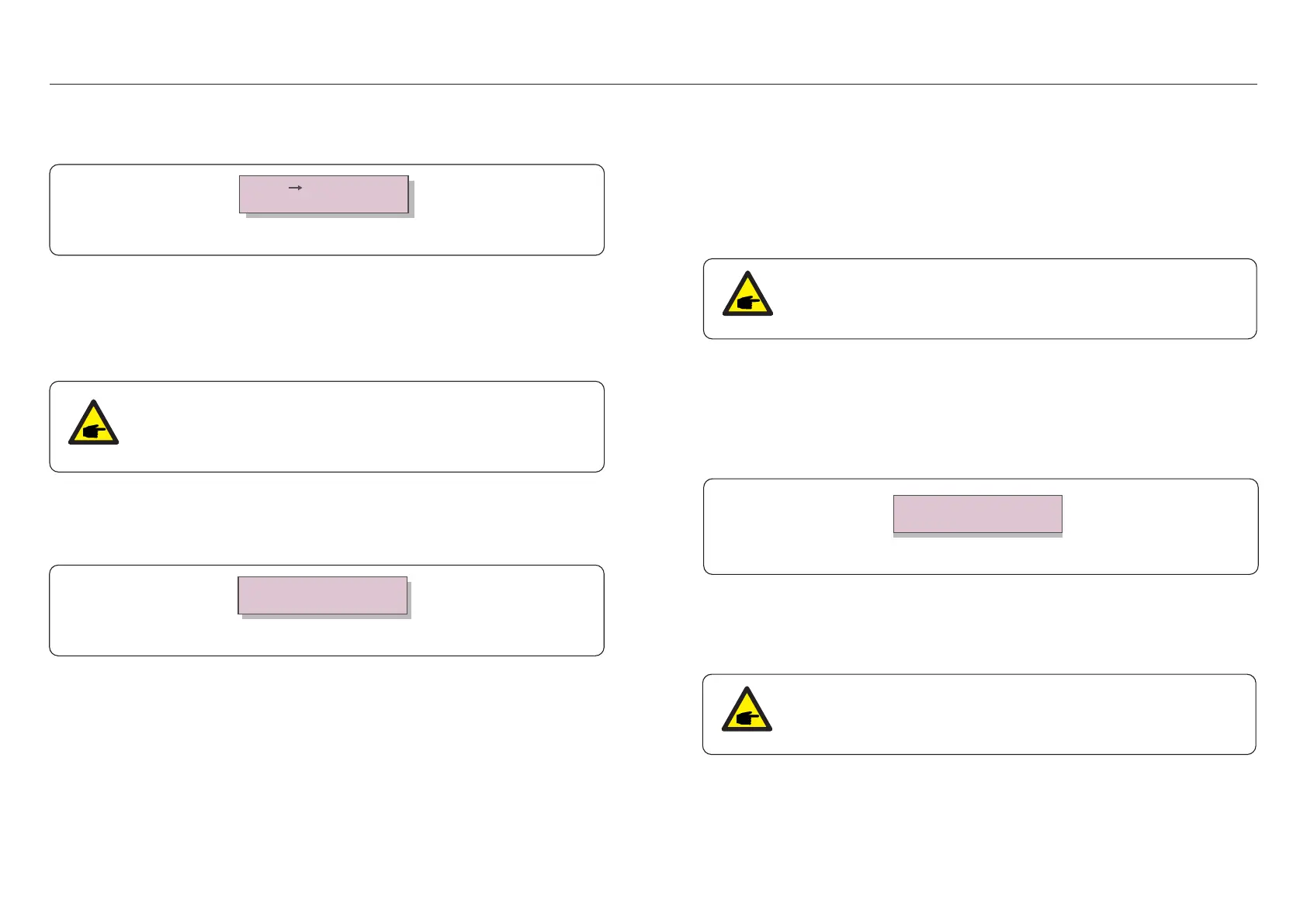
Grid ON
Grid OFF
Figure 6.18 Set Grid ON/OFF
Screens can be scrolled manually by pressing the UP/DOWN keys. Press the ENTER key
to save the setting. Press the ESC key to return to the previous menu.
These two functions are applicable by maintenance personnel only, wrong
operation will prevent the inverter from working properly.
6.7.3 Clear Energy
Clear Energy can reset the history yield of inverter
6.7.4 Reset Password
This function is used to set the new password for menu “Advanced info.” and “Advanced
information” (see Figure 6.19).
Figure 6.19 Set new password
YES=<ENT> NO=<ESC>
Password: 0000
Enter the right password before set new password. Press the DOWN key to move the cursor,
Press the UP key to revise the value. Press the ENTER key to execute the setting.
Press the ESC key to return to the previous menu.
.47..46.


 To Next Page