13
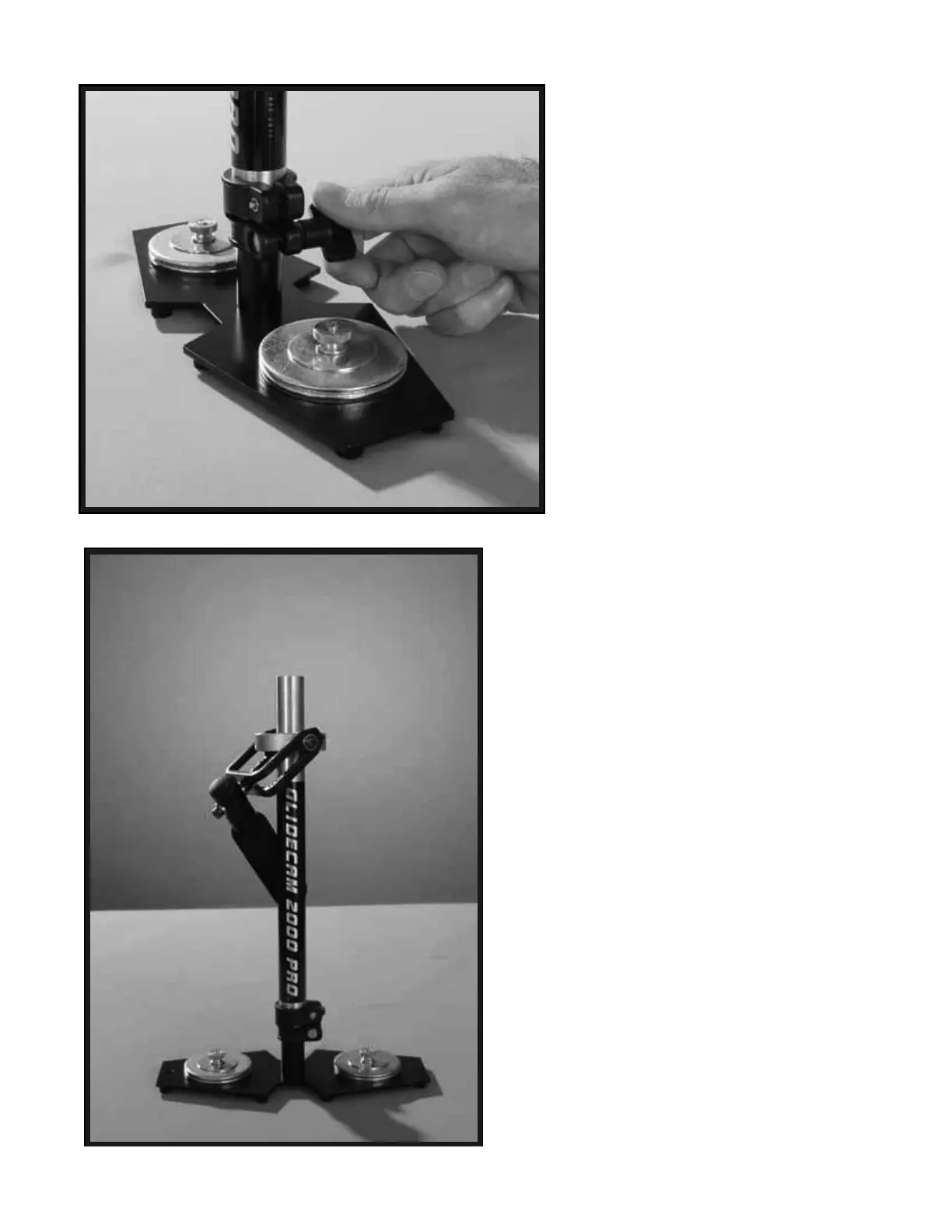
Securely tighten the “Adjustment Knob”
on the TELESCOPING CLAMP by
rotating the Knob clockwise as shown in
this photo.
The “Adjustment Knob” should only be
hand tightened.
WARNING: DO NOT OVERTIGHTEN
THIS KNOB.
At this point this is what your 2000 Pro
should look like, which is with the
CENTRAL POST and TELESCOPING
CLAMP aligned correctly on the
TELESCOPING POST and BASE
PLATFORM assembly.
The amount of COUNTER WEIGHT
DISKS will vary depending on your
Camera weight. Don’t worry about this
too much, for later you will set the number
of COUNTER WEIGHT DISKS to the
correct amount required for your specific
Camera.
25
26


 To Next Page