Glidermatic GRD+ Installation Instructions & owner’s manual Page 10
1. Press and hold [ENTER] for 2 seconds to enter menu selection
2. Using [UP] and [DOWN] to select Limit option
3. To initiate door limit setting, and press [ENTER]
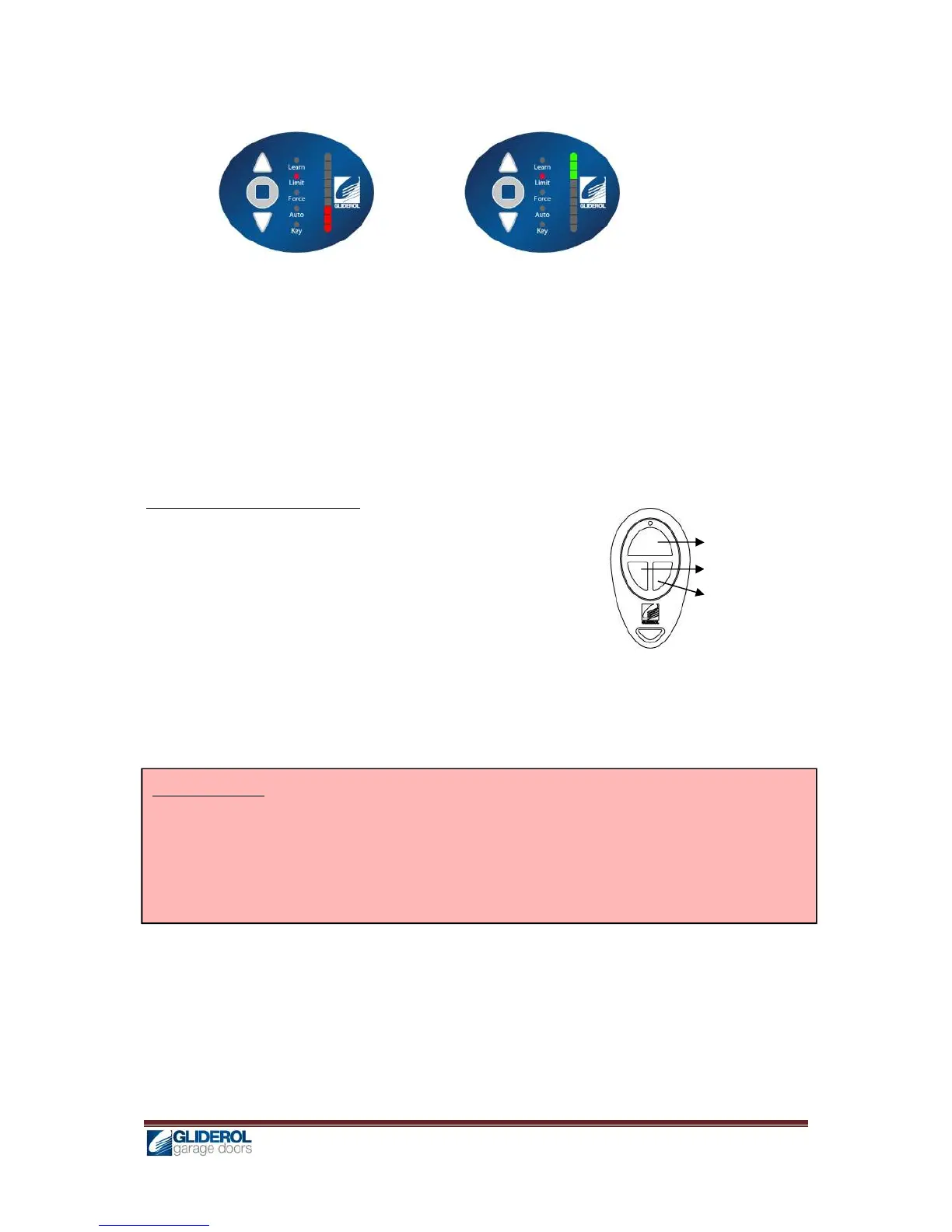
4. [INDICATOR] will lit to show current drive handing
5. Using [UP] and [DOWN], select the desire drive handing
Left Hand Drive Right Hand Drive
6. Press [ENTER] to confirm selection, and door will begin to close to find floor position. Upon
reaching the floor, the unit will beep 3 times to confirm.
7. Proceed to setup the TOP limit, by using transmitter’s OPEN & CLOSE keys, and confirm TOP limit
position by pressing STOP key
8. Then set the BOTTOM limit, also by using transmitter’s OPEN & CLOSE keys, and confirm
BOTTOM limit position by pressing STOP key
9. Once limits are set, the unit will automatically perform a full calibration cycle
10. When the door is closed after calibration, the limits are successfully setup
Limit Resetting – By Transmitter
1. Using an already programmed transmitter, press and hold OPEN
& CLOSE keys simultaneously for 10 seconds
2. Door will begin to close to find floor position, and upon
reaching the floor, the unit will beep 3 times to confirm.
3. Proceed to setup the TOP limit, by using transmitter’s OPEN &
CLOSE keys, and confirm TOP limit position by pressing STOP
key
4. Then set the BOTTOM limit, also by using transmitter’s OPEN & CLOSE keys, and confirm
BOTTOM limit position by pressing STOP key
5. Once limits are set, the unit will automatically perform a full calibration cycle
6. When the door is closed after calibration, the limits are successfully setup
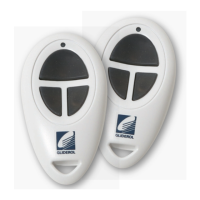
[KEY1] STOP
[KEY2] OPEN
[KEY3] CLOSE
Important Note: In the event of power failure and power resumed or GRD+ unit switched OFF and
switched back ON or Manual release chord operated, the GRD+ operator will perform an “AUTO
LIMIT RESET CYCLE” by which the door will only CLOSE upon pressing the remote button / CLOSE
button on control panel to find the floor (OPEN function is disabled until the limit reset cycle is
completed. From the next cycle the door travel limits are restored and door will operate as normal.


 To Next Page