Glidermatic GRD+ Installation Instructions & owner’s manual Page 8
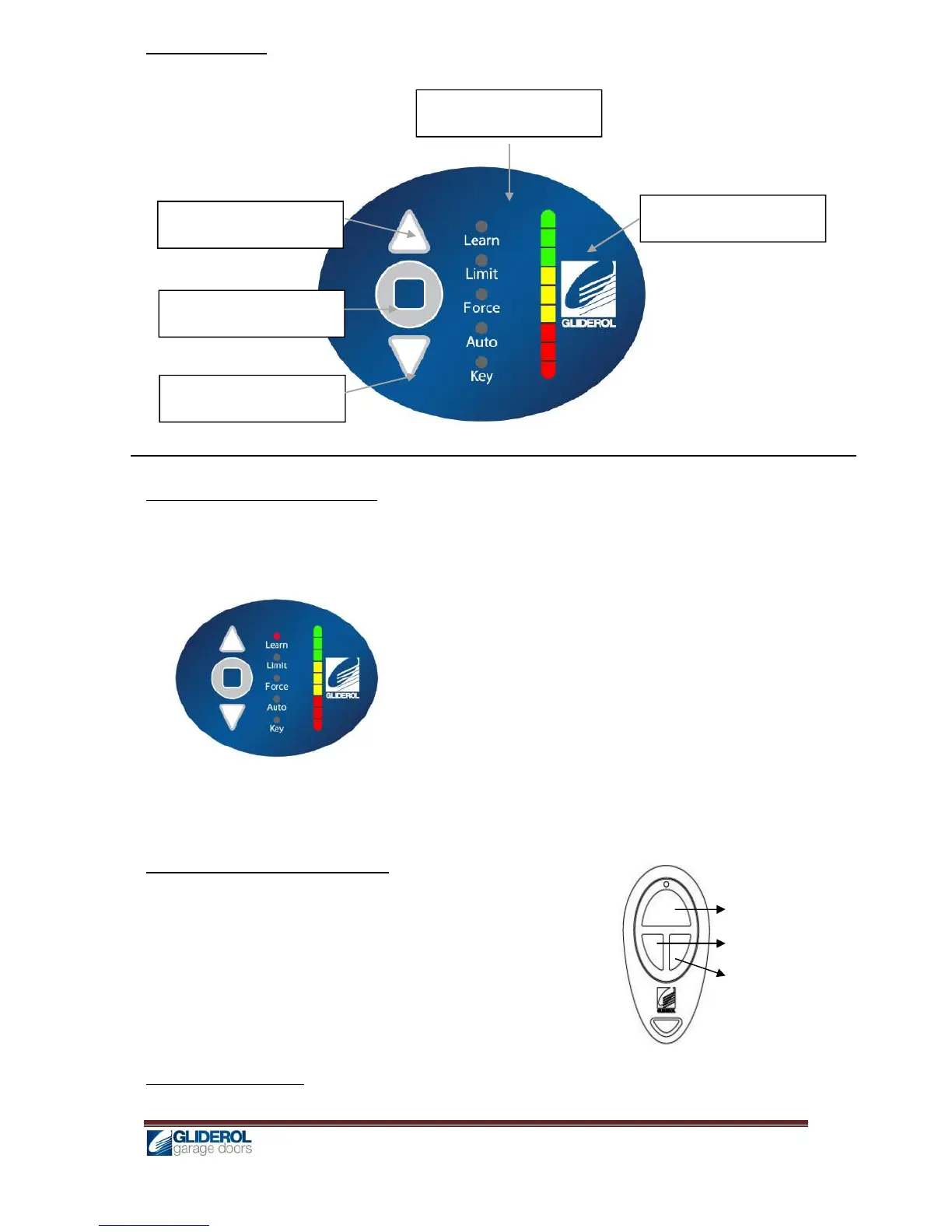
User Interface
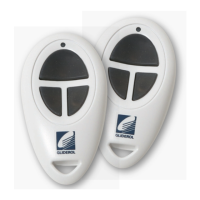
Transmitter Coding – By Controller
1. Press and hold [ENTER] for 2 seconds to enter menu selection
2. Using [UP] and [DOWN] to select Learn option, and press [ENTER]
3. While the [INDICATOR] is lit, press the desired operation key on transmitter
4. A beep will signal for successful coding. Two beeps signal for a transmitter already in memory
5. Unit will automatically exit the setup after 3 seconds
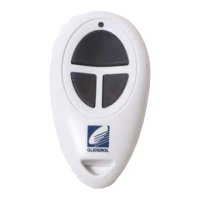
Transmitter Coding – By Transmitter
1. Using an already programmed transmitter, press and hold OPEN
& STOP keys simultaneously for 2 seconds
2. Unit will beep three times to signal for Learn Mode
3. Press the desired operation key on the new transmitter
4. A beep will signal for successful coding. Two beeps signal for a
transmitter already in memory
5. Unit will automatically exit the setup after 3 seconds
Transmitter Key Setting


 To Next Page