Glidermatic GRD+ Installation Instructions & owner’s manual Page 9
1. Press and hold [ENTER] for 2 seconds to enter menu selection
2. Using [UP] and [DOWN] to select Key option, and press [ENTER]
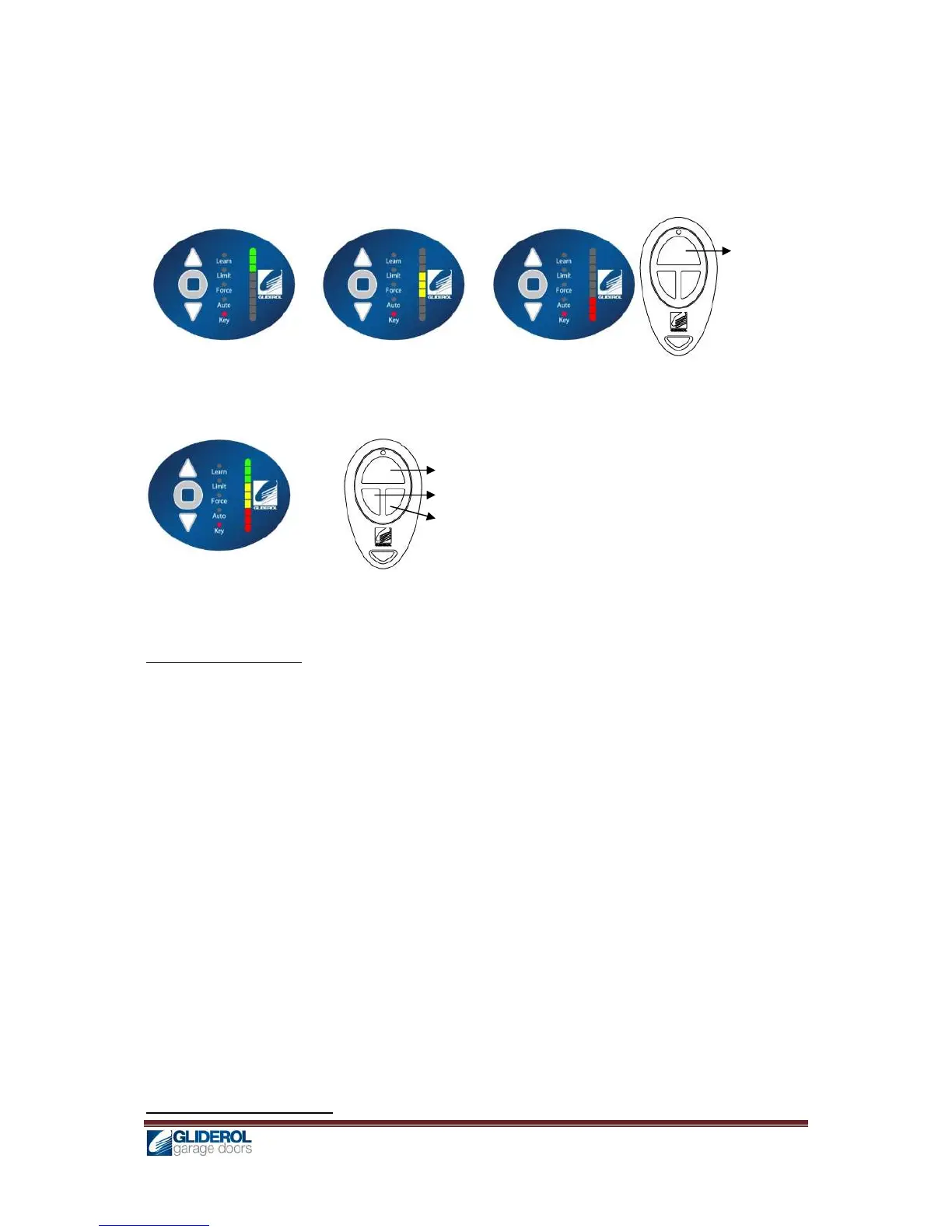
3. [INDICATOR] will lit to show current key configuration
4. Using [UP] and [DOWN], select the desire transmitter key setting
from the below options
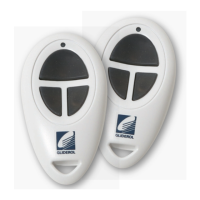
Single Button Configuration: Any one of the three buttons in the transmitter can be used to
control all three functions Stop/Open/Close. Useful when one transmitter can operate more
than one door and a maximum of three doors.
5. Press [ENTER] to confirm selection, and a beep will signal for successful setup.
Transmitter Code Erase
1. Press and hold [ENTER] for 2 seconds to enter menu selection
2. Using [UP] and [DOWN] to select Learn option
3. To erase all transmitter code in memory, press and hold [ENTER] for 5 seconds
4. When [INDICATOR] diminishes, all codes have been erased
Limit Setting – By Controller
Three Button Configuration: Each buttons in the transmitter can be used to control
individual functions like functions Stop/Open/Close of eth same door.


 To Next Page