Page 7
Installation
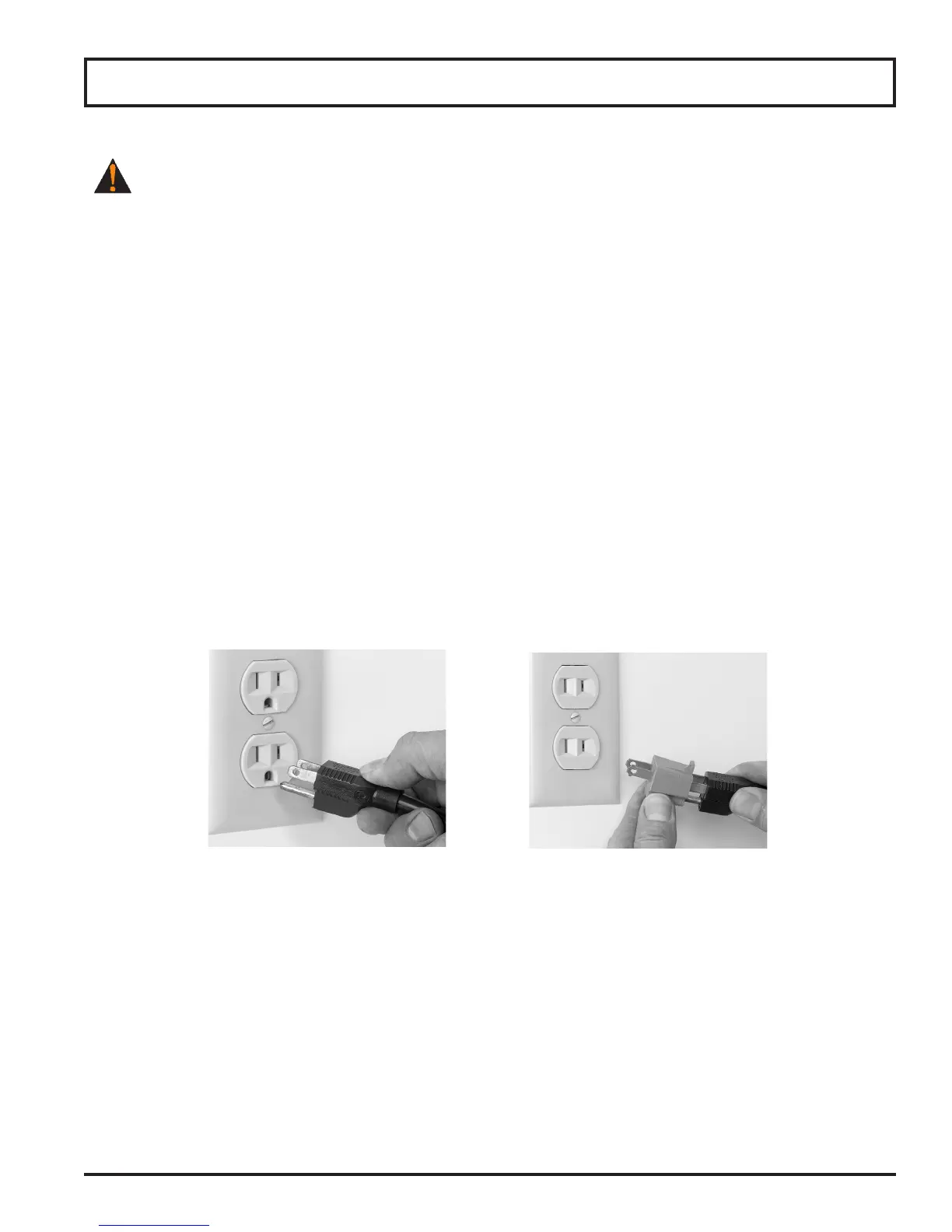
THIS MACHINE IS PROVIDED WITH A THREE-PRONG GROUNDING PLUG. THE OUTLET TO
WHICH THIS PLUG IS CONNECTED MUST BE PROPERLY GROUNDED. IF THE RECEPTACLE IS
NOT THE PROPER GROUNDING TYPE, CONTACT AN ELECTRICIAN. DO NOT UNDER ANY
CIRCUMSTANCES CUT OR REMOVE THE THIRD GROUND PRONG FROM THE POWER CORD OR
USE ANY ADAPTER PLUG (Fig. 7-1 and Fig. 7-2).
5. Inspect the slicer to ensure all parts have been provided.
6. Make sure the knife cover, knife ring guard and knife sharpener are in place.
7. Make sure the warning label is properly positioned and legible and the instruction manual is available near
the slicer.
8. Complete warranty card and mail to Globe or register online at www.globeslicers.com/warranty.asp.
9. Clean the slicer using the procedures outlined in the cleaning section (pages 10 and 11) prior to using the
slicer.
10. Contact your local representative or Globe directly if you have any questions or problems with the installation
or operation of this slicer.
Figure 7-1 Correct Figure 7-2 INCORRECT



 To Next Page