0020094585_01-08/10-Glow-worm
- 16 -
HOWTOUSEYOURCLIMAPRO
2
RF
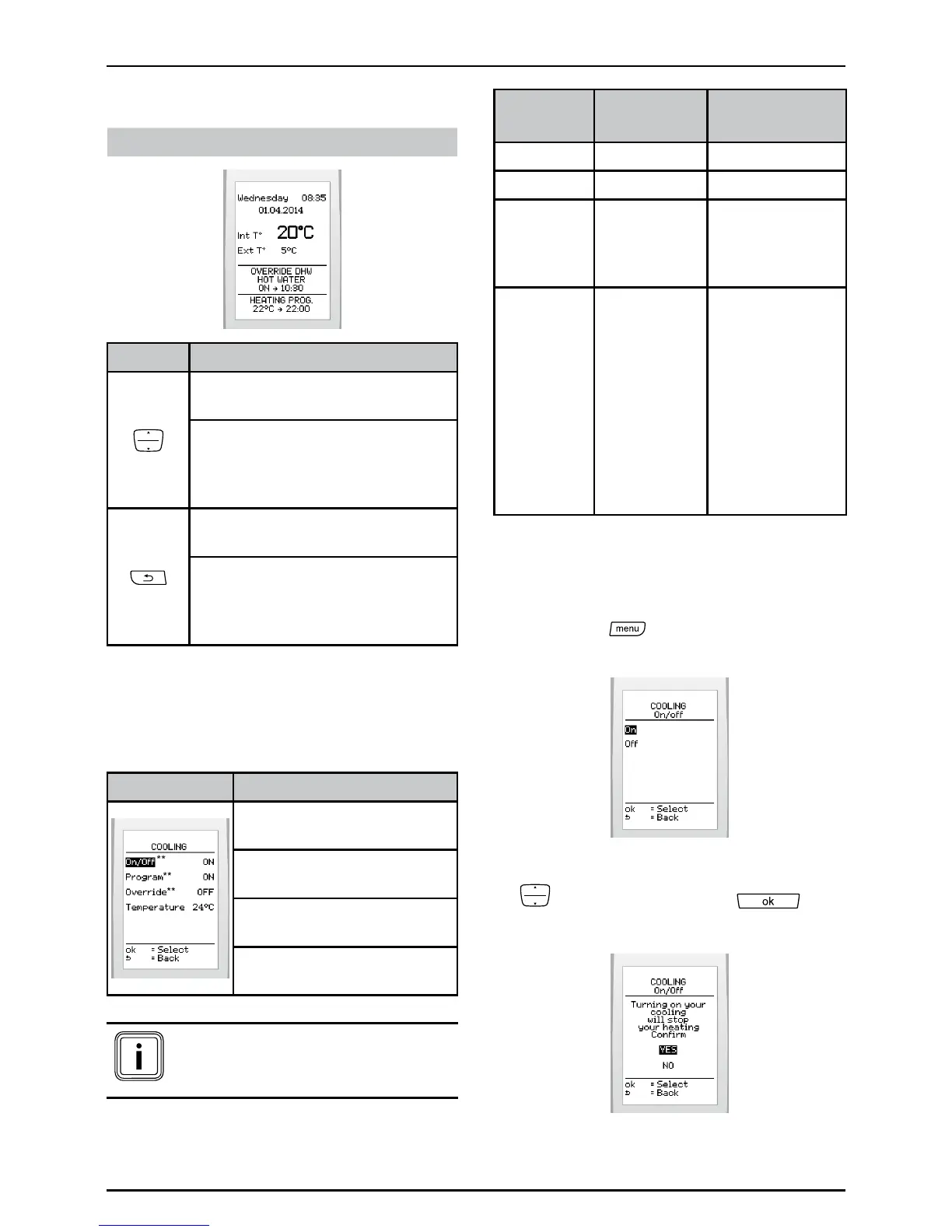
Displayonmainscreen:
If enabled, it will be possible:
Buttons Description
Tooverridethehotwaterheating
program
Toaccesstheoverridemenu
ifmultipleprogramsareactive
(hotwaterheatingandheating/
cooling).
Tocanceltheoverrideinthe
activehotwaterheatingprogram.
Toaccessthecanceloverride
menuifmorethanoneoverride
isactive(hotwaterheatingand
heating/cooling).
6.9 Cooling function**
Thisfeatureenablethecoolingofthe
roomtemperature.(Heatpumpsonly)
Menu This menu lets you:
Activateordeactivate
cooling
Programthetimedintervals
forthecooling
Overridetheprogram(if
activated)
Adjustcoolingtothe
desiredtemperature
(**) Menus available according
to the conguration of the
system
Effectofthecombinationofthecooling
functionsandthecoolingprogram:
Cooling
function
Cooling
program
Result
OFF ON Nocooling
OFF OFF Nocooling
ON OFF
Coolingwith
constantwater
temperature(set
bytheinstaller).
ON ON
Cooling
accordingto
program(room
temperatureset
bytheuser)
Startofcooling
whentheroom
temperature
exceedstheset
value.
ON:enable,OFF:disable
6.9.1 Enable or disable cooling
• Pressthe
buttonandselect>
cooling >on/offonthescreen.
• Highlightyourchoicebypressing
andpressthebutton to
conrm.


 To Next Page