Ifnofurthersignalsarereceived,theunitwillreturnto
Standby mode.
TRANSMITTING
Totransmit,pressandholdthePush-To-Talk(PTT)
switch. The other radio you are talking to must be set to
the same channel (and CTCSS code if applicable). Hold
the TX670 approximately 5 to 8 cms from your face
with the antenna vertical and speak into the built-in
microphone.
While the PTTswitchispressed,theLEDindicatoron
the upper edge of the radio will light red and the
icon will appear on the LCD.
Whenyouhavenishedspeaking,releasethePTT
switch to receive incoming signals (it is not possible
to transmit and receive at the same time). If no further
signalsarereceived,theunitwillreverttoStandbymode.
TIP:
The PTT switch can also be used to transmit a Call
Alarm melody. When the Call Alarm melody is enabled (see
ModesettingsformoredetailsontheCallAlarmsettings),
pressing the
PTT switch twice quickly will call another
party on the same channel and play the Call Alarm melody
intheirradio’sspeaker.Whenthishappens,the
icon
will appear and the LED indicator will light red for about 3
seconds. The call alarm can only be sent once per minute.
DUPLEX/MONITOR KEY
The DUP/MON key is a dual function key that controls
both the Duplex and Monitor functions.
DUP Key
Press this button to select Duplex mode on channels
1 – 8 and 41 – 48. Duplex can be enabled or disabled
separately on individual channels.
Duplex operation allows the TX670 to transmit on
a different frequency to that which it receives. This
allows operation through repeater stations in your area.
Repeaters automatically re-transmit your signal over
amuchwiderarea,providinggreatlyincreasedrange.
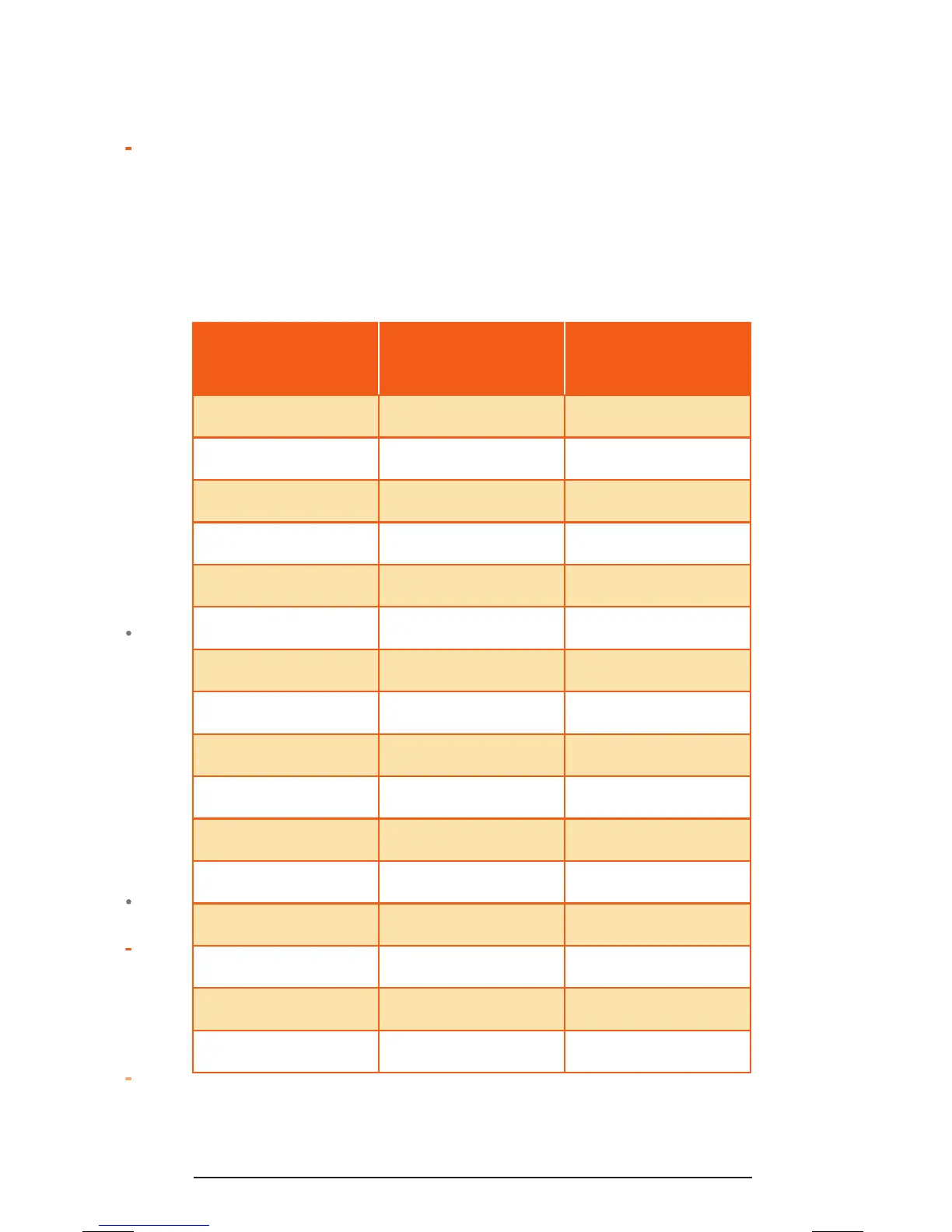
The Duplex mode only works on channels 1 – 8 and
41–48.WithDuplexselected,yourTX670actually
transmits 30 channels higher than it receives.
* Emergency channel only
Channel
Selected
Receive
Channel
Transmit
Channel
1 1 31
2 2 32
3 3 33
4 4 34
5* 5* 35*
6 6 36
7 7 37
8 8 38
41 41 71
42 42 72
43 43 73
44 44 74
45 45 75
46 46 76
47 47 77
48 48 78



 To Next Page