TX6150/TX685 INSTRUCTIONMANUAL PAGE15
5. PressthePTTtoconrmandstoreyourselection.
To Send the Call Alarm Melody
PressthePTTTWICEquickly.The
iconwillappearandtheLEDindicatorwilllightREDforafew
secondsasthemelodyissent.Themelodywillbeheardinthespeakerofthereceivingradio.
NOTE: TheCallAlarmcanonlybesentonceperminute.
Dual Watch
TheDualWatchmodeletsyoutomonitortwochannelsatthesametime.WhileinDualWatch
mode,theunitwillmonitorboththecurrentlyselectedchannelandasecondDualWatchchannel.
To Set the Dual Watch Mode
1. Usethe
or keystoselectthe‘current’channel.
2. PressandholdtheMENUkeyuntiltheradiobeeps.
3. PresstheMENUkeyrepeatedlyuntil‘du’isdisplayed.The
iconwillbeashing.
4. Pressthe
or keystoselectthesecond‘DualWatch’channelorselect‘oF’todisablethe
DualWatchmode.
5. PressthePTTtoconrmandstoreyourselection.
WhileDualWatchisactive,the
iconisdisplayedandtheLCDwillalternatebetweenthe
selectedchannelandtheDualWatchchannel.
Dual Watch Operation
• Ifasignalisreceivedoneitherchannel,theradiowillpauseonthatchannelforaslongasit
remainsbusy,thenresumetheDualWatch5secondsafterthelasttransmissionhasceased.
• TotalkontheDualWatchchannel,pressthe PTTwhiletheradioispausedonthatchannel
thentalkintheusualway.
• Totalkontheselectedchannel,pressthe PTT switchwhilenosignalsarebeingreceived.The
radiowillswitchtotheselectedchannel.Whenyouhavenishedyourconversationtheradio
willresumetheDualWatch5secondsafterthelasttransmissionhasceased.
TostoptheDualWatch,brieypresstheSCANkey.Thisisequivalenttoselecting‘oF’inthe
DualWatchmenusetting.
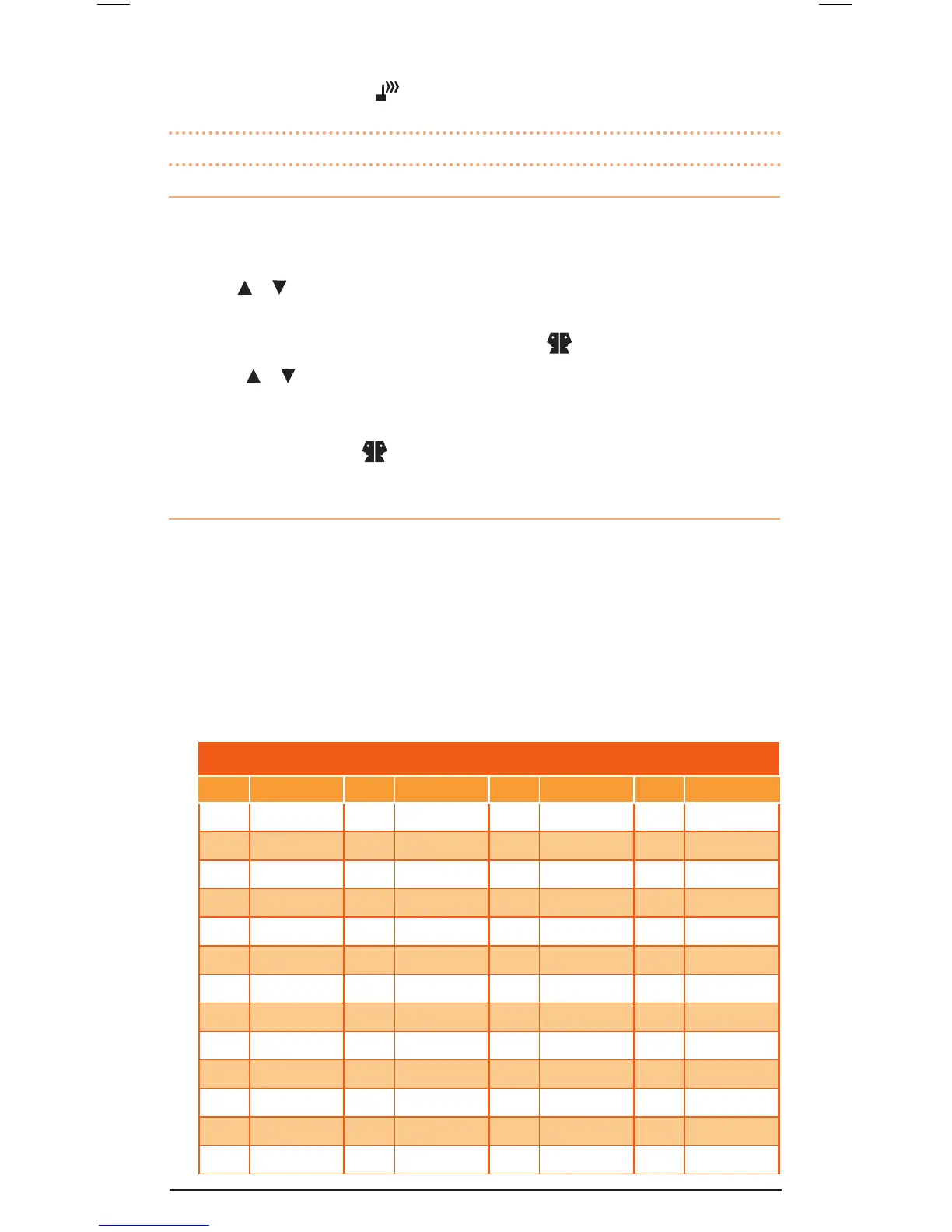
CTCSS TONE FREQuENCIES
No. Frequency No. Frequency No. Frequency No. Frequency
1 67.0 14 107.2 27 167.9 40 159.8
2 71.9 15 110.9 28 173.8 41 165.5
3 74.4 16 114.8 29 179.9 42 171.3
4 77.0 17 118.8 30 186.2 43 177.3
5 79.7 18 123.0 31 192.8 44 183.5
6 82.5 19 127.3 32 203.5 45 189.9
7 85.4 20 131.8 33 210.7 46 196.6
8 88.5 21 136.5 34 218.1 47 199.5
9 91.5 22 141.3 35 225.7 48 206.5
10 94.8 23 146.2 36 233.6 49 229.1
11 97.4 24 151.4 37 241.8 50 254.1
12 100.0 25 156.7 38 250.3 – –
13 103.5 26 162.2 39 69.4 – –



 To Next Page