Faults / Warnings
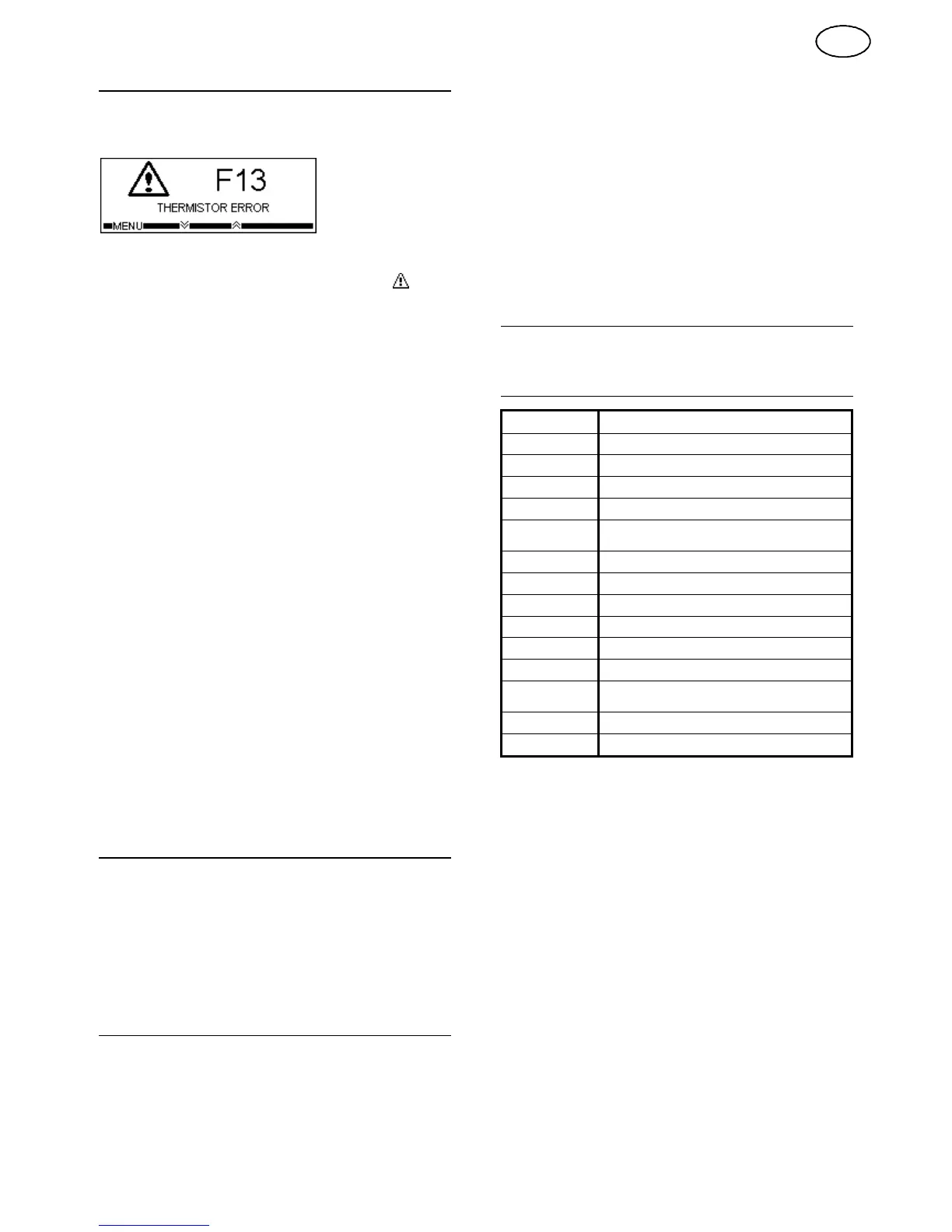
If a fault occurs during charge the charge status indicator will show
indication 5 and the LCD display will show a
fault code and
description, for example:
Faults permanently stop charge until they are rectified.
If a warning occurs during charge the warning symbol
will be
displayed on the LCD display and the warning code and
description can be accessed by scrolling through the charge
information.
Warnings do not affect the charge procedure.
Fault Codes
F06
No output current
F07
**Incorrect battery
F09
**Bulk charge timeout
F10
**Gassing charge timeout
F12
Configuration error
F13
Thermistor fault
F16
**Battery over temperature
F17
**Auto balance timeout
F18
Battery disconnected
F19
Battery disconnected during cooldown
F20
Battery thermistor error
F21
Over current
F27
Slave 1 incorrect current
F28
Slave 2 incorrect current
F29
Slave 3 incorrect current
F30
Slave 1 temperature fault
F31
Slave 2 temperature fault
F32
Slave 3 temperature fault
Warning Codes
F01
**Over discharged battery
F02
**Deeply
discharged battery
F03
**Sulphated battery
F04
Charger overheating
(Becomes a fault if overheating persists)
F05
Mains failed during charge
F14
**Watering overdue
(Becomes a fault after 5 cycles)
F23
Batt ID PCB error
F24
Batt ID antenna error
F25
Batt ID tag read error
F26
Batt
ID not programmed
Repair
Only suitably qualified personnel should perform repair work
on this equipment.
Use of genuine factory sourced replacement parts is necessary to
ensure CE marking is not invalidated.
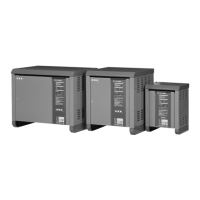
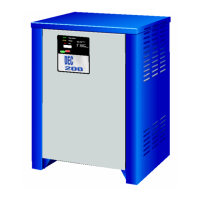
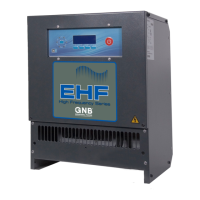
Contact your local maintenance facility for assistance or spares,
quoting the charger type and serial number which can be found on
the identification label.
Maintenance
Before carrying out maintenance, isolate the mains supply
and disconnect the battery.
Only suitably qualified personnel should perform
maintenance work on this equipment.
The charger will require little maintenance, but the following
schedule is recommended once a month:
(a)
Check the condition of all cables, paying particular
attention to the points where cables may be severely
flexed, i.e. at the entry to charger cabinet, charging plugs
and sockets.
(b)
Check condition of charging plugs and sockets for wear
and any evidence of overheating, which could ultimately
lead to charger malfunction.
(c)
Check that ventilation is not obstructed.
(d)
Ensure that all safety covers and panels are correctly in
place.
GNB I.P.
recommends that a yearly periodic inspection / test is
performed on this equipment, contact your local agent for details.
Guarantee
See local conditions of sale.
Specification
Input Voltage
1PH - 230VAC 10% ±
3PH - 400VAC 10% ±
Input Frequency
45 –
66Hz
Input Current
Model dependant -
Specified on charger rating plate
Input Cable
2 meters of flexible PVC cable to BS6500
(Input plug fitted on request)
Input Protection
Replaceable fuse(s)
fitted inside the cubicle
Charge
Characteristic***
Microprocessor controlled –
HP = S, D, L, H, G & F, , C, R Z
LP
= S, D, F & C
Output Voltage***
Model dependant –
24, 36, 48, 72 & 80V Only
Output Cable
2.9
meters of heat, oil resistant & flame retardant cable to
BS6195
Output Current***
Model dependant -
20
to 300A
Output Protection
Replaceable fuse inside the cubicle
IP Rating
IP21
Cooling
Thermostatically controlled fan
Ventilation
Chargers must be positioned with at least 200mm of
clearance overhead, with the fan and front vents
unobstructed
Ambient
temperature
0 –
35
o
C
User Interface
High visibility tri-colour charge status indicator, 192 x 64
Graphic LCD & 5 push buttons
^
Not available / shown for LP version
*
Optional Item, additional hardware may be required.
**
These faults are usually associated with the battery, check
battery condition.
***
Factory set as ordered, stated on rating plate
5
GB


 To Next Page