- 26 -- 25 -
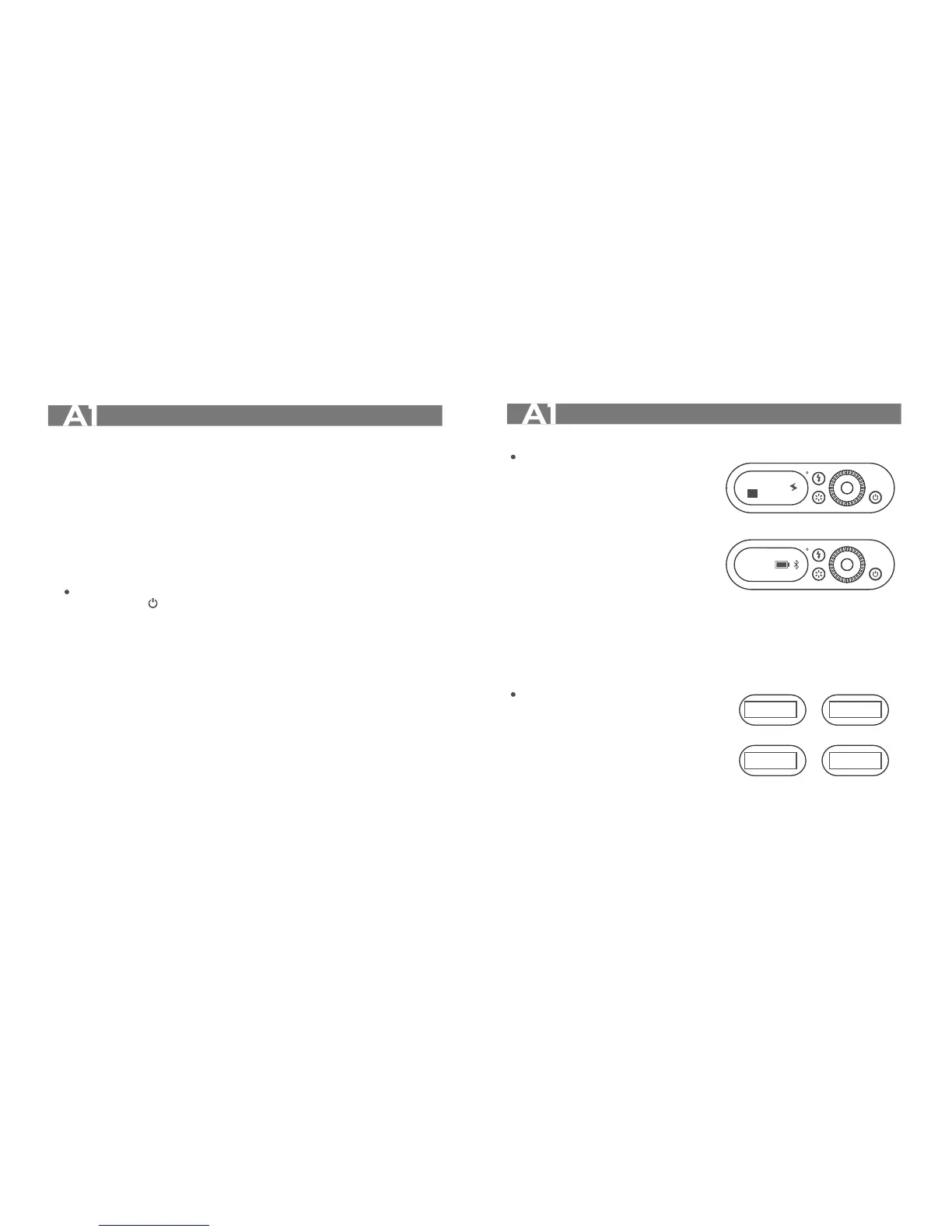
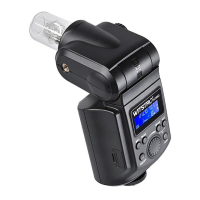
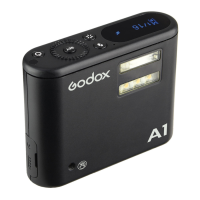
The display interfaces of A1 flash are divided into two types:
Main Interface: 2 pages
The first page displays:
1. Flash mode
2. Group
3. Power output (M mode) or flash
exposure compensation value(A mode)
4. Recycle symbol (The flash cannot fire
flashes when the recycle symbol is
blinking for which means the reclye is
ongoing. )
The second page displays:
1. Channel
2. Battery level
3. Bluetooth connection state
Setting Interface: 4 pages
(long press the <SET>button to enter)
The first page displays: mode selection
The second page displays: channel selection
The third page displays: group selection
The forth page displays: firmware update
selection
Battery
● Features
1. This flash unit uses non-detachable built-in Li-ion polymer battery which has long
runtime.
2. It is reliably safe. The inner circuit is against overcharge, overdischarge, overcurrent,
and short circuit.
3. Take only 1 hour (approx. 55 minutes) to fully charge the battery by charging through
the Type-C USB port.
● Battery Level Indication
Blinking:The battery level is going to be used out immediately. And the flash will auto
power off in 1 minute. Note: Please recharge the battery as soon as possible
(within 10 days). Then, the flash can be used or be placed for long period.
Flash Display Interface
SET
M
1/
16
Page 1
Power Management
*Long press the < > Power Switch for 2 seconds to control the on/off of the flash unit.
Turn off if the flash unit will not be used for an extended period. The flash unit will enter
sleep mode after a certain period (approx. 30 minutes) of idle use, and auto power off after
a certain period (approx. 1 hour) of the idle use.
SET
Page 2
CH1
MODEA
UPGFW N
CH 1
GR A
Page 1 Page 2
Page 3 Page 4
A


 To Next Page