- 32 -- 31 -
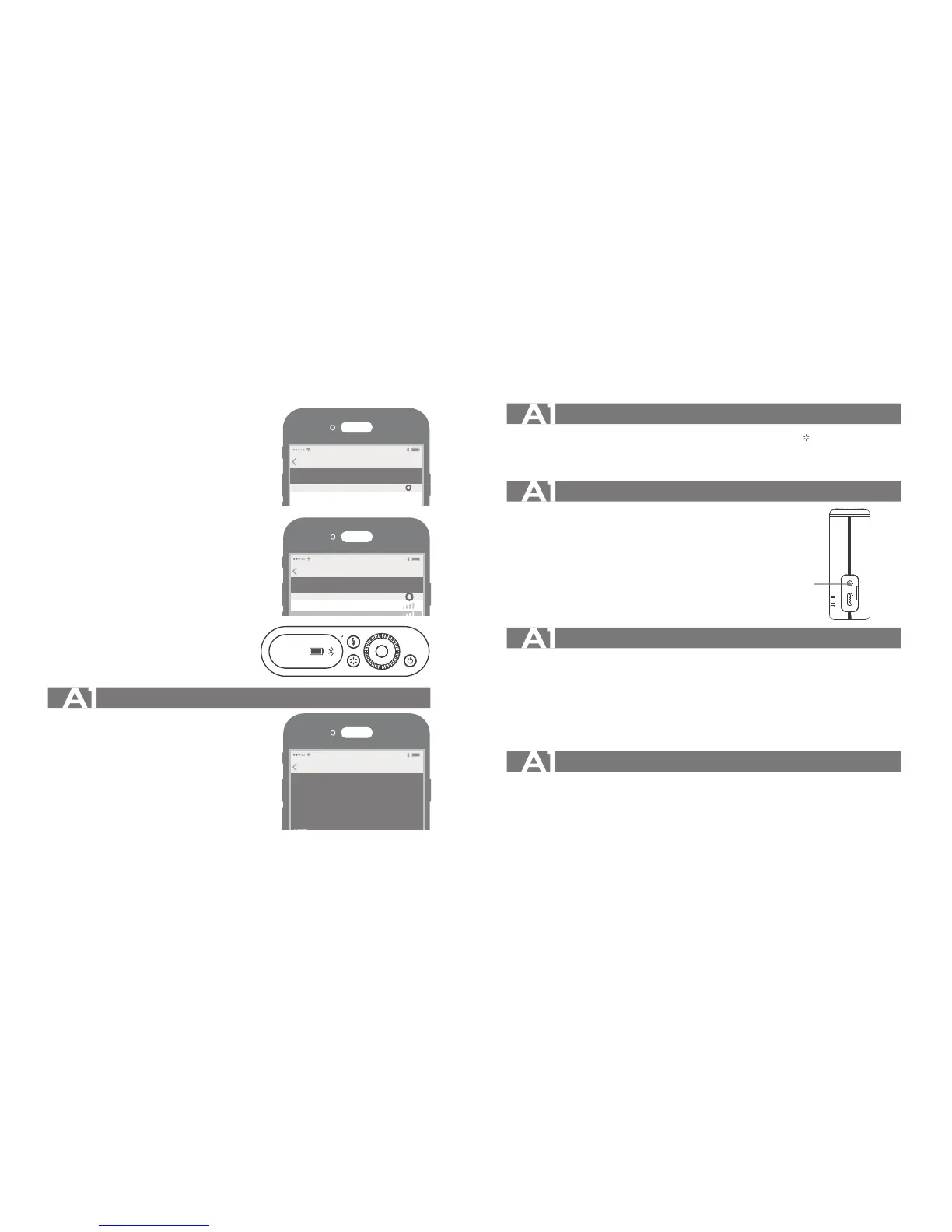
4. Search Bluetooth of devices.
5. Choose A1's matching Bluetooth ID.
6. Enter password to match.
7. Full match and back to APP main interface.
8. When successfully matched, the Bluetooth
icon will be displayed on the second
page of A1’s main interface.
SET
CH1
APP Operation
1. Use the phone APP to directly control the A1.
2. Use the phone APP to control the flashes
with 2.4G or 433MHz wireless.
For more detailed operation tutorial, please
click "help" on the setting of the APP.
(Note: the A1 cannot be used when the
smartphone's front camera is working. )
Modeling Lamp
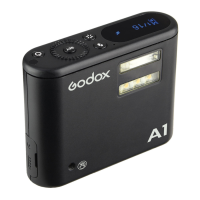
A1 flash is equipped with 1W LED modeling lamp. Short press the < > Modeling Lamp
Button to turn on/off the LED light. When the battery level is low or the battery level indication
is blinking, the flash and the modeling lamp cannot be powered on.
Other Applications
Sync Triggering
The Sync Cord Jack is a Φ2.5mm plug.
Insert a trigger plug here and the flash
will be fired synchronously.
Protection Function
1. Low Battery Protection
• When the battery level is too low, both the flash and modeling lamp cannot be used.
The main interface will switch to the second page, and the battery level indication is
blinking.
2. Short Circuit, Overcurrent and Overvoltage Protections
• With built-in hardware to protect circuit. Auto power off will occur when running into
short circuit, overcurrent and overvoltage.
2.5mm Sync Cord Jack
Restore Factory Settings
• Turn the A1 on and simultaneously press the set button and the ON/OFF button. A1's
factory settings is restored when its version is displayed on the panel. And now the
Bluetooth's matching password also gets back to the initial password "000000".


 To Next Page