- 28 -- 27 -
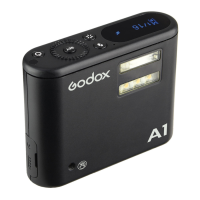
Except for being a master unit, A1 flash can also be a slave unit (receiver end): In the
wireless transmission mode, A1 flash will fire flashes and setting parameters according to X1
series transmitter. Set the channels and groups of A1 to the same as the master unit, and the
parameters can be adjusted on the master unit.
Wireless Control
Flash Mode
This flash has two flash modes: Auto (A) and Manual (M). In A mode, the camera and the
flash will work together to calculate the correct exposure for the subject and the background.
A Mode: Auto Flash
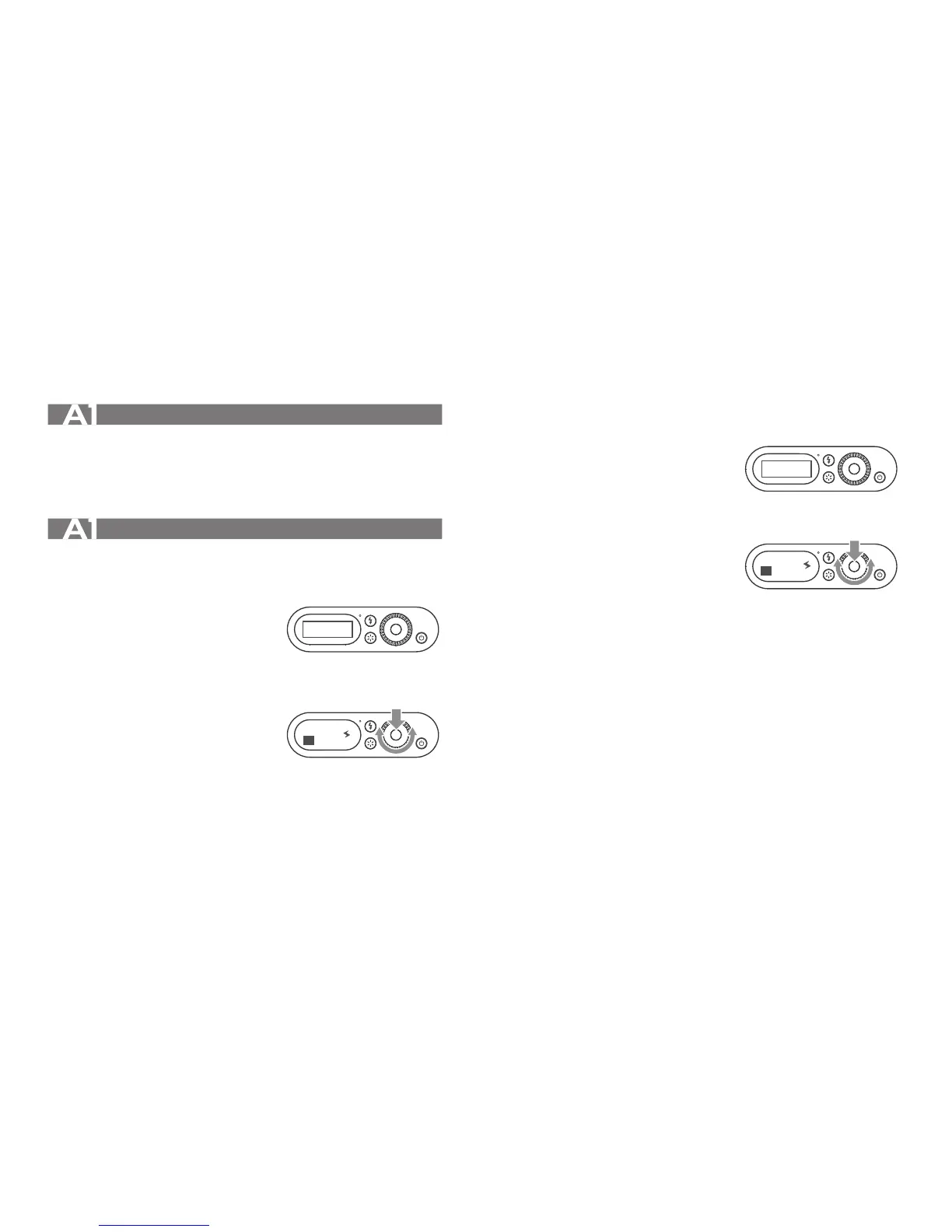
1. A mode setting
Long press the <SET> Button for 2 seconds and
enter setting interface. Press the <SET> Button in
the MODE option and the cursor is blinking. Turn
the Select Dial to choose A mode and press the
<SET> Button to confirm. Long press the < SET >
Button again to back to the main interface.
2. A: Auto Flash Exposure Compensation Setting
This flash can adjust from -3 to +3 in 1/3rd stops.
“0.3”means 1/3 step, “0.7”means 2/3 step. Short
press the <SET> Button on the first page of the
main interface and the cursor is blinking. Turn the
Select Dial to set the amount. Press the <SET>
Button to confirm.
SET
SET
A
+0.0
MODEA
A
M Mode: Manual Flash
1. M mode setting
Long press the <SET> Button for 2 seconds and enter
setting interface. Press the <SET> Button in the
MODE option and the cursor is blinking. Turn the
Select Dial to choose M mode and press the <SET>
Button to confirm. Long press the <SET> Button again
to back to the main interface.
2. Manual Setting Flash Power Output
This flash can adjust the power output from 1/16 to
1/1 in 1/3rd stops. “0.3”means 1/3 step, “0.7”means
2/3 step. Press the <SET> Button on the first page of
the main interface and the cursor is blinking. Turn the
Select Dial to set the amount. Press the <SET>
Button again to confirm. To obtain a correct flash
exposure, use a hand-held flash meter to determine
the required flash output.
SET
SET
MODEM
M
1/
16
A


 To Next Page