- 34 -- 33 -
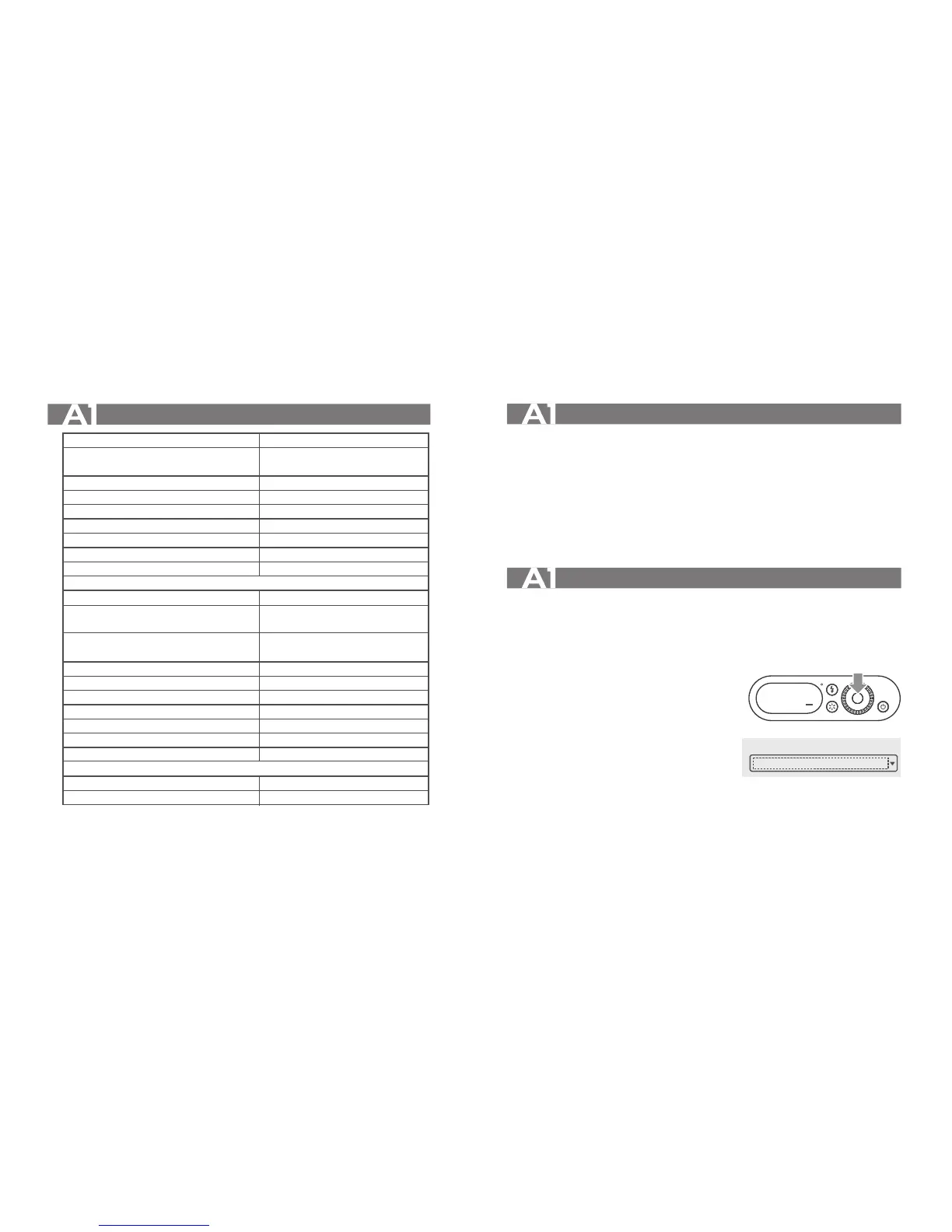
Technical Data
Model
Guide No. (1/1 power output)
Flash power
Flash color temperature
Flash power output
LED modeling lamp power
LED modeling lamp color temperature
Display
Voltage/Current output from the sync cord jack
•Wireless Flash (2.4G Transmission and 433MHz Transmission)
Wireless function
Channel
Controllable slave unit
Power source
Full power flashes
Whole shutdown current
Recycle time
Battery level indication
Whole sleep current
Sync triggering mode
Dimensions
W x H x D
Net Weight
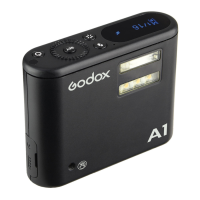
A1
Fn=8.1 (ISO100)
darkroom, 1m, 1/1 power output
8W
6000K±200K
5 levels (1/16-1/1)
1W
5600±200k
OLED
3V/3mA
Master, Slave
2.4G: 32(1-32)
433MHz: 16(1-16)
2.4G: 16(0-9,A-F)
433MHz: 6(A-F)
Lithium Battery (3.8V/1000mAh)
700
<5UA
2.5s
√
<8MA
2.5mmsync cord
80x65x23mm
110g
Troubleshooting
If there is a problem, refer to this Troubleshooting Guide.
The flash exposure is underexposed or overexposed.
• There was a highly reflective object (e.g. glass window) in the picture.
• Do not cover the light sensitive part.
• The light sensitive part shall be placed towards the photographed object.
Firmware Upgrade
This flash supports firmware upgrade through the USB port. Update information will be
released on our official website.
Upgrade Steps:
1. Use the Type-C USB cord to connect the A1 flash
to the computer.
2. Enter the forth page of A1’s setting page.
3. Choose“Y”in UPGFW.
4. Long press the power switch and release until
the display turned dark.
5. Please install the driver first.
6. Complete the connection.
7. Upgrading.
SET
UPGFW Y
1. Device Connected
STM Device in DFU Mode


 To Next Page