EN - 68
• While the screen is on, press the “POWER” button briey and the tablet will sleep
(Power Saving Mode) and the screen will be locked.
• While the tablet is in Power Saving Mode, press the “POWER” button briey and
the screen will turn on again.
• When the tablet enters Power Saving Mode, only the screen is off. The primary operation
of the tablet will not stop (e.g. playing music, movie, etc).
• While the tablet is on, press and hold the “POWER” button for 3 seconds and the Power
Off
interface will appear. Tap the Power Off interface once to conrm and the tablet will shut
down automatically.
• When the battery is low, a low-battery warning will appear.
• When the battery is critically low, the tablet will shut down automatically if not being
recharged.
• If the tablet cannot turn on due to low battery, please recharge it and try again later.
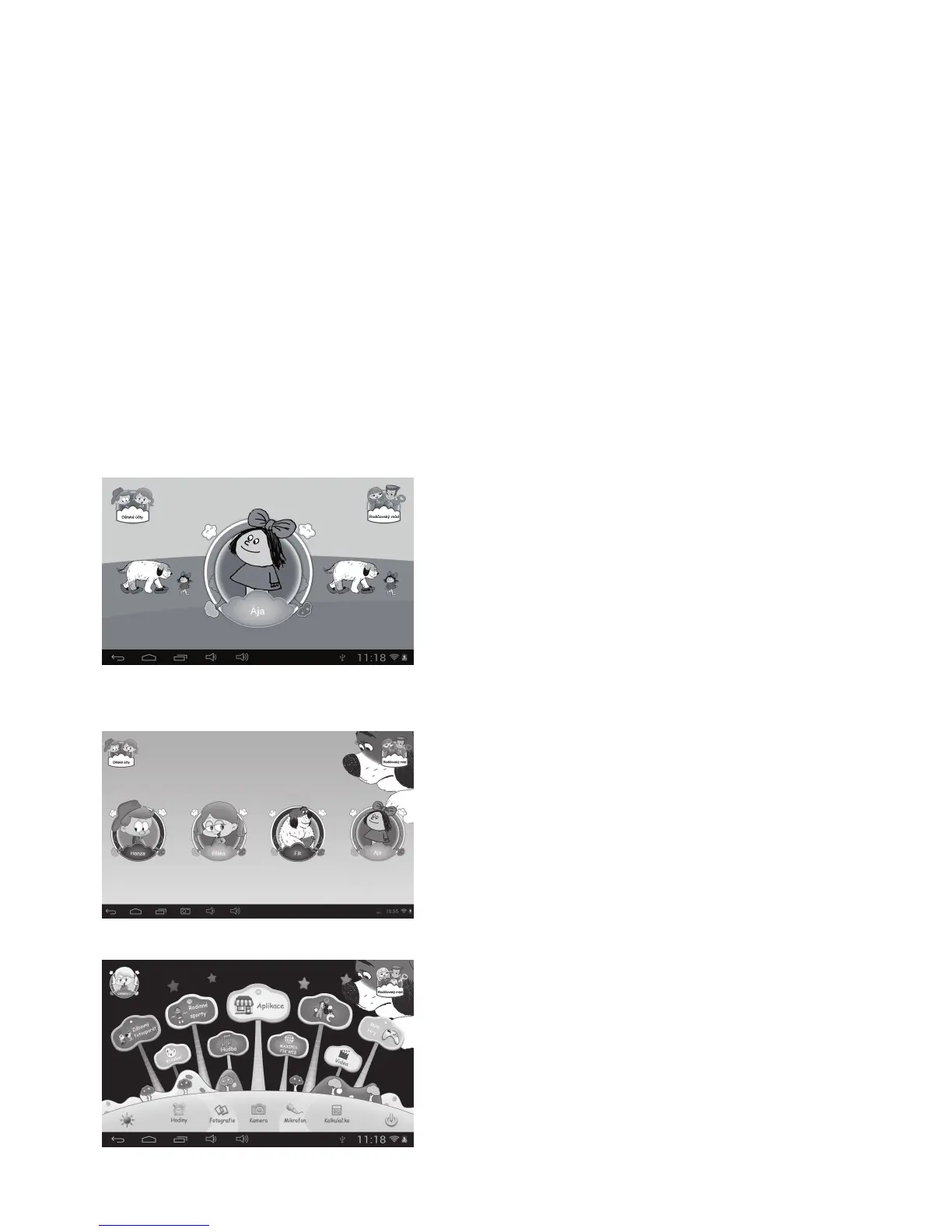
• On the Main Menu, tap the “Children Accounts” icon to see a list of Children Accounts.
• Tap one account to login and enter Children Mode.



 To Next Page