EN - 69
EN
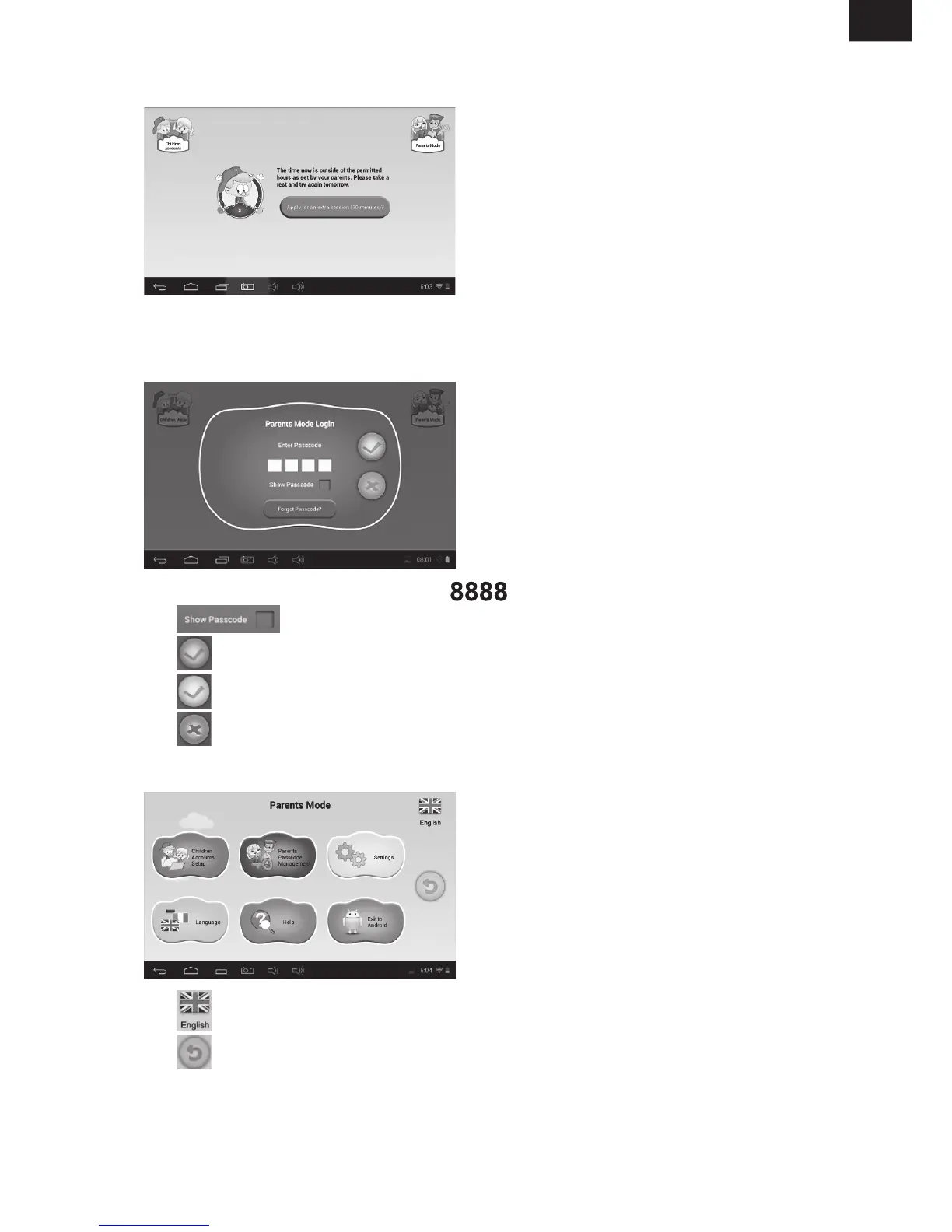
• If the time now is for rest as set by the parents, the child should take a rest and try again
later. Or, the child can apply for an extra session (30 minutes) with parents’ approval.
• Tap the “Parents Mode” icon, and then enter the 4-digit Parents Passcode to login and
enter Parents Mode.
- Factory default Parents Passcode:
- : please tick to show the Passcode while entering.
-
: the Passcode entered is incorrect.
-
: the Passcode entered is correct. Tap to login. .
-
: Return to previous screen.
- Current language
-
Exit from Parents Mode



 To Next Page