EN - 77
EN
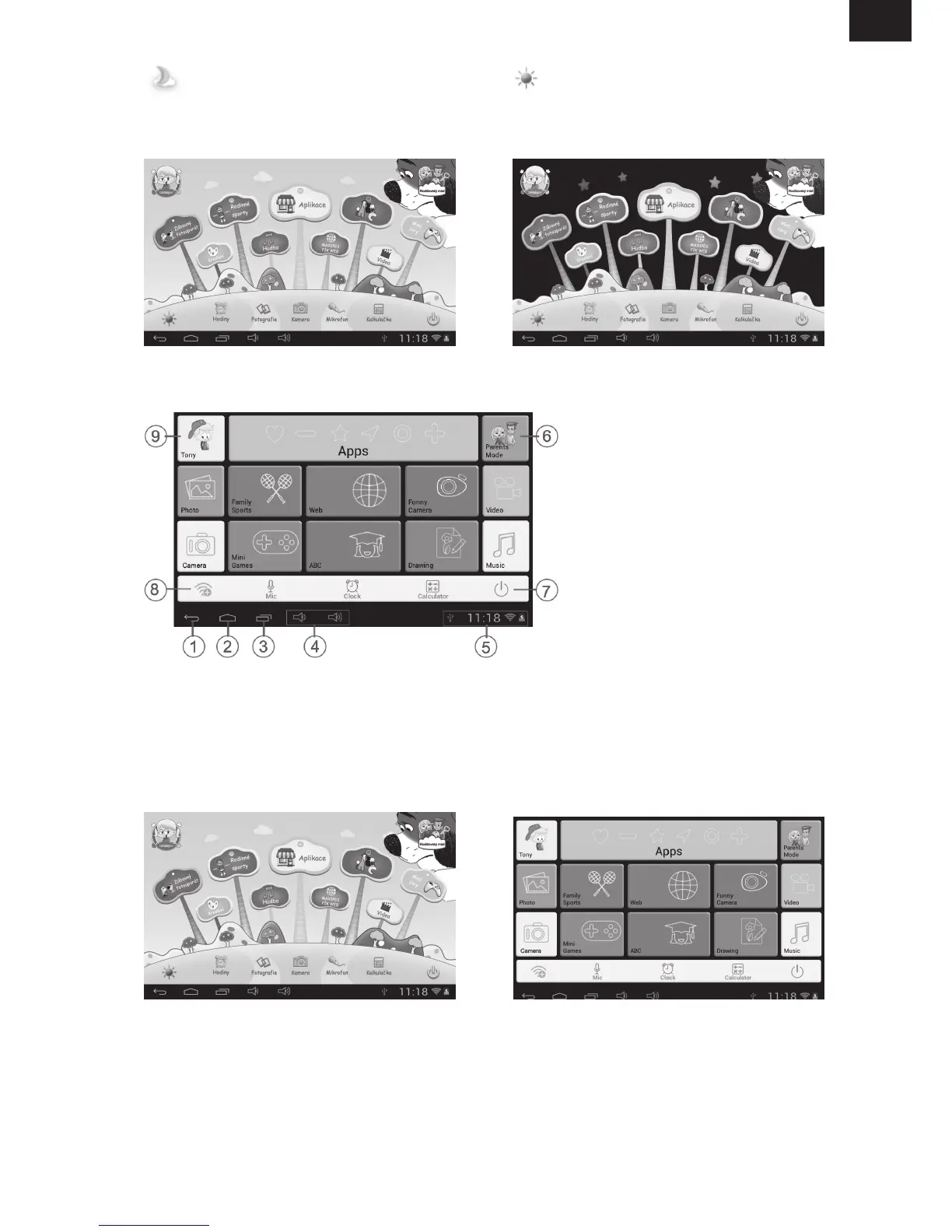
Manually change to Night-background. Manually change to day-background.
It will automatically change to day-background from 6.00 a.m. – 6.00 p.m.
and night-background from 6.01 p.m. – 5.59 a.m.
(Day- Background) (Night-background)
1. Back to last menu
2. Back to Children Mode Main Menu
3. Go to history window
4. VOL
–
& VOL +
5. Battery Icon, Time Icon
6. Enter Parents Mode
7. Power Off
8. WIFI Setting
9. Exit from Children Mode
User Interface (Type 1) User Interface (Type 2)



 To Next Page