EN - 71
EN
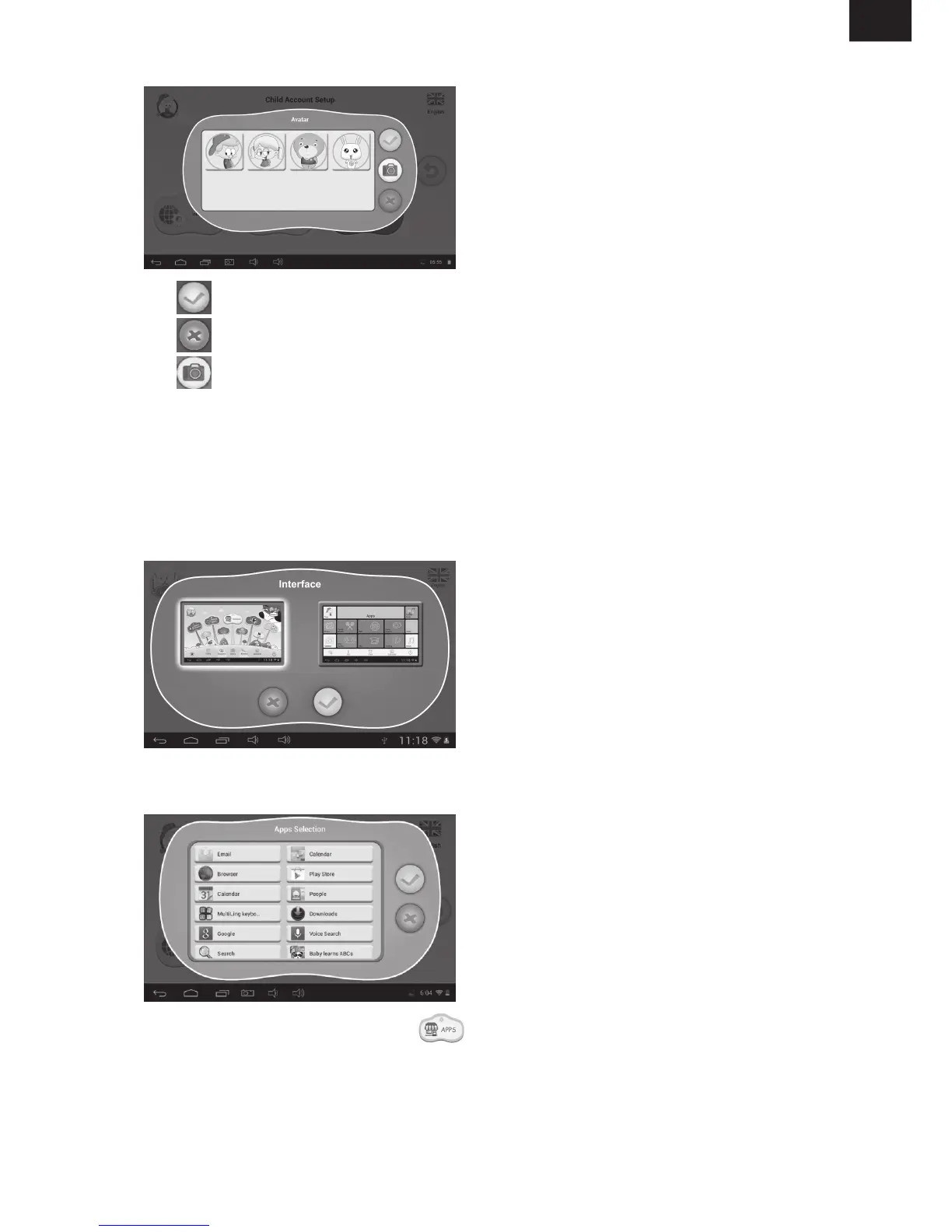
- : choose one picture and confirm
-
: give up and close the dialog box
-
: take a photo now as the picture of the child account
There are 3 types of passcode:
- the child can enter Children Mode directly.
- draw an unlock pattern connecting at least 4 dots.
- choose a 4-digit number.
Two different user interfaces for choice.
• Parents can pick and choose (with a tick √) which Apps or games a child is allowed to run.
• Chosen Apps will appear inside in Children Mode.



 To Next Page