EN - 80
• Choose to enter music player interface.
• Browse through the lists of music and tap the selected song to start playing it.
• Choose to enter the video player interface.
• If there are no video les in the video player playlist yet, the system will automatically
load the video les from the memory card to the playlist when the video player is started.
• Drag the playback progress bar
to adjust video playback progress.
• We strongly suggest you not to factory reset your kids tablet.
• If for any reason you have to factory reset your kids tablet, there is a chance that you
may be required to re-register SIMBA. If that happens, please follow the following steps
to re-register these software:
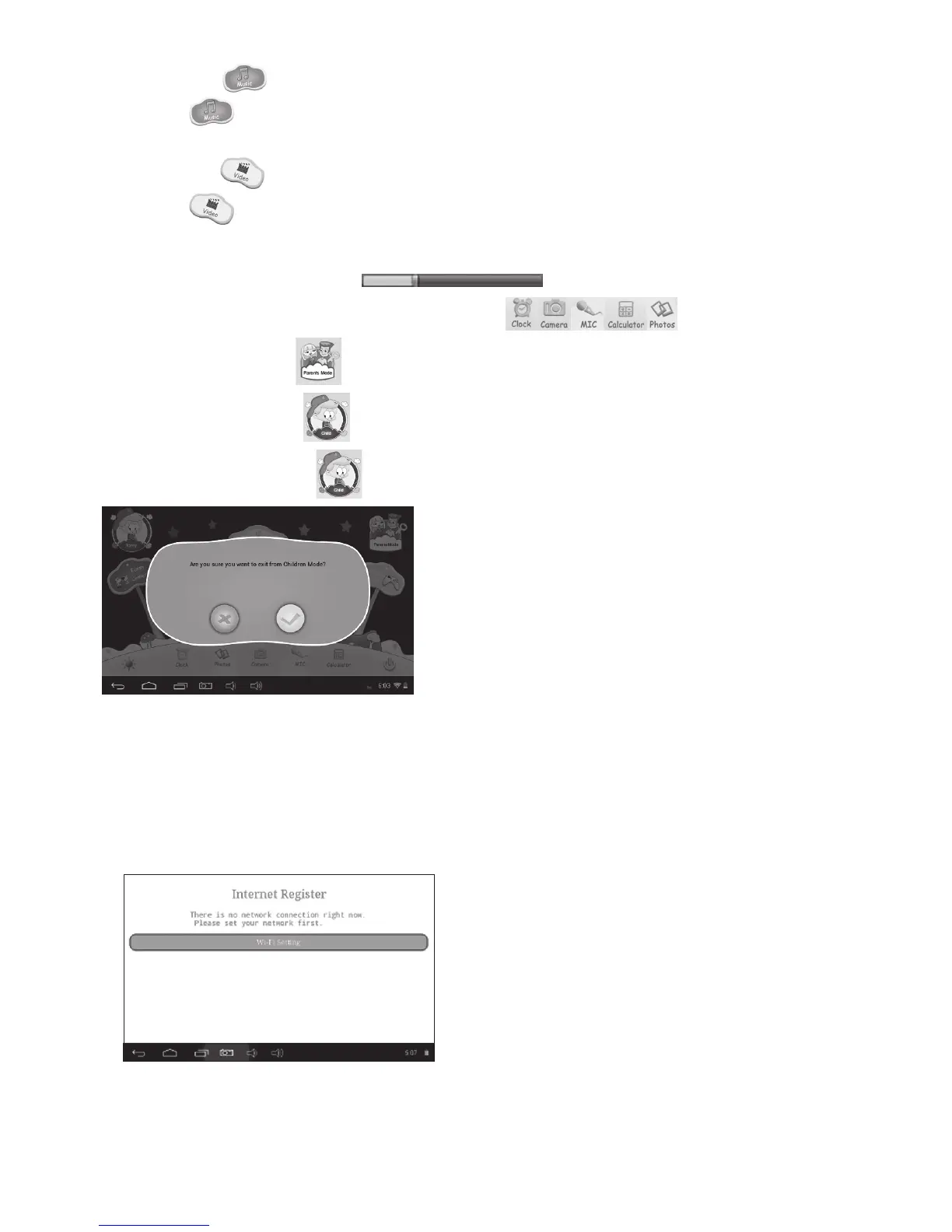
Open the SIMBA App. When the following screen apperas, please choose” Wi-Fi
Setting”.



 To Next Page