EN - 81
EN
Parents Mode Android OS Setting WIFI Put “ON” Back
Re-register is nished
• The device support Wi-Fi network and external 3G network.
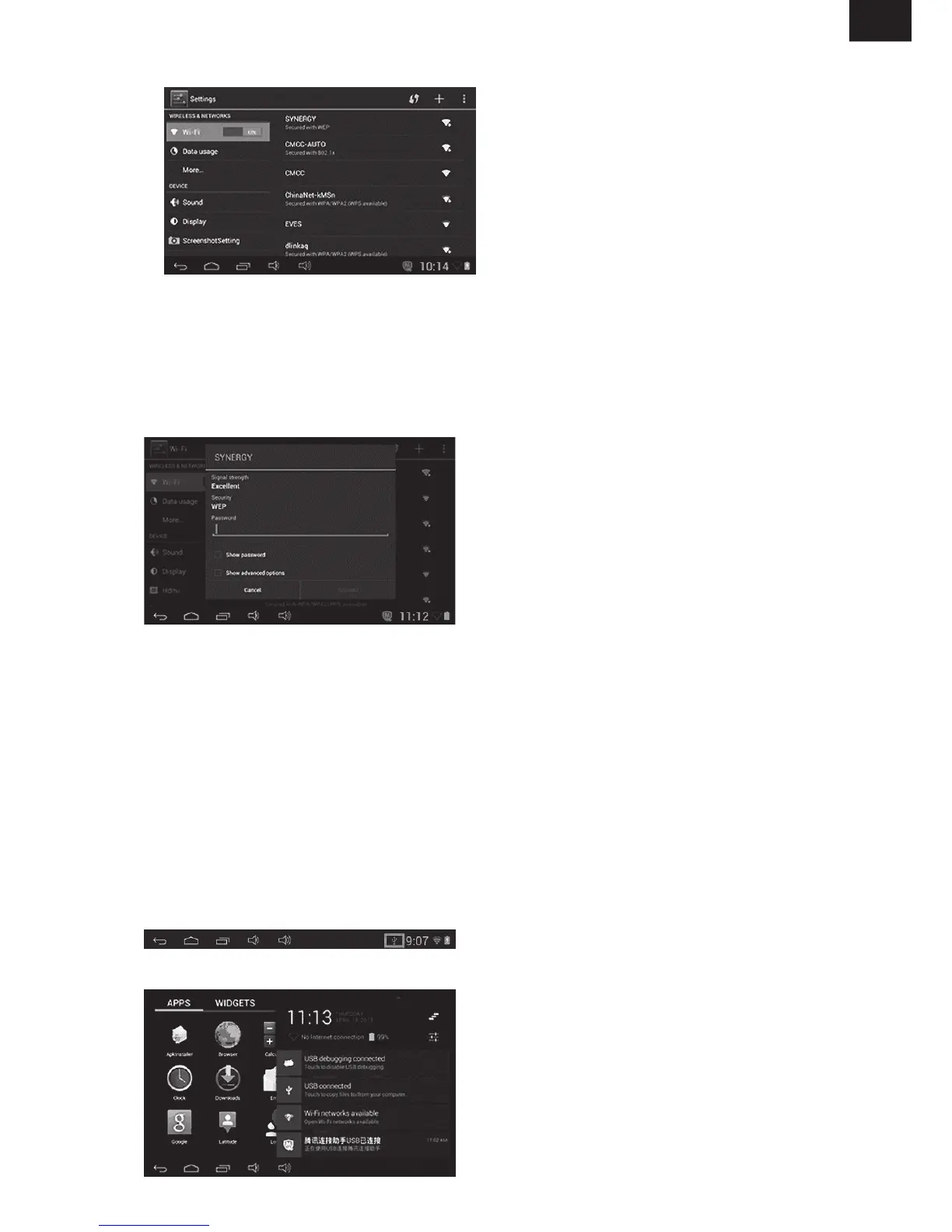
• Turn on Wi-Fi, and Press Wi-Fi settings. The device will scans automatically for available
Wi-Fi Network.
• Choose the Wi-Fi network that you want to connect to.
• Press . Some network may need you input the password.
• On the Wi-Fi settings screen, press the Menu key, touch Advanced, you will get more
settings for Wi-Fi.
• WIFI connection is not available under Children Mode.
• The Mini USB on the device can be used as USB Host.
Insert the U-disk into the HOST port, press the in the desktop, press
enter into u-disk.
• Connect the device to computer by USB Cable, there will be notification in the status bar
that . ( Explained more in ).
• Choose



 To Next Page