EN - 82
• Choose . Then, .
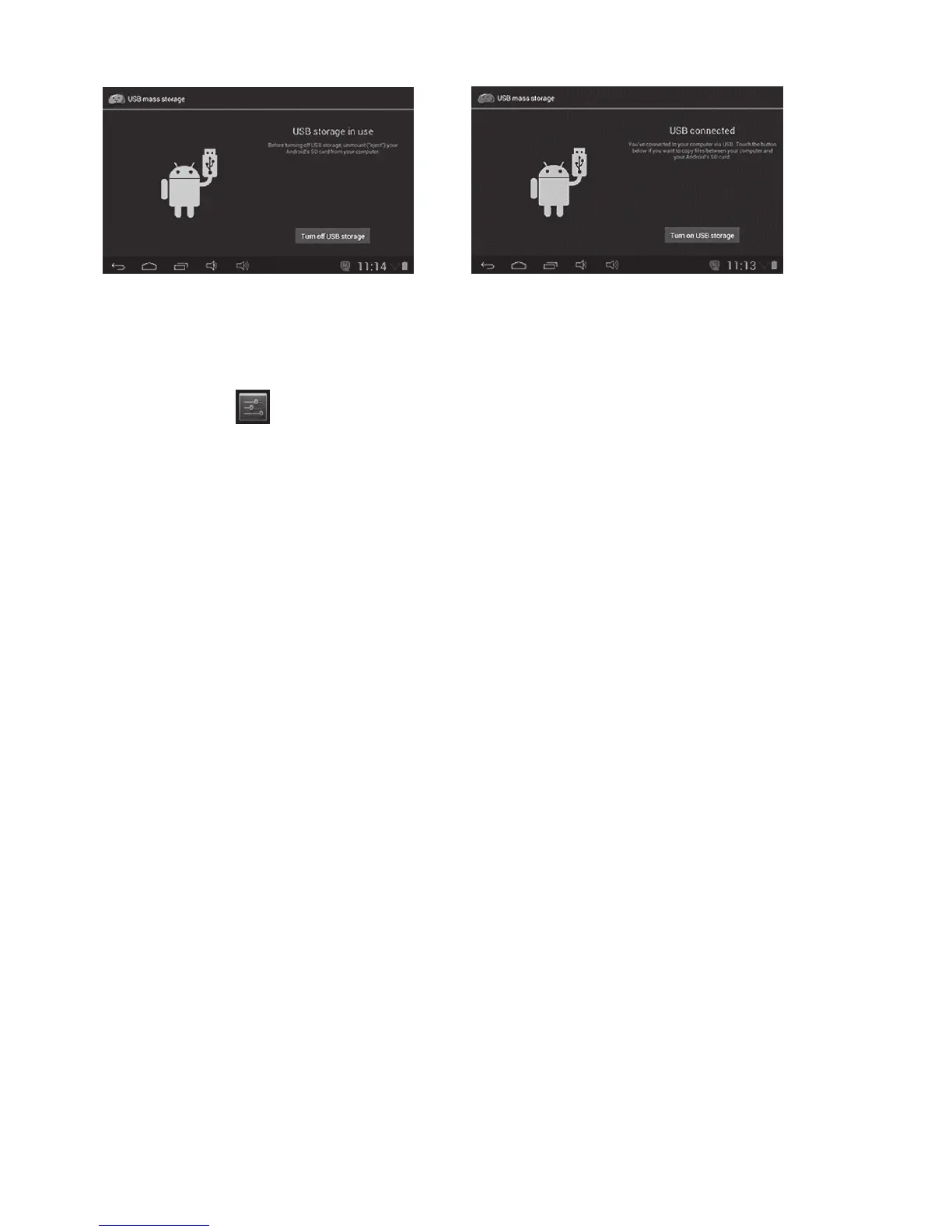
• The left picture shows that device storage content could be viewed and modified from
computer. The right picture means that device storage content could NOT be viewed or
modified from computer.
Click setting icon
to enter system settings, then you can change wireless & networks,
sound, display, location & security, Applications, Storage, language & input, voice
input & output, and date & time.
Please refer to “1.7 – Wi-Fi Connection”.
You can adjust S Sound volume, Default notification sound,Touch
sounds and Screen lock sound.
You can adjust Brightness, wallpaper,Auto-rotate screen, Sleep,
Daydream,Font Size and Wireless display.
In this setting, you can check storage use and Mount & Erase TF cards.
check storage battery usage.
You can manage applications here, and check storage.
In this Setting, you can set up screen lock and device administrators,
as well as TF card password.
In this setting, you can change the language of system, and choose
Keyboard inputs.
In this setting, you can back up data, and reset factory default.
In this setting, you can adjust date and time.
it provides some items by USB adjustment.
Check device information.



 To Next Page