2.Locking, Unlocking, Power On and Opening Trunk
Models with iQ System® Smart Key Card
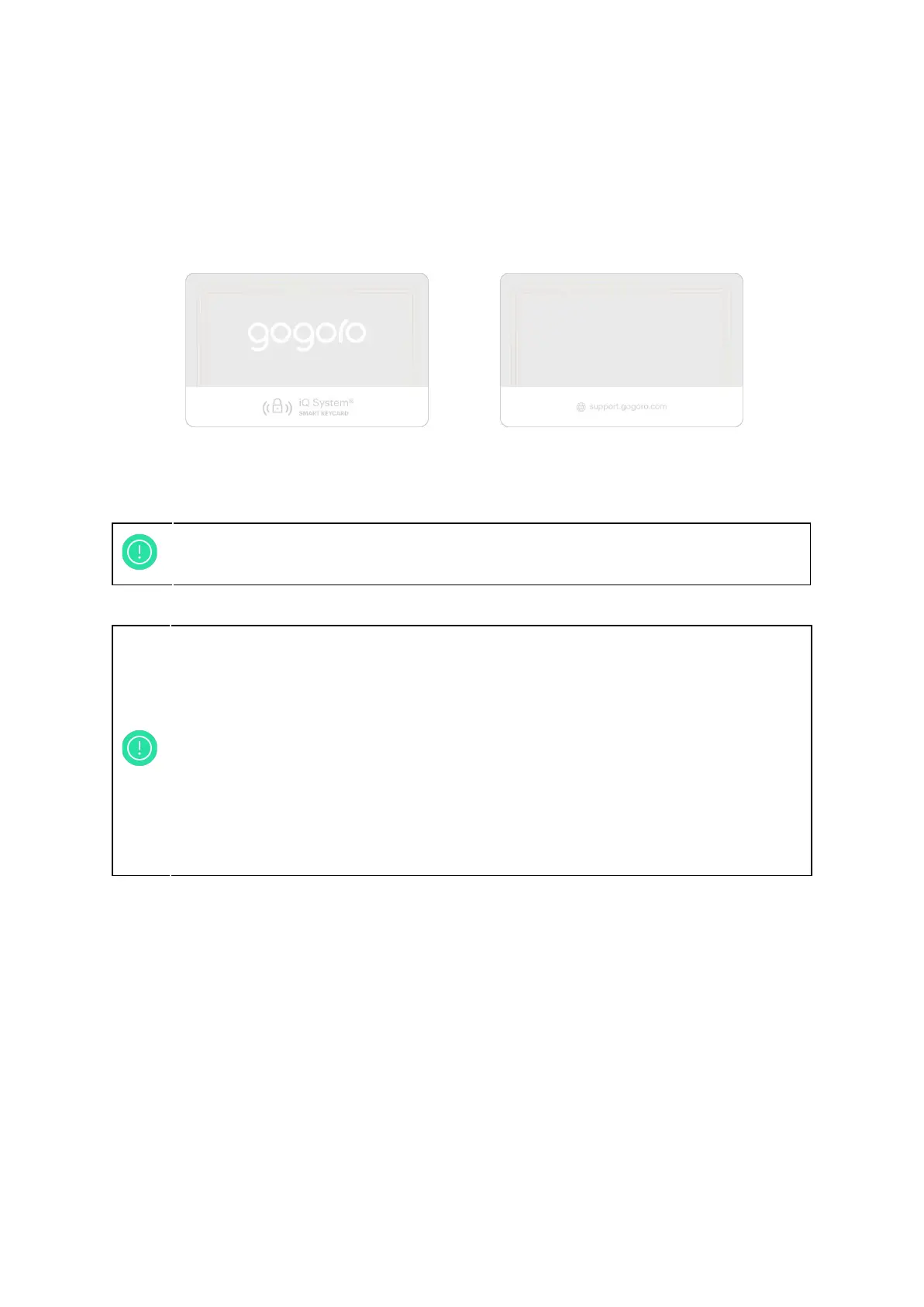
Figure 2-1: iQ System® Smart Keycard
Swipe iQ System® Smart Keycard (featuring contactless communication ability) near iQ
System® sensor to easily lock or unlock your Smartscooter®.
10
You can use Gogoro® App and smartphone to unlock and lock the
Smartscooter®. (Please refer to 5. Smartphone Application and Personalisation)
1. Please preserve the iQ System® Smart Keycard carefully, do not bend, cut,
or expose it under direct sunlight.
2. Do not use more than one iQ System® Smart Keycard at the same time to
prevent sensor error.
3. Do not place the iQ System® Smart Keycard with a metal item when using.
4. iQ System® on Smartscooter® might not respond to your iQ System®
Smart Keycard if you swipe it too fast or place it not close enough to the
sensor, simply wait a moment and swipe it again.
5. iQ System® Smart Keycard works best within 4 cm, place iQ System®
Smart Keycard on the sensor to have better sensitivity.



 To Next Page