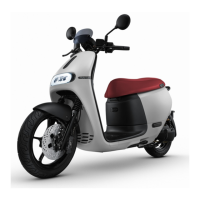
Front storage compartment (for certain models only)
● When opening the front storage compartment, push the dent mark on the
compartment cover forward.
● The front storage compartment shall remain closed when riding.
● When closing the front storage compartment, place the cover at a close position and
then push the dent mark to secure the cover.
● Make sure the front storage compartment cover is fixed and secured before riding.
Hibernation Mode
● The Smartscooter® enters hibernation mode under the following circumstances:
○ When the battery level is too low (when no battery level bar on dashboard),
and the Smartscooter® is locked over 3 minutes.
○ When Smartscooter® idles for a long time (Depends on current battery level).
○ When the Gogoro® battery is away from the vehicle for longer than 48 hours.
● The icon on the dashboard will flash for several seconds to confirm release
from hibernation mode.
● With hibernation mode deactivated, you can use the iQ System® Smart Keycard to
unlock the Smartscooter®.
Models with mechanical key
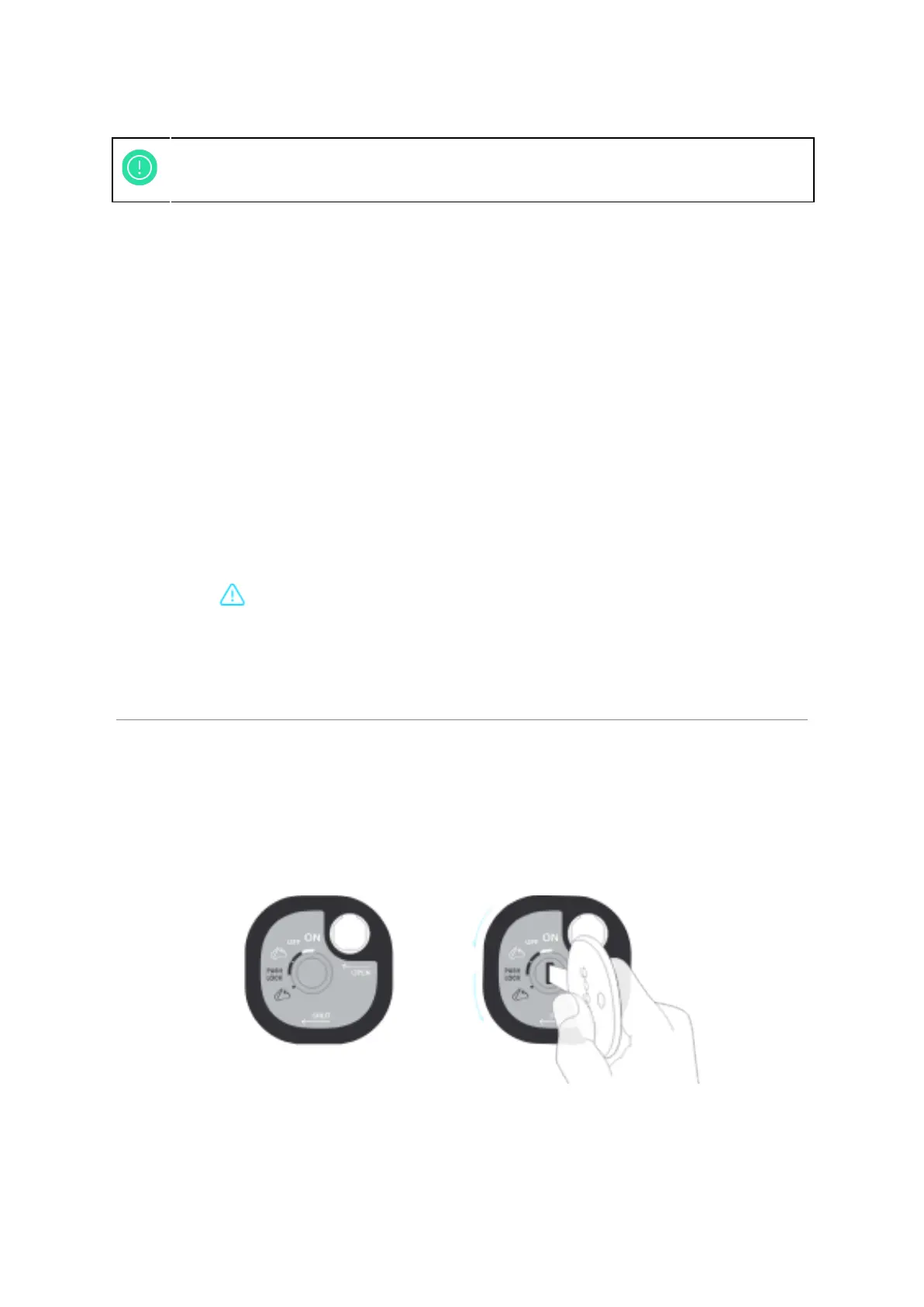
Figure 2-3: Mechanical Key Central Lock
Unlocking and Turning On System Power
● Use the magnetic tip of the key to open the keyhole shutter.
13



 To Next Page