DS-10
PLUS
GOLD NOTE
DS-10
PLUS
GOLD NOTE
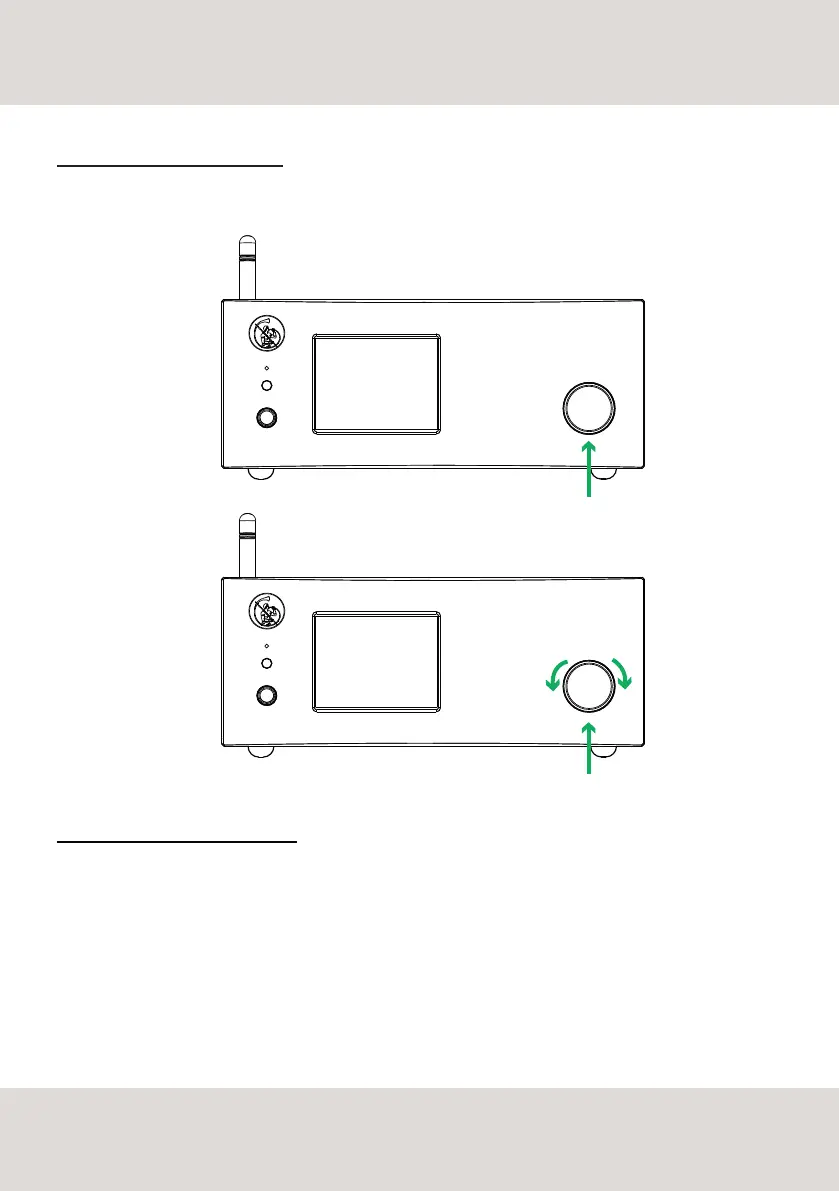
SINGLE PUSH
3 SEC. PUSH
TURNING ON/OFF DS-10 PLUS
To turn on/off the unit, press and hold the knob for 3 seconds.
HOW TO SELECT THE FUNCTIONS
1. press the knob once to activate the SELECTION FRAME
2. turn the knob left or right until the desired function is highlighted by in white then press the knob to
select it
3. the frame will turn red: now you can turn the knob to change the function
4. press the knob again when the desired value is set to confirm and exit the selection
9
SELECT FUNCTIONS



 To Next Page