07-04-2020 Door panel 111:17:10
1
2
13
ART 7W/G2+ MONITOR
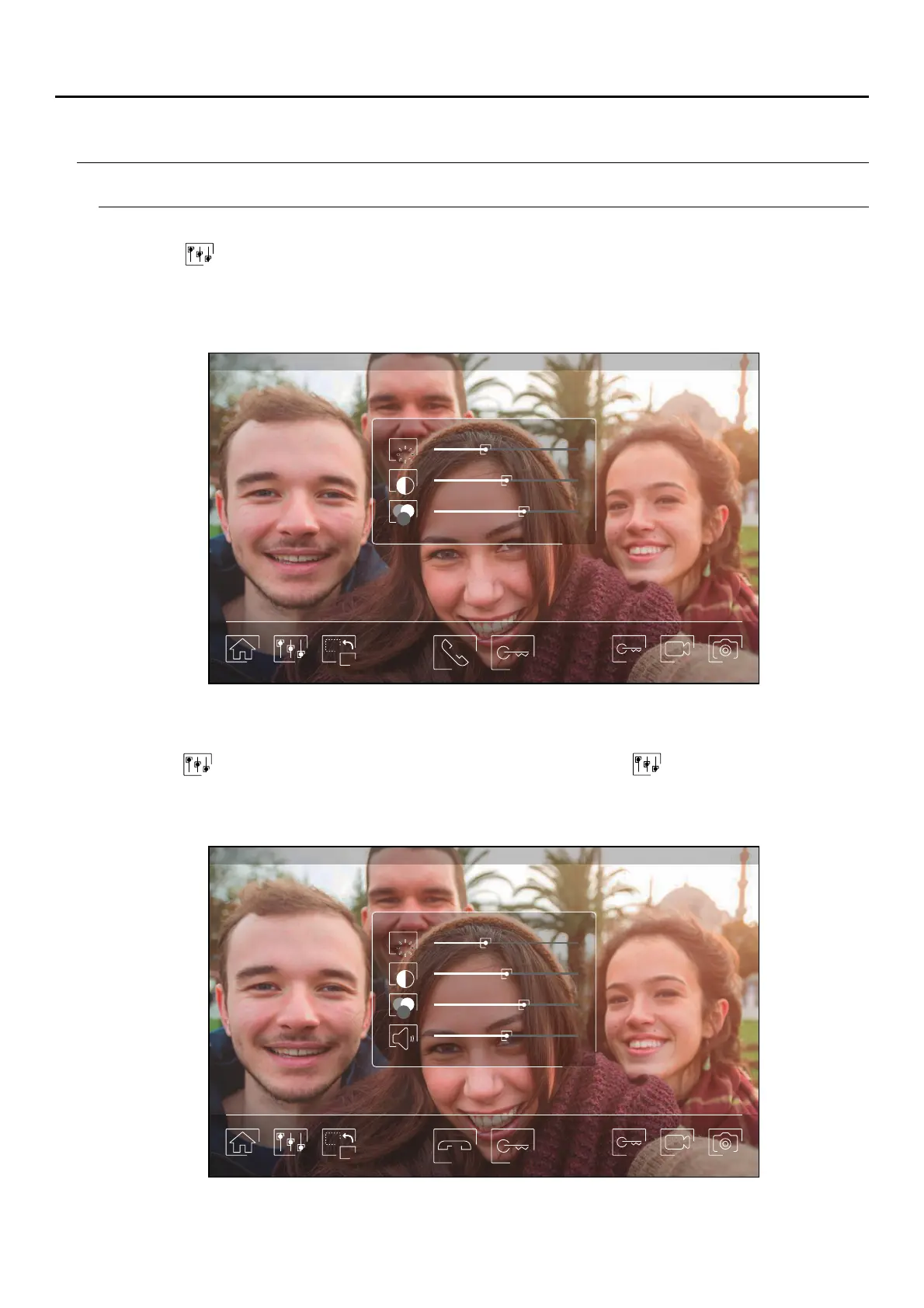
Image and communication settings
Press icon and use the slider bars to adjust the settings. By pressing the icon again, the settings window will
disappear.
During the display or call process, it is possible to adjust the image parameters (brightness, contrast and colour).
07-04-2020 Door panel 111:17:10
1
2
Press icon and use the slider bars to adjust the settings. By pressing icon again, the settings window will
disappear.
During the communication process, it is possible to adjust the image parameters (brightness, contrast and colour),
and the audio level of the monitor speaker.
Important: New settings menu with ART 7W G2+ monitor with V.04 and later.
ART MONITOR7W/G2+



 To Next Page