16
ART 7W/G2+ MONITOR
Recordings menu
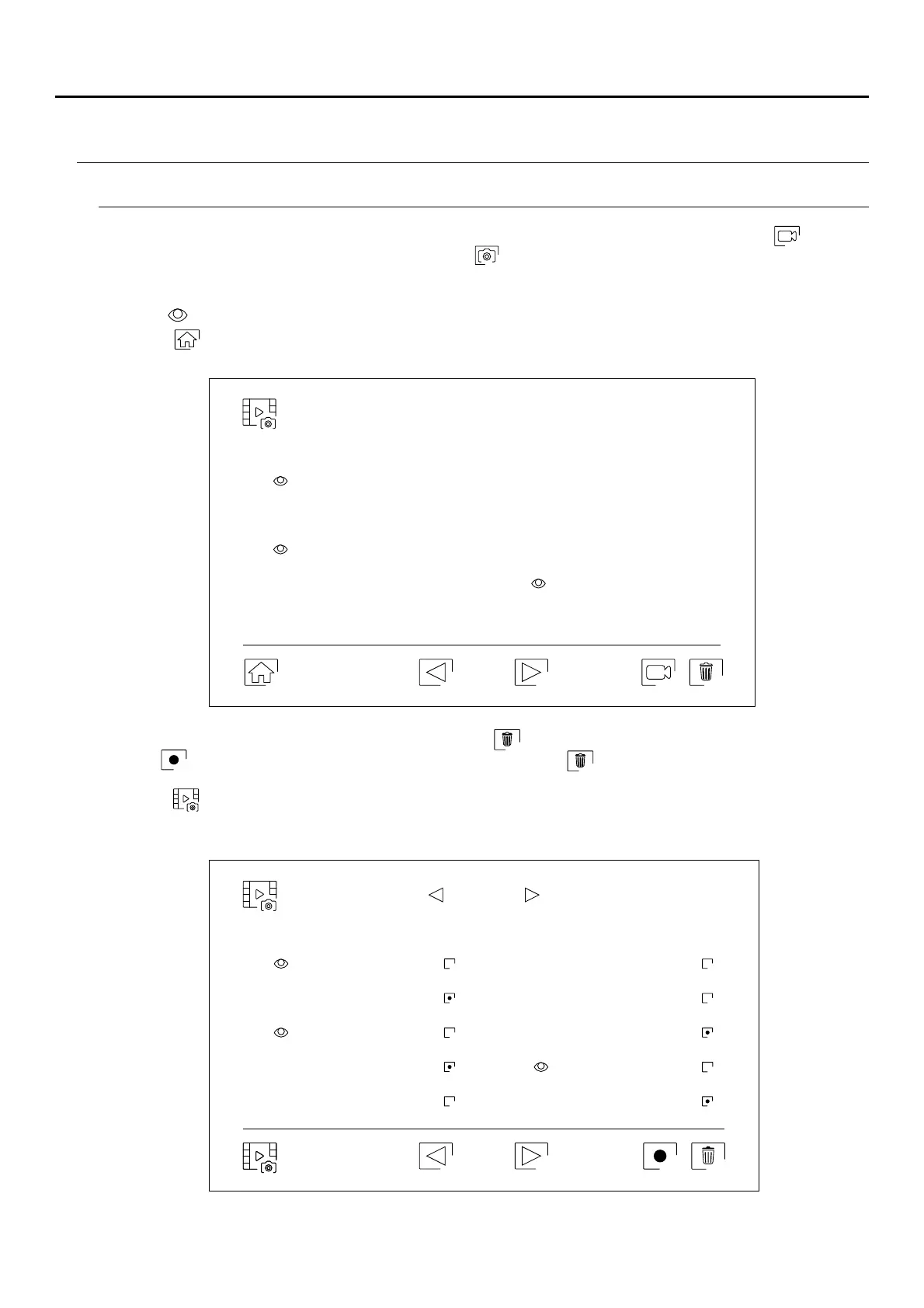
This menu displays the list of images saved in the monitor or on the SD card if inserted. Press icon to access
the video recordings saved on the SD card and icon to return to the images list. There are 10 recordings per
page and the number of pages is shown at the bottom of the screen. Use the scroll arrows to access the rest of
the pages.
Use icon to return to the main menu.
Symbol indicates that the recording has not been displayed.
To delete one or more recordings from the list, use icon . Press on the recordings you wish to delete or use
icon to select all of them. Confirm your selection using icon : a warning screen will request your final
confirmation.
Use icon to return to the image recordings list.
Delete picture
01 / 03
Picture
0 00301 /
0 00301 /
Continued overleaf
Important: New settings menu with ART 7W G2+ monitor with V.04 and later.
ART MONITOR7W/G2+
20-04-2020 10-04-2020
18-04-2020 08-04-2020
16-04-2020
06-04-2020
14-04-2020 04-04-2020
12-04-2020 02-04-2020
11:17:10 11:17:10
11:17:10 11:17:10
11:17:10 11:17:10
11:17:10
11:17:10
11:17:10 11:17:10
20-04-2020 11-04-2020
20-04-2020 08-04-2020
17-04-2020
04-04-2020
15-04-2020 01-04-2020
12-04-2020 22-03-2020
18:12:23
20:27:25
12:27:22 11:17:10
16:41:33 15:43:50
09:55:42
22:11:00
23:00:00 08:07:06



 To Next Page