Monitors con ect dn e
Select from the list the monitor
you want connect to
vksp9p6k8ztuUID
93ztys5jj72aUID
ae01096a7eUID
Monitor co nect dn e
Search
Add manually
21
Registering of a monitor connected to the network
Once the process is finished, the registered monitor will appear as available.
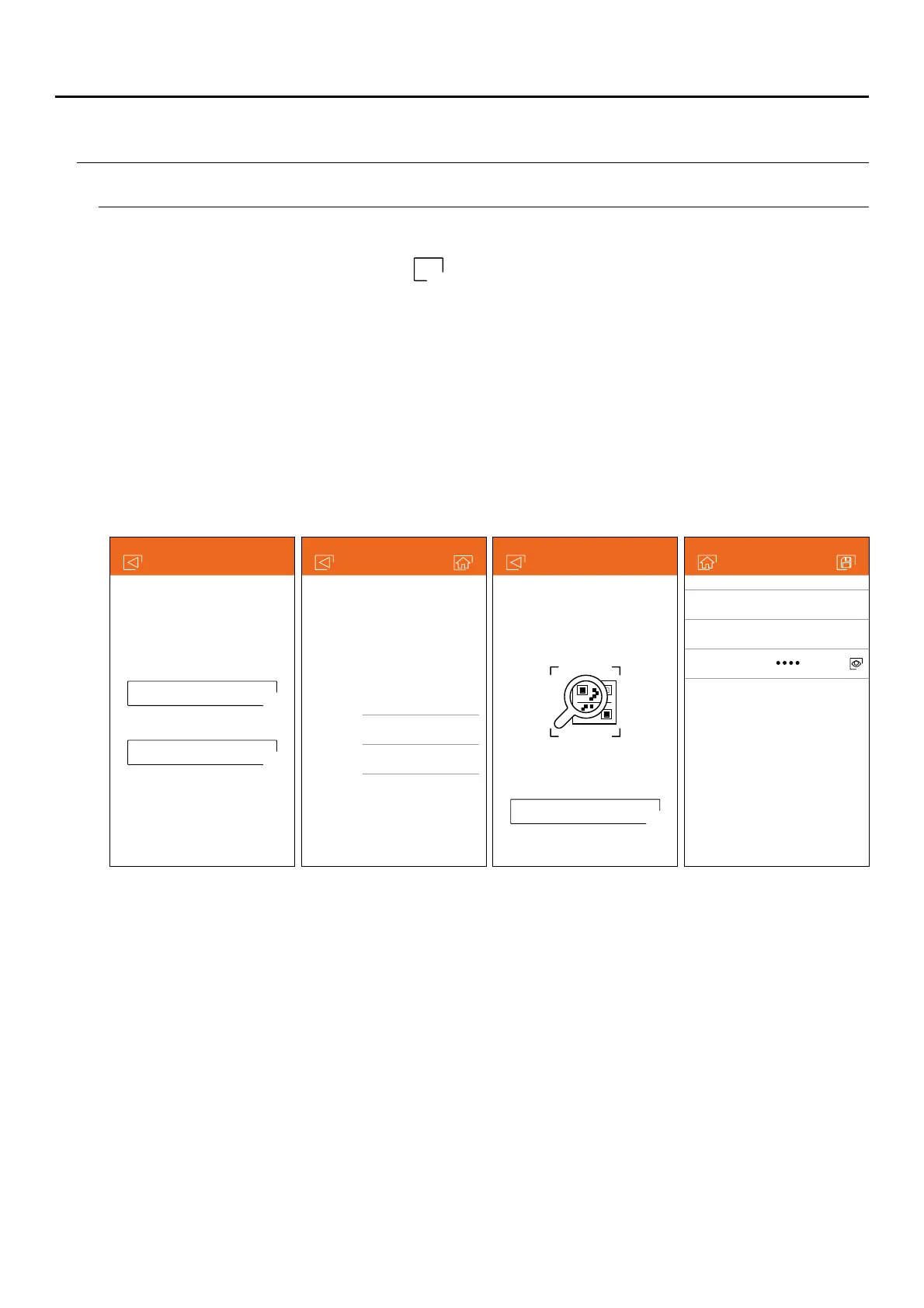
If you choose the 'Add manually' option, you can scan the QR code located on the back of the monitor with your
phone, or manually enter the UID identifier (found on the Wi-Fi screen of the settings menu) on the monitor's
basic setup screen.
If you choose the 'Search' option, the app will show you the identifiers (UID) of the connected monitors. Select the
monitor you wish to register in your app, showing the basic configuration screen of the monitor.
Make sure your phone has connectivity, either Wi-Fi or through your telephone service provider.
Pulse sobre la
opción “Añadir monitor” o sobre el icono para añadir un nuevo monitor. Seguidamente pulse sobre la
opción “Monitor conectado a la red”. Puede optar entre buscar monitores conectados en su red, debiendo estar
el teléfono conectado a la misma, o introducir sus datos manualmente.
Add manually
Click to scan QR code
located on the back cover
of the monitor
Enter UID
... or
New monitor
Name Of cfi e
UID vksp9p6k8ztu
Password
G2Call APP
+
ART MONITOR7W/G2+



 To Next Page