23
Advanced settings of a registered monitor
Wi-Fi.
Note: Due to iOS operating system restrictions, it is not possible to display the list of available networks, with it
being necessary to manually enter the SSID identifier of the network.
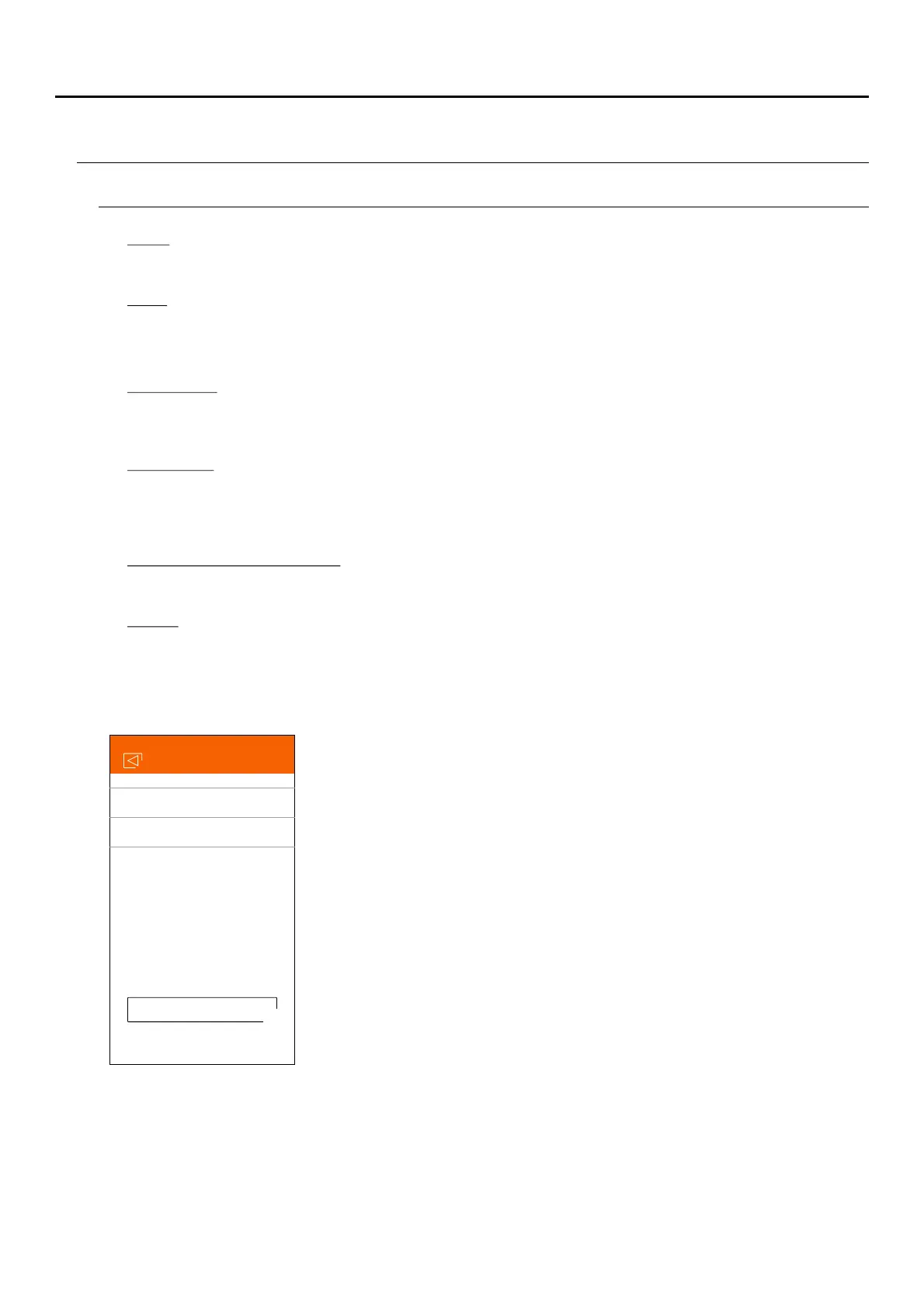
This shows the FW version of this monitor and the latest version in the remote communications server, which
can be updated. The app notifies of the existence of a new FW version by means of an alert above the
advanced configuration icon of the monitor.
Delete the app monitor. Receipt of notifications must be deactivated for the deletion.
Change the Wi-Fi network that the monitor is connected to with another one available in your environment.
Network changes can only be carried out when the phone is in the same location as the monitor.
Notification.
In order to receive call transfers from this monitor, it is necessary to activate the notification function. Deactivate
this function if you only wish to connect to the device without having been called.
FW version.
Update the time and date of the monitor with the phone data.
Delete.
Time & Date synchronisation.
G2Call APP
Upgrade
FW Versión
Current Version V500R001B009
Latest version
V500R001B009
ART MONITOR7W/G2+



 To Next Page