26
G2Call APP
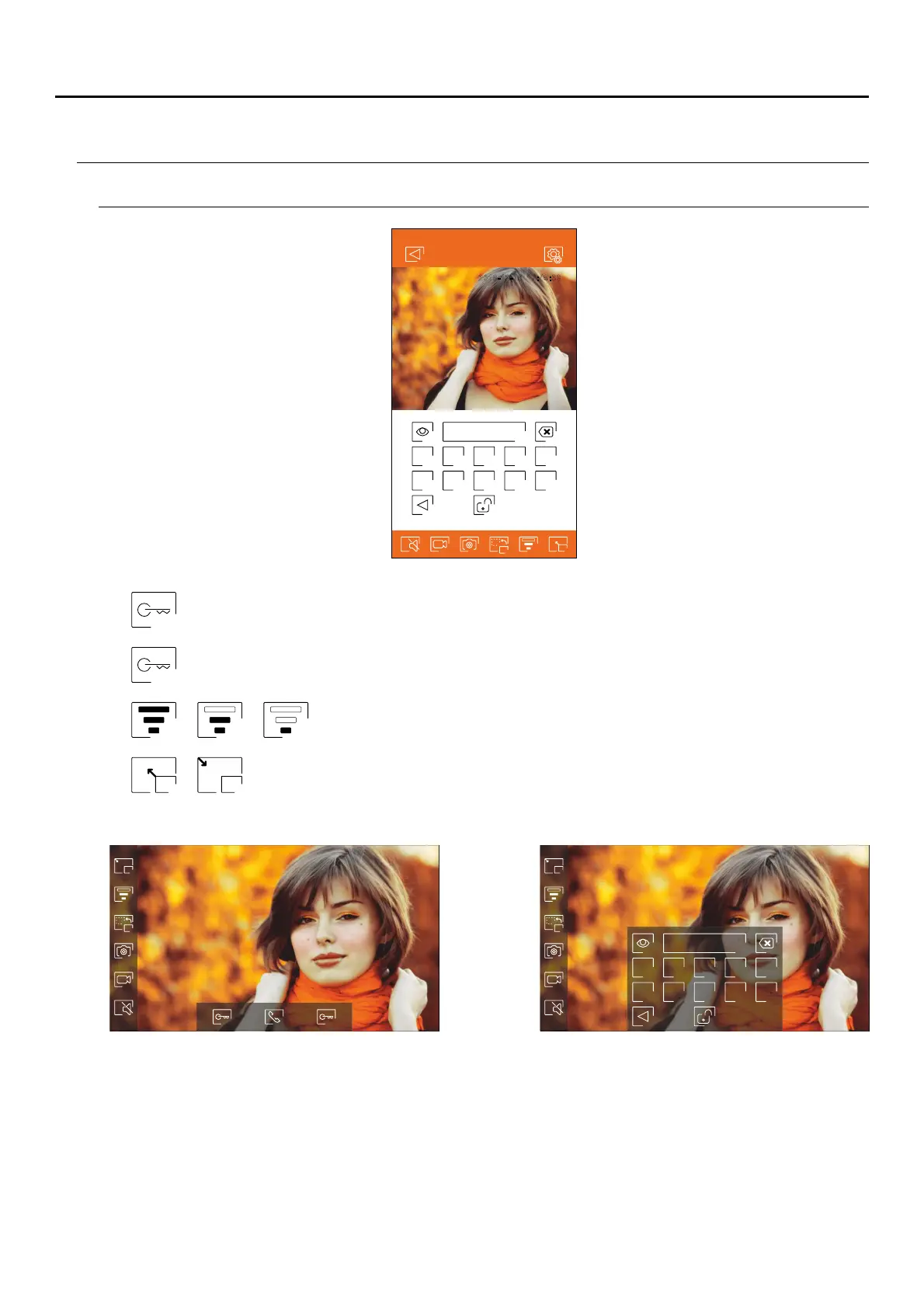
Communication screen
Activate the lock release or device connected to the output of the door panel. You will need to
enter a password for activation if one was defined on p. 2 .
relay 1
2
Activate the lock release or device connected to the relay output of the door panel. You will need to
enter a password for activation if one was defined on p. 2 .
2
2
1
2
1 2 3 4 5
6 7 8 9 0
Home
201 - -1 17:45:399 12 6
Door panel 1
Change the quality of the video signal according to the type of data connection.
Switch between full screen mode (horizontal orientation of the phone) and normal screen
mode (vertical orientation).
2 1
1 2 3 4 5
6 7 8 9 0
ART MONITOR7W/G2+



 To Next Page