Commander III
2-41
Setup menu
Distance setup
220-0068
086G+
Distance Setup
Calibration
Factor
Encoder Enable
Start
Stop
Distance
Traveled
Clear Totals
Calibration
ft0.00
1.267 1.267
0
0
086G+
0
0
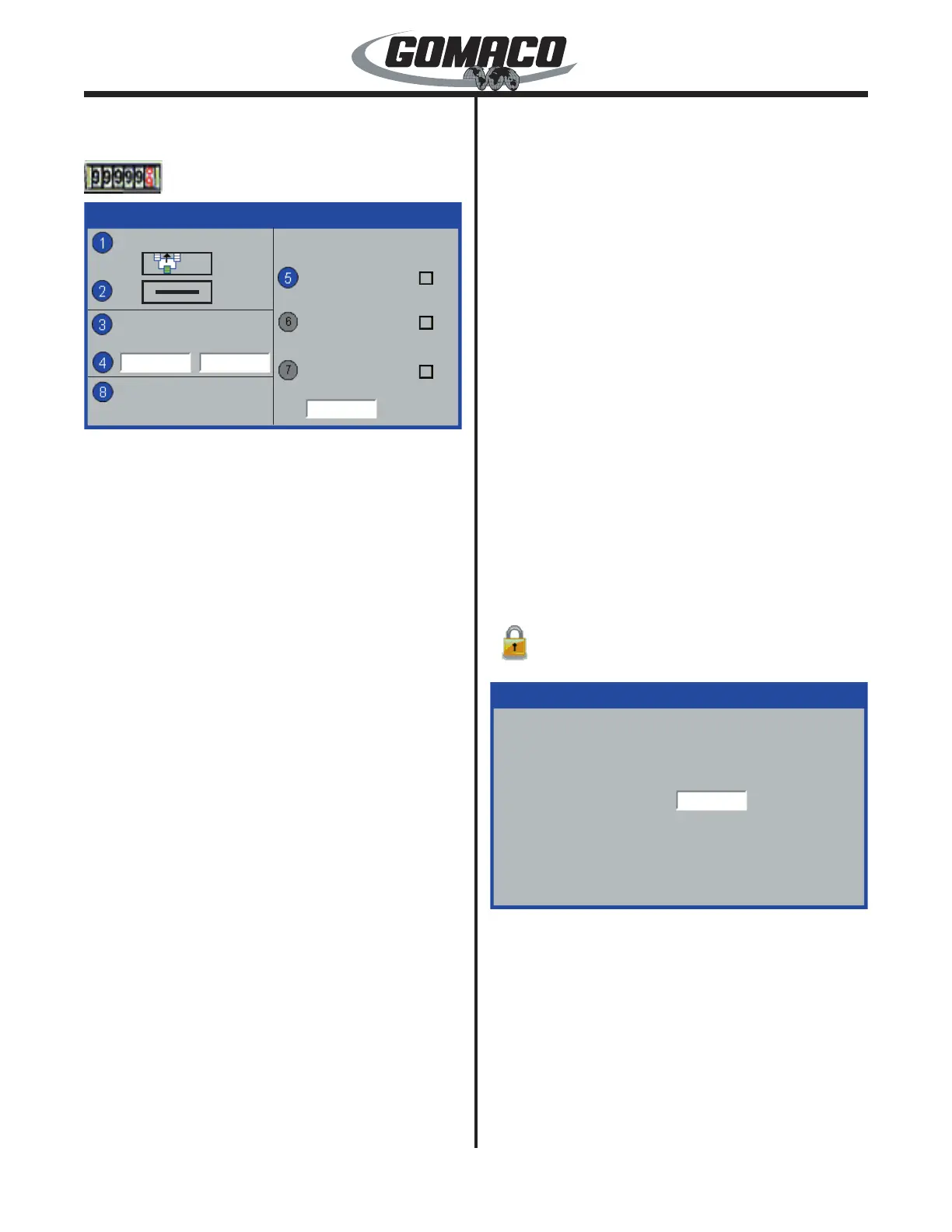
Encoder Enable: Encoder enable is used to
determine encoder locations on the machine and
the phasing required to operate correctly. Select the
number 1 data box for a single encoder location on the
left side of the machine. Select the number 2 data box
for a single encoder location on the right side of the
machine. Select an icon in each data box when two
encoders are used.
The green track on each icon indicates location of the
encoder connected into the control system. Normally
the icon without arrows is selected. The encoder
count should increase on the test menu distance
display during forward travel. If the value decreases,
reverse the phasing by selecting the icon with double
arrows. Select the horizontal line in the appropriate
data box when an encoder is not connected.
Use the ▲ or ▼ navigation buttons to select the
appropriate icon. Press the OK button to store and
deselect a setting. Press the escape button (ESC) to
deselect and leave the setting unchanged. Press the
escape button (ESC) to return to the Setup Menu.
Calibration: Used to create a calibration factor for
encoder distance accuracy. It is recommended to
measure a straight distance of 100 feet (30.5 meters)
with beginning and ending markers for best results.
Move the machine next to the beginning marker and
stop at a selected reference point on the machine.
Press the number button indicated in the data box to
start the calibration procedure. Move the machine
along the measured distance. Stop the machine when
the reference point on the machine is aligned with the
end marker. Press the number button indicated in the
data box to stop the calibration procedure.
Press the number button to select the distance
traveled data value. Enter the new value on the edit
display. Press the OK button to save and deselect
the distance traveled data value. The controller will
automatically calculate the calibration factor for each
encoder in use. Press the escape button (ESC) to
deselect the data value and leave it unchanged.
Calibration Factor: Used to make small adjustments
to the calibration factor or to enter a recorded value in
the box. Press the number button indicated in the data
box to select the setting to change. Press the ▲ or ▼
navigation button to increase or decrease the existing
value. Press the OK button to store and deselect a
setting. Press the escape button (ESC) to deselect
and leave the setting unchanged. Press the escape
button (ESC) to return to the Setup Menu.
Clear Totals: Used to reset the job and total distance
counters. Press the number button indicated in the
data box to clear the distance totals. The distance
below the counter icon on the distance test display will
return to zero when the counters are reset.
Setup menu
Technician access
086
050G+
Technician Access
Password:
050G+
Opens a password-protected technician screen.
A correct code number available to GOMACO
employees is required to proceed further.


 To Next Page
 Loading...