Using The Sleep Function
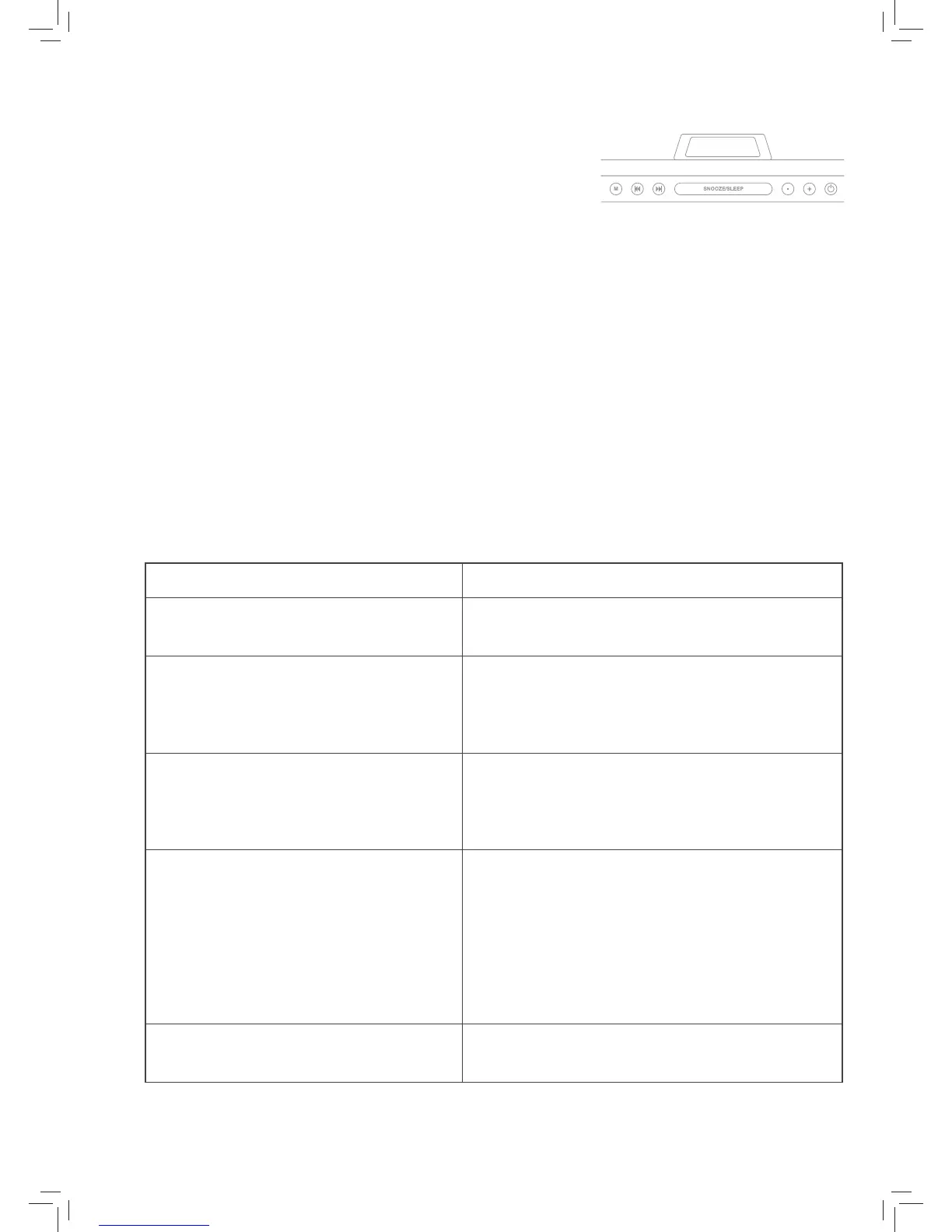
1. When listening to the radio, press and hold the SNOOZE/
SLEEP button until ‘120’ is displayed on screen.
2. ‘120’ represents the number of minutes you would like the
radio to continue playing before it turns itself o. To adjust
the length of time, press the snooze button repeatedly until
you reach the desired minute setting.
3. The time will appear on the display a few seconds after you
have reached your desired setting. The sleep LED indicator
on the left side of the screen will illuminate and the clock’s
radio will automatically turn o according to your selected
time.
4. To cancel, press and hold the SNOOZE/SLEEP button until
you reach the minute select screen which will show your
preselected minutes. Press the SNOOZE/SLEEP button
again, repeatedly, until the time is displayed on screen. The
SLEEP time will be cancelled and the SLEEP LED indicator
will no longer be illuminate.
5.2
Problem What to do
The Alarm Clock Radio is not turning on.
Check that the power adaptor is correctly connected at
both ends.
There is no sound whilst in Radio Function.
Check that the volume has been correctly adjusted.
Check that the Clock is correctly set to Radio Mode.
Check other radio stations.
Crackling whilst in radio mode.
Generally caused by a weak signal.
Try adjusting the position of the antenna cable.
Try a dierent radio station with better reception.
Alarm does not function.
Ensure that the Alarm time and frequency has been
set correctly.
Ensure that the Alarm has been correctly activated.
Increase the radio volume.
Ensure the radio has been tuned correctly to a
station.
The Alarm Clock Radio did not save
original time during a power outage.
Change the back-up battery.
Troubleshooting6


 To Next Page